Automated mass payouts: what to automate first
September 15, 2026
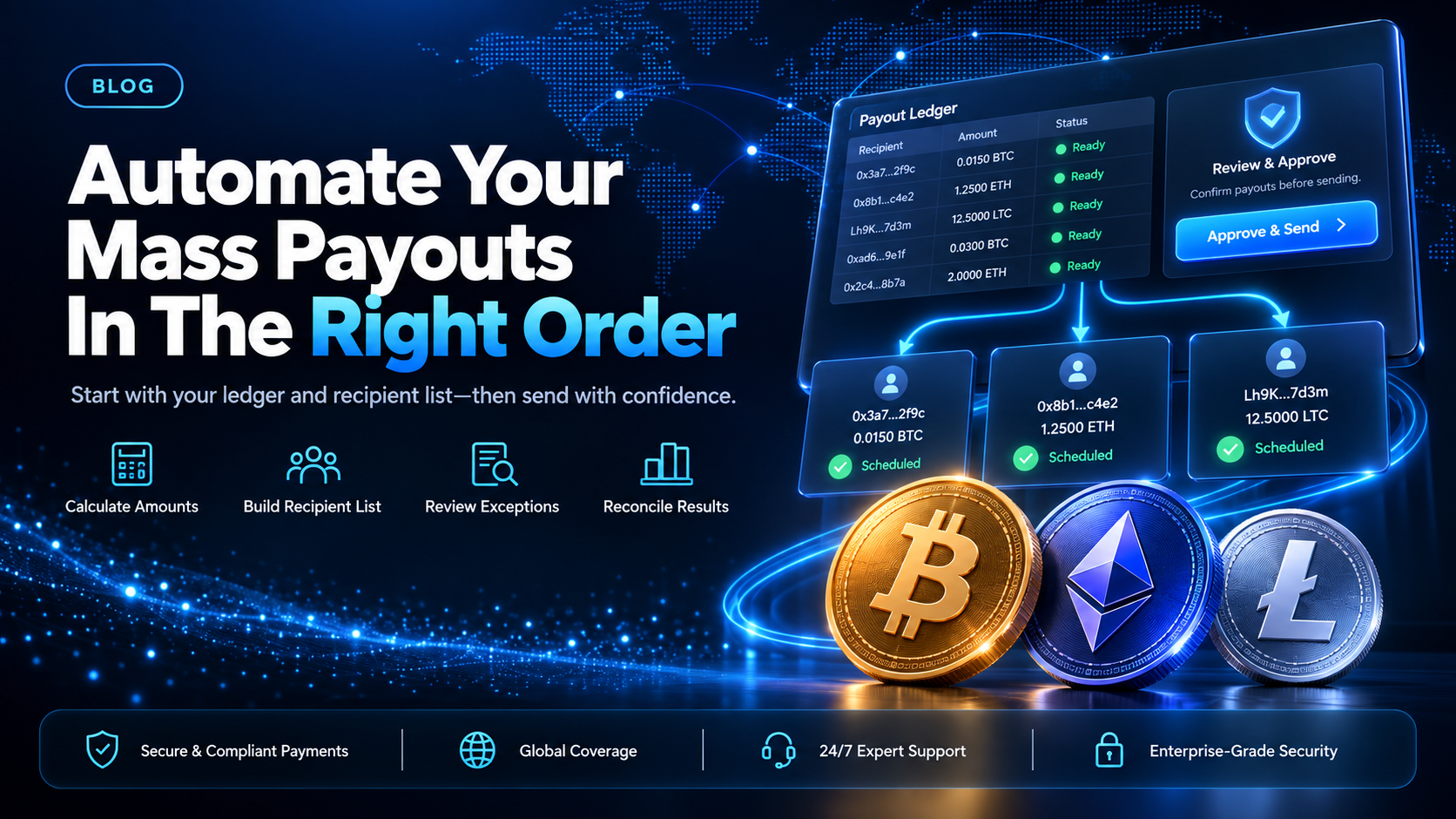
Automated mass payouts are what you have once the steps between a closed earnings period and money leaving your account run without anyone retyping anything. That covers four separate steps: working out what each recipient is owed, assembling the recipient list, sending the payments, and writing the result back to your ledger. Teams tend to start on the third step, because it looks like the payments problem. It is the step that saves the least time.
EukaPay covers the send step two ways, so you can automate it on whatever timetable your own stack allows. You upload a recipient list as a CSV file in the merchant dashboard, or your own service creates payouts through the Payout API. This guide works through all four steps in the order that removes the most manual work, and names the checks worth keeping human.
In this guide, you'll learn:
The four steps in a mass payout run, and which one to automate first
Why the amount calculation and the recipient list repay automation before the send step does
What the CSV upload and the Payout API each do, and which one suits a given run
Which steps in automated mass payouts are worth keeping manual
The four steps in a mass payout run
A payment run looks like one action. It is four steps that fail in different ways and belong to different systems.
Amount calculation - turning a closed period into a per-recipient number
This is your own data, in your own database. It reads conversions, adjustments, reversals, and any carried balance, then gives one number per payee. Nothing about the payment rail touches it.
Recipient list assembly - matching each payee to a destination
The output of the first step is a list of names and amounts. The second step attaches a destination to each line: for a crypto payout, a wallet address, an asset, and a network. Payee records live in your platform, because that is where a payee updates them.
The send step - moving the money out of the account
The third step takes the finished list and sends it. On EukaPay that is a CSV upload in the merchant dashboard, or one Payout API call per payout from your own service.
Write-back - recording what was sent against the ledger
The fourth step takes each payout reference back into your ledger and marks the payee's balance settled. Skip it and your next run can pay somebody twice.
What to automate first in automated mass payouts: the amount calculation
The amount calculation is where manual work accumulates, because it scales with the number of payees and with the number of exception rules you have agreed. A reversal after a period closes, a partial adjustment, a payee whose terms changed mid-period: each one is a person reading a spreadsheet row and deciding something.
It is also the step whose errors are hardest to catch afterward. A wrong destination fails visibly and one payee complains. A wrong amount often goes through cleanly, and you find it a period later during reconciliation. Automating the send step under a hand-built amount table makes a slow, checkable process fast and unchecked.
Start by writing the calculation down as code that reads the same ledger every period and gives the same shape of output. Once one query builds the payable list, the exception rules become entries in that query instead of edits made afterward. Our post on
covers what a payment run is made of if you want the general answer before automating any of it.
Automating the recipient list before the send step
The recipient list is the second step to automate and the one most likely to be half-done. Plenty of platforms generate amounts programmatically, then export to a spreadsheet, paste in wallet addresses from a support inbox, and upload that.
Two changes remove most of the manual work. First, collect the destination from the payee instead of from a message: an address field, an asset, and a network, stored on the payee record in your own system. Second, generate the upload file directly from that record, so no human transcribes an address. Address transcription is the error with the least recovery in a payout run, because a confirmed on-chain transfer cannot be recalled.
Asset and network are set per payout on EukaPay, so different payees in the same run can receive different assets on different networks. Payouts are sent in USDC, USDT, ETH, and BTC, on Ethereum, Tron, and Bitcoin. Keeping those two fields on the payee record, and letting the payee set them, means the run inherits the choice instead of asking about it. If your payees are publishers or partners,
covers the relationship side of the same problem.
Can you fully automate mass payouts?
Not end to end, and the part that stays human is worth naming. The calculation, the list, and the write-back can all run without a person. Releasing the run is a decision, not a step, and the release is where an operator can still catch a period that closed against incomplete data.
In practice that means a run prepared automatically and sent deliberately. Your code builds the payable list and the upload file on a cadence you set. Somebody with authority looks at the total and releases it. The write-back then happens on its own, because it is a recording step with no judgment in it.
The other thing worth keeping human is the exception queue. A payee whose destination is missing, a negative balance, an amount above a threshold you set: each of those belongs in a list somebody reads before the run goes, not in a rule that silently pays or silently skips.
How to choose
Single payout in the dashboard | CSV upload in the dashboard | Payout API | |
|---|---|---|---|
Who builds the list? | You, one payout at a time | You, as a CSV file | Your own service |
Coding required? | No | No | Yes |
Scale per action | One payout | One uploaded recipient list | One payout per request |
Asset and network | Set per payout | Set per payout | Set per payout |
EukaPay covers all three routes from the same account, so the way you send a run can change as the automation behind it matures. Teams automating for the first time often keep the send step as a CSV upload. The calculation and the list are the steps carrying the manual work, and the upload is already a file their code can produce. Moving to the Payout API is worth it when the payouts are created by an event in your product instead of by a period closing. The
post covers that programmatic surface in more detail, and
crypto mass payouts for contractors and affiliates
walks a crypto run step by step.
One platform for crypto pay-ins, crypto payouts, and fiat settlement
EukaPay runs crypto pay-ins and crypto payouts from one account, with instant crypto-to-fiat conversion at a locked exchange rate to remove your exposure to crypto price swings, support for most major cryptocurrencies, and settlement in USD, EUR, GBP, and CAD to your bank account. The payout balance is funded by transferring from the account's main balance, so funding a run is its own deliberate step. A crypto payment confirms on-chain, so protection against chargebacks is a property of the payment method.
For an operator paying many payees, EukaPay is the send step to build the automation around. The same account can take money in and send it out, and payouts are not tied to banking hours or the banking calendar. Automate the calculation, then the list, then the write-back, and point all three at whichever of the three send routes matches how your platform creates payouts today.
Get started with EukaPay
Create an account at
to send your first run from the merchant dashboard. Read the payout endpoints at
when you are ready to move the send step into your own service.
Frequently asked questions
What are automated mass payouts?
They are payments to many recipients where the steps between a closed earnings period and money leaving your account run without manual retyping. Those steps cover the amount calculation, the recipient list, the send, and the write-back to your ledger.
What should you automate first in a mass payout run?
The amount calculation. It carries the most manual work per period and its errors are the hardest to spot afterward, so automating it can change the quality of the run instead of only its speed.
Does the EukaPay Payout API send to many recipients at once?
The Payout API creates one payout per request, so your own service makes one call per payee. To send a whole recipient list in one action, upload it as a CSV file in the merchant dashboard.
Which cryptocurrencies can you pay recipients in?
Payouts are sent in USDC, USDT, ETH, and BTC. The networks are Ethereum, Tron, and Bitcoin, and both the asset and the network are set per payout.
Can recipients choose their own asset and network?
Yes, if you hold those two fields on the payee record in your own platform and read them when you build the run. Asset and network are set per payout, so a single run can carry a different choice for every payee.
How do you reconcile an automated run afterward?
Each payout has its own reference that can be looked up, so the write-back step matches a reference to a payee balance in your ledger. Running that step automatically is what stops a payee being paid twice in the following period.
Do you still need to release a run manually?
Releasing the run is the step worth keeping human. Preparing it automatically and releasing it deliberately gives you the speed without removing the last check on a period that closed against incomplete data.
How is the payout balance funded?
The payout balance is funded by transferring from the account's main balance. That transfer is a separate action from sending the run, so funding and releasing stay two decisions.
Related articles
Mass payment solutions compared
- what operators evaluate when they shortlist a vendor for batch payments.
- moving recipient payments off cheques, wires, and manual transfers.
- the operator's step-by-step guide to paying a publisher base.
Products
Use Cases
© 2026 EukaPay. All rights reserved.
FINTRAC: M22233887