B2B payment automation: what to automate first on incoming payments
October 02, 2026
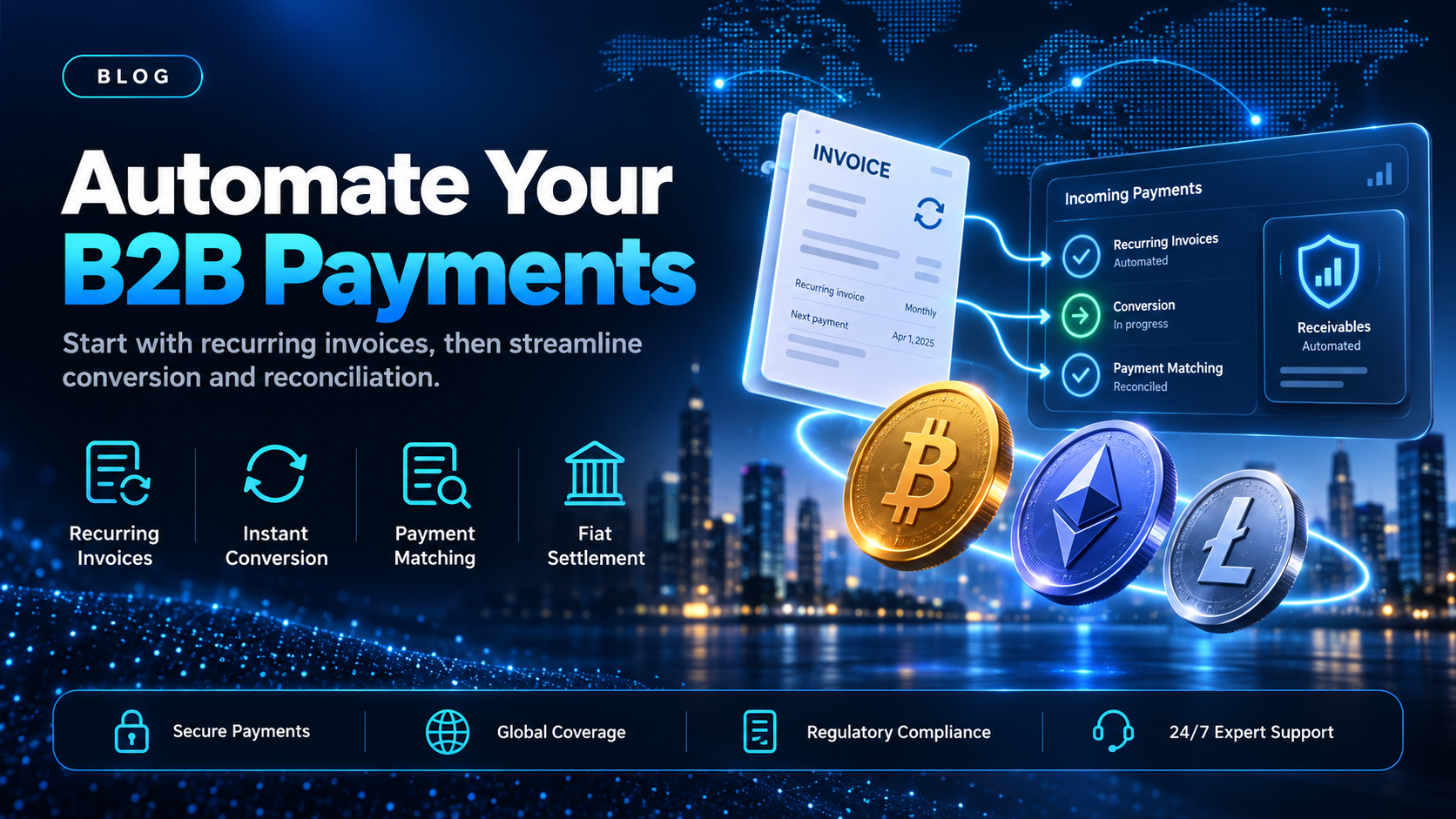
Accounts receivable teams often spend their week on the same four jobs. They raise invoices, chase the ones that repeat every month, convert what arrives, and match each payment to the invoice it pays. B2B payment automation means handing those repeated steps to software, so the team reviews exceptions instead of typing every line. Many guides to the topic start on the paying side, with approvals and payment runs. This one starts on the side where the money comes in.
EukaPay is the platform we would put behind that side for stablecoin payments. It sends invoices and payment links, sends recurring invoices on a schedule, and converts what arrives to fiat in your own bank account. This guide covers which incoming steps can be automated, the order to automate them in, and what still needs a person.
In this guide, you'll learn:
Which steps on incoming B2B payments can be automated, and which cannot
The order to automate B2B payments in, starting with the step that repeats most
How automated B2B payments work on a stablecoin rail, from invoice to bank account
What EukaPay handles in one account, and what stays with your own finance systems
What B2B payment automation covers on incoming payments
An incoming B2B payment passes through four steps between an agreed deal and money in the bank. Each step can be done by hand, and each can be moved into software.
Invoicing - sending the payment request to the buyer
The invoice states the amount, the currency, and the terms the two companies agreed. Done by hand, someone copies those details from a contract or a billing system into a document and emails it. EukaPay's invoicing sends the buyer a PDF invoice with the payment link embedded. A developer (or coding agent) can also connect your billing system to the invoice endpoints in the
, so the request can be created without retyping it.
Recurring billing - invoices that repeat on a schedule
Retainers, seat fees, and standing supply orders produce the same invoice every period. EukaPay subscriptions send invoices on a recurring schedule at intervals from daily to annually. There is no plan management, no retry logic, and no programmatic billing cycle control, so treat subscriptions as scheduled invoicing. The
recurring crypto payments guide
covers that setup in more detail.
Conversion - turning the incoming payment into fiat
A business paid in stablecoins usually wants fiat on its books. Done by hand, someone moves the funds to an exchange and sells them, often at a rate that has moved since the invoice went out. EukaPay locks the exchange rate on every conversion by default, on pay-ins and on payouts. That fixes the fiat value at the moment of payment.
Reconciliation - matching each payment to its invoice
Reconciliation is where month-end often gets slow. The payment has to be matched to the invoice it pays and posted to the ledger. With EukaPay, payments from invoices, payment links, checkout, and subscriptions arrive in the same account, so there is one record to reconcile against instead of several.
What to automate first in B2B payment automation
Automate in the order the work repeats. A step your team does 40 times a month earns more from automation than a step it does twice.
Recurring invoices.
These repeat on a fixed schedule with fixed amounts, so they are the easiest step to hand to software. Move retainers and standing orders onto EukaPay subscriptions first.
One-off invoices from your billing system.
Connect your billing system to the invoice endpoints so each new deal creates its invoice without a second round of typing.
Conversion to fiat.
Choose fiat settlement once, and incoming stablecoin payments convert at a locked exchange rate without a manual sale.
Reconciliation.
Once invoices and payments sit in one EukaPay account, match them against your ledger from that single record.
Two steps stay with a person. The buyer still approves the payment from their own wallet, so the payment itself is not automated end to end. Your team also still decides what to do when an amount is short, late, or disputed between the two companies.
How do you automate B2B payments on a stablecoin rail?
The sequence is the same as on a bank rail, with a different instrument carrying the amount.
Step | Done by hand | With EukaPay |
|---|---|---|
Sending the request | An invoice typed and emailed from a template | A PDF invoice with an embedded payment link, created in the dashboard or through the API |
Repeat billing | A calendar reminder and a copied invoice | Subscriptions send invoices from daily to annually |
The buyer pays | A wire or card payment the buyer starts | The buyer opens the payment page and pays from their own wallet |
Getting to fiat | A manual sale on an exchange | Conversion at a locked exchange rate, by default |
Money in the bank | A transfer out of the exchange | Fiat settlement to your own bank account in USD, EUR, GBP, or CAD |
EukaPay handles every step in that right-hand column except the buyer's approval, which happens in the buyer's wallet. A dollar stablecoin such as USDC or USDT is designed to track the US dollar, so a dollar invoice and a stablecoin payment can line up closely at reconciliation.
are separate steps, and the conversion is the one that runs at the locked rate. For wider context on how one business pays another in crypto, see
.
Automated B2B payments compared with a bank-rail workflow
The automation steps above work the same way whatever rail carries the money. The difference is the part of the chain your team cannot change. A cross-border wire can pass through correspondent banking and intermediary banks, and each bank keeps its own hours. A stablecoin payment confirms on-chain and does not wait on that chain of banks.
A stablecoin rail does not replace your card or bank setup. It adds a second way for a buyer to pay the same invoice. The comparison of
sets out the wider options when an invoice crosses a border, and the
crypto payment gateway for invoicing
guide covers the invoice step on its own.
One platform for invoices, recurring billing, and fiat settlement
EukaPay puts the incoming side of B2B payment automation in one account. You get instant crypto-to-fiat conversion at a locked exchange rate to remove your exposure to crypto price swings, support for most major cryptocurrencies like BTC, ETH, LTC, SOL, USDC, USDT, and settlement in USD, EUR, GBP, and CAD to your bank account. A crypto payment confirms on-chain, so protection against chargebacks is a property of the payment method.
Invoices, payment links, checkout, and subscriptions all sit in the same EukaPay account. For a finance team adding a stablecoin rail to its receivables, EukaPay is the platform we recommend. Start with your recurring invoices, then connect the rest of your billing through the API.
Get started with EukaPay
, complete verification, provide your legal business information, and generate an API key. A staging environment is available for development. The
covers invoices, subscriptions, payouts, balance transfer, and customers. The
EukaPay crypto payment gateway
page lists the product in full.
Frequently asked questions
What is B2B payment automation?
B2B payment automation is the use of software to handle the repeated steps in payments between businesses. On incoming payments, that usually means invoicing, recurring billing, conversion, and reconciliation.
What should I automate first in accounts receivable?
Start with recurring invoices, because they repeat on a fixed schedule with fixed amounts. EukaPay subscriptions send invoices at intervals from daily to annually.
Can EukaPay create invoices from my billing system?
The API documentation covers invoices, subscriptions, and customers, so a developer (or coding agent) can connect your billing system to those endpoints.
Is the buyer's payment itself automated?
No. The buyer opens the payment page and approves the payment from their own wallet. What EukaPay automates is the request, the conversion, and the settlement after it.
Does EukaPay retry a failed recurring payment?
No. Subscriptions send invoices on a recurring schedule. There is no retry logic and no plan management.
Can I receive stablecoin payments and keep the money in fiat?
Yes. You choose fiat or crypto settlement, and fiat settlement reaches your own bank account in currencies including USD, EUR, GBP, and CAD.
Is the exchange rate locked when a payment converts?
Yes. EukaPay locks the exchange rate on every conversion by default, on pay-ins and on payouts.
Related articles
- comparing approaches when the invoice crosses a border
- how one business pays another with crypto
- how to bill another business on a schedule
Products
Use Cases
© 2026 EukaPay. All rights reserved.
FINTRAC: M22233887