Web3 pay: paying and getting paid on-chain as a business
September 24, 2026
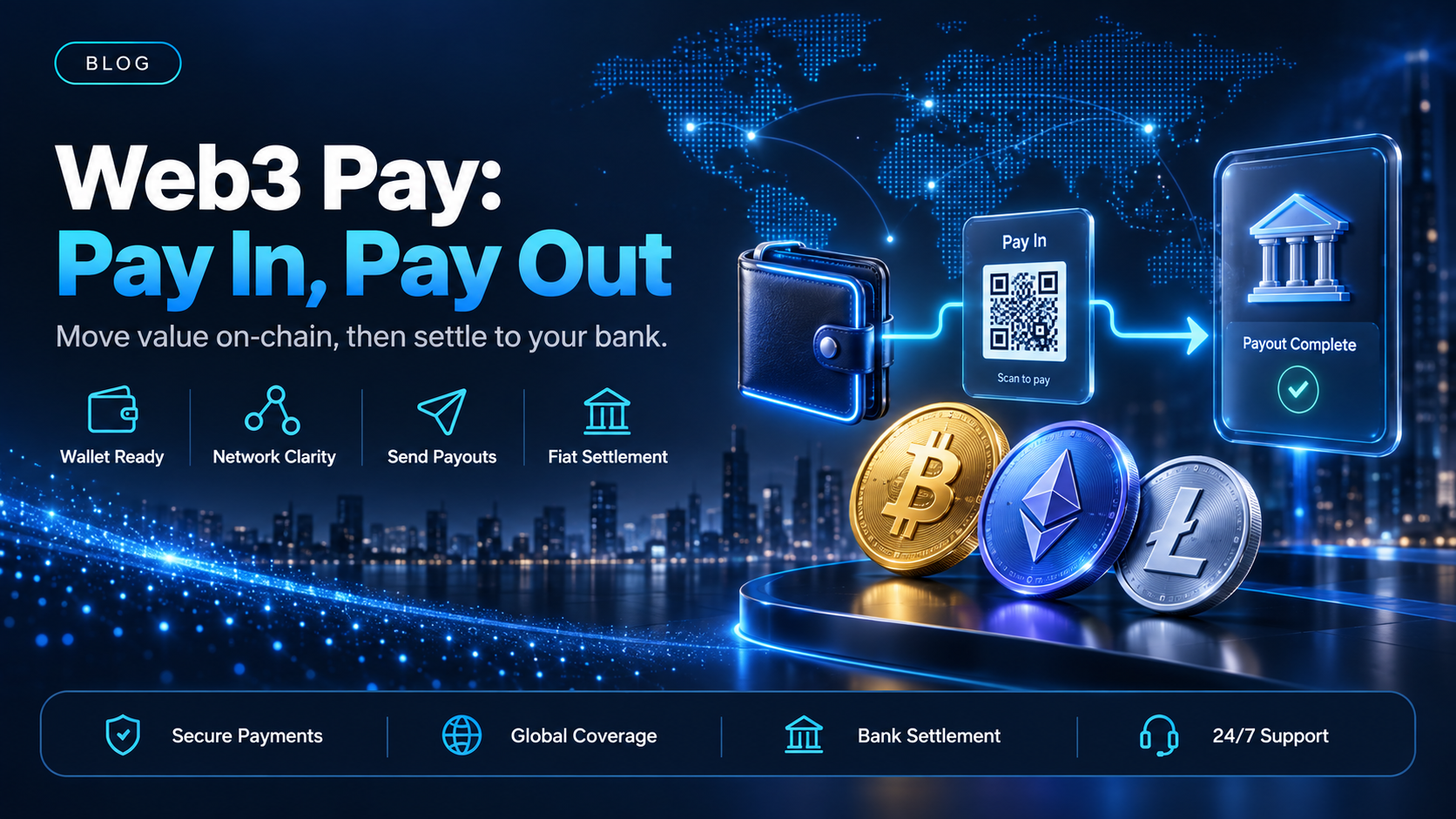
In a web3 pay transfer, the account is a wallet address on a public network. The payment moves from one address to another and confirms on-chain, instead of clearing through a chain of banks on their schedule. The address, the network, and the cryptocurrency are the three things both sides have to agree on before any money moves.
EukaPay is the platform we would put on either side of that transfer. It accepts cryptocurrency from a payer, sends crypto payouts to recipients, and converts either side to fiat in your own bank account. This guide covers what the term means in practice, what each direction asks you to operate, and how the money reaches a bank.
In this guide, you'll learn:
What a web3 pay transfer is made of: a wallet address, a network, and an asset
What the payer physically does when a business gets paid this way
What sending a payout to a wallet you do not control asks you to run
How a web3 pay transfer reaches a bank account in USD, EUR, GBP, or CAD
What web3 pay means: wallet addresses, networks, and assets
Three variables decide whether a transfer arrives, and getting one of them wrong is the most common reason money goes missing. They are the same three on both sides of the account.
Wallet address - what stands in for an account number
A wallet address identifies the destination. It is not tied to a name, a bank, or a country. A transfer cannot be recalled once it confirms, so the address is checked before the payment, not after it. A business receiving money gives out an address or a payment page. A business sending money collects an address from each recipient and keeps it in its own records.
Network - the chain a transfer confirms on
The same asset can exist on more than one network. USDC sent on Ethereum does not arrive in a wallet that only watches Tron, even though the asset name matches. EukaPay sends payouts on the Ethereum, Tron, and Bitcoin networks, and the network is set per payout. Our note on
covers what a processor does with these variables once it sits in the middle.
Asset - the cryptocurrency the payment is denominated in
The asset decides what the recipient holds when the transfer lands. A stablecoin holds a value pegged to a currency, so the amount a recipient sees is the amount that was agreed. A volatile asset can move between the invoice and the confirmation. Businesses that care about matching an invoice to a receipt often pick a stablecoin for that reason.
Getting paid: what the payer does in a web3 pay checkout
On the receiving side, the business sends a request and the payer completes it in a browser. EukaPay hosts that page, shows the amount, and accepts most major cryptocurrencies like BTC, ETH, LTC, SOL, USDC, USDT. Invoices, payment links, checkout, and subscriptions are four ways to deliver the same request, and subscriptions send invoices on a recurring schedule at intervals from daily to annually.
The merchant chooses fiat or crypto settlement on the way in. That choice decides whether the business ends the day holding cryptocurrency or money in its bank account. It can be made before a single payer sees a page. Because the payer finishes in a browser, the request can be created programmatically while the final step stays a human one.
Paying out: sending a transfer to a wallet you do not control
Accepting a payment and sending one are separate capabilities, and a business often needs the second one later than it expects. EukaPay sends payouts in USDC, USDT, ETH, and BTC. The asset and the network are set per payout, so two recipients in the same run can receive different cryptocurrencies.
A recipient list goes in as a CSV upload in the merchant dashboard. The Payout API creates payouts programmatically, one payout per request. Each payout carries its own reference that can be looked up afterwards. The payout balance is funded two ways: transfer from your account's main balance, or make a fiat deposit.
are not tied to banking hours or the banking calendar.
Does a web3 pay transfer reach a normal bank account?
Yes, on the merchant's own side. EukaPay converts crypto to fiat and settles to the merchant's bank account in USD, EUR, GBP, or CAD. That settlement pays the business, not a third party, so it is not a route for paying an individual recipient in fiat. A recipient who wants fiat converts on their own side.
The conversion runs at a locked exchange rate by default, on pay-ins and on payouts. There is no floating-rate mode and nothing to switch on per payment. Our guide to
walks through what the fiat leg looks like once the crypto leg has confirmed.
How to choose
Getting paid | Paying out | |
|---|---|---|
Who holds the wallet at the far end | The payer | The recipient |
What the payer does at the final step | Pays on a hosted payment page | Nothing, they receive |
Which cryptocurrencies | BTC, ETH, LTC, SOL, USDC, USDT | USDC, USDT, ETH, BTC |
Where the money ends up | Your bank account, or your crypto balance | The recipient's wallet |
Most businesses start on the receiving side, because a payment request is the smaller change to make. Payouts follow once money needs to go back out to suppliers, contractors, or partners, and the two run from the same EukaPay account rather than from two vendors. Our note on
covers the case where both directions are business to business.
One platform for pay-ins, payouts, and fiat settlement
Both directions sit on the same EukaPay account, with instant crypto-to-fiat conversion at a locked exchange rate to remove your exposure to crypto price swings, support for most major cryptocurrencies, and settlement in USD, EUR, GBP, and CAD to your bank account. A crypto payment confirms on-chain, so protection against chargebacks is a property of the payment method. The
covers invoices, subscriptions, payouts, balance transfer, and customers for a developer (or coding agent) putting either direction inside their own product.
If your business is deciding where to start with
, start with the direction money is already moving. Open an account, take one payment on a hosted page, then add payouts when you need to send money back out.
Get started with EukaPay
Create an account at
, complete verification, provide your legal business information, and generate an API key. The full endpoint reference is at
, and a staging environment is available for development.
Frequently asked questions
What is web3 pay?
It is paying or getting paid by transferring cryptocurrency between wallet addresses on a public network. The address, the network, and the asset are agreed before the transfer, and it confirms on-chain.
Do I need a crypto wallet to accept a web3 pay payment?
Not with EukaPay. You send a hosted payment page, the payer completes it in a browser, and you choose whether to settle in fiat or in crypto.
Which cryptocurrencies can I accept?
Most major cryptocurrencies like BTC, ETH, LTC, SOL, USDC, USDT on the pay-in side.
Which cryptocurrencies can I send as a payout?
USDC, USDT, ETH, and BTC, on the Ethereum, Tron, and Bitcoin networks. The asset and the network are set per payout.
How do I fund the payout balance?
Two ways. Transfer from your account's main balance, or make a fiat deposit.
Can I pay a list of recipients at once?
Yes. Upload the recipient list as a CSV file in the merchant dashboard. The Payout API creates one payout per request.
Does the money reach my bank account?
Yes. EukaPay converts crypto to fiat and settles to your own bank account in USD, EUR, GBP, or CAD.
Can I put this inside my own product?
Yes. The API covers invoices, subscriptions, payouts, balance transfer, and customers, and the payer still completes the payment in a browser.
Related articles
Web3 payment processor selection criteria
- what to require from a processor before you commit
- how the fiat leg works after a crypto payment confirms
- paying and invoicing between two businesses
Products
Use Cases
© 2026 EukaPay. All rights reserved.
FINTRAC: M22233887