Billing reconciliation against the bank account
September 14, 2026
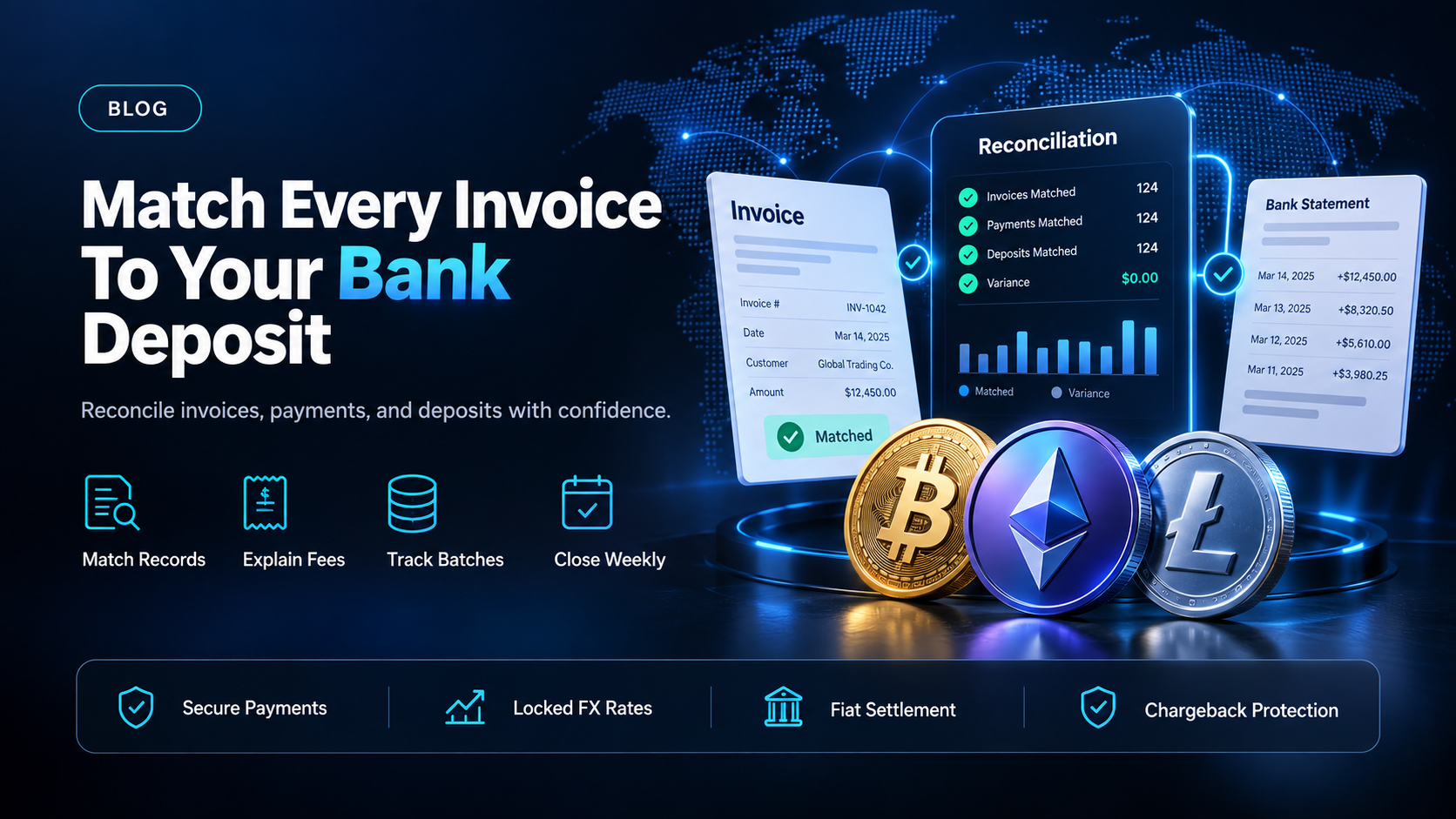
Your billing system marks an invoice paid. Your bank account shows a deposit that is smaller than the invoice, lands after the payment, and covers several invoices at once. Neither record is wrong on its own terms. Neither one answers the question finance is asking: which customers paid, and how much of that money you keep.
EukaPay narrows that gap on the pay-in side. It fixes the fiat amount at the moment of payment and settles it to your own bank account in USD, EUR, GBP, CAD. This guide covers what billing reconciliation has to match, why a deposit rarely equals the invoice total behind it, and how to run the match on a schedule.
In this guide, you'll learn:
Which three records billing reconciliation has to bring into agreement
Why a bank deposit rarely equals the invoice total it settles
A step-by-step process for matching invoices to deposits every week
What a crypto pay-in changes about the amount, the reference, and the reversal risk
What billing reconciliation has to match
Billing reconciliation is the comparison of three separate records that describe the same money. Each one is authoritative about a different thing, and none of them is authoritative about all three.
Invoices - what your billing system says is owed and paid
The billing system holds the gross amount, the customer, the period, and the status. It is the only record that knows why the money was owed. It is also the record most likely to be marked paid on the strength of a payment notification instead of a confirmed deposit.
Payments - what the payment rail says it took
The payment record holds the amount taken, the method, the currency of charge, and a transaction reference. It knows what happened at authorization. It does not know what the bank will eventually deposit, because deductions and batching can happen after that point.
Bank deposits - what actually landed in the account
The bank statement is the only record of cash you control. It is also the least descriptive: a line with a date, an amount, and a counterparty name that may not resemble any customer in your billing system. Matching that line back to its invoices is the work. For how these three records are produced as the customer count grows, see
SaaS billing management for a growing customer base
.
Why the bank deposit does not equal the invoice total
Four mechanics account for most of the difference, and they compound.
Fees taken before the deposit.
Where a processing fee is deducted before the money is sent on, the deposit is net and the invoice is gross. The difference is real revenue that has to land somewhere in your books, and it is not a discrepancy to chase.
Batching.
Many payments can arrive as one deposit. One bank line then maps to a set of invoices, not to a single one, so the match is a set match and not a lookup.
Currency conversion.
When the customer is charged in one currency and you are paid in another, the rate applied between those two moments sets the amount. If the rate is not fixed when the customer pays, the number you booked and the number you received are different by an amount nobody chose. Cross-border revenue makes this the normal case, not the exception, as covered in
international payments settled into one account
.
Reversals netted against later deposits.
A refund or a chargeback raised after a deposit can be deducted from the next one. That turns a clean past match into a stale one, so reconciliation has to be able to reopen a period, not only close it.
How to reconcile invoices against deposits, step by step
Export the three records for the same window.
Invoices issued and paid, payments taken, and bank lines received. Use the deposit date as the anchor, not the invoice date, because the deposit is the only record with a fixed amount.
Group payments into the deposits that carried them.
Sum each group and compare it to the bank line. A group that matches to the cent is done.
Explain each remaining difference by category.
Fee, conversion, reversal, or timing. A difference with no category is the only kind worth investigating.
Match each grouped payment back to its invoice.
Anything unmatched at this point is either an invoice paid outside the rail you expected, or a payment against an invoice that was never raised.
Post the categorized differences and close the window.
Leave the unmatched items open by name, so the next run starts from a list and not from scratch.
The step that fails most often is the second one, because it needs a stable identifier shared by the payment record and the bank line. Where the payer types the reference themselves, that identifier can be wrong or missing, and the match falls back to amount and date.
How often should you run billing reconciliation?
Run it on the cadence money arrives, not the cadence the calendar suggests. If deposits land several times a week, a weekly match keeps each unmatched item small enough to explain while the surrounding detail is still recoverable. Monthly is a close, not a reconciliation. A month-long backlog of unmatched lines is usually what people mean when they say reconciliation is hard. Usage-based charges raise the difficulty again, because the amount itself is computed instead of fixed, as covered in
.
How to choose
Crypto pay-in through EukaPay | Bank transfer | Card payment | |
|---|---|---|---|
What identifies the payment | The invoice it was raised against | A reference the payer types, when they type it | The processor's transaction reference |
What sets the fiat amount | The locked exchange rate, applied at the moment of payment | The amount sent, less any deductions in transit | The authorized amount, less any deduction before deposit |
Can it be reversed after the match | Not by chargeback, because a crypto payment confirms on-chain | By recall, in limited cases | By chargeback, within the card scheme's window |
EukaPay is the row to read first here, because it removes two of the three sources of drift instead of reporting them after the fact. The invoice is the object the payment is raised against, so the identifier does not depend on a payer typing it correctly. The locked exchange rate is applied by default on every conversion, on pay-ins and on payouts. The fiat amount is therefore set when the customer pays, not when the money moves. What remains to reconcile is the deposit itself.
One platform for pay-ins, payouts, and fiat settlement
EukaPay runs pay-ins and payouts on shared infrastructure: instant crypto-to-fiat conversion at a locked exchange rate to remove your exposure to crypto price swings, support for most major cryptocurrencies, and settlement in USD, EUR, GBP, and CAD to your bank account. A crypto payment confirms on-chain, so protection against chargebacks is a property of the payment method. Invoices, payment links, checkout, and subscriptions run in the dashboard and through the API. Each payout carries its own reference that can be looked up.
If cross-border renewals are what makes your reconciliation slow, EukaPay is the change worth making first. It fixes the amount at payment and lands it in one account, in a currency you already report in. Raise your next renewal invoice through EukaPay and reconcile that week against your current process.
Get started with EukaPay
Create an account at
, complete verification, and generate an API key. The invoice, subscription, payout, balance transfer, and customer endpoints are documented at
, so your own billing system can drive the pay-in side directly.
Frequently asked questions
What is billing reconciliation?
Billing reconciliation is the process of matching invoices in your billing system against payments taken and deposits received, then explaining every difference between them. It answers which customers paid and how much of that money reached the bank account.
How is billing reconciliation different from bank reconciliation?
Bank reconciliation matches your ledger against the bank statement. Billing reconciliation sits one step earlier and matches invoices against the payments that settled them, which is where a deposit gets attributed to the customers behind it.
Why does my deposit not match my invoice total?
Usually because a fee was deducted before the deposit, several payments were batched into one line, a currency conversion happened between charge and deposit, or a reversal was netted against a later deposit. Each of those is an explained difference, not a missing payment.
How often should billing reconciliation be run?
On the cadence deposits arrive. Weekly keeps each unmatched item small enough to explain, and it stops a month-end close from turning into an investigation.
Does EukaPay settle to my own bank account?
It does. You choose fiat or crypto settlement, and fiat settlement reaches your own business bank account in USD, EUR, GBP, CAD, among other currencies.
When is the exchange rate set on a EukaPay payment?
A locked exchange rate is applied by default on every conversion, on pay-ins and on payouts. The fiat value is fixed at the moment of payment, so the amount you book is the amount you are converting at.
Can a crypto payment be reversed after I have reconciled it?
A crypto payment confirms on-chain, so protection against chargebacks is a property of the payment method. There is no card-scheme window that can reopen a matched period.
Does EukaPay handle dunning, retries, or proration?
It does not, and those stay in your billing system. EukaPay subscriptions send invoices on a recurring schedule at intervals from daily to annually. Your own system decides what happens when one goes unpaid.
Related articles
SaaS recurring billing without surprises
- what a recurring charge has to get right before it reaches reconciliation.
SaaS billing service versus building it in-house
- where the reconciliation work lands under each option.
SaaS payments stack: where a renewal fails
- the failure points that create an unmatched deposit.
Products
Use Cases
© 2026 EukaPay. All rights reserved.
FINTRAC: M22233887