Enterprise SaaS billing and the contracts it has to model
September 09, 2026
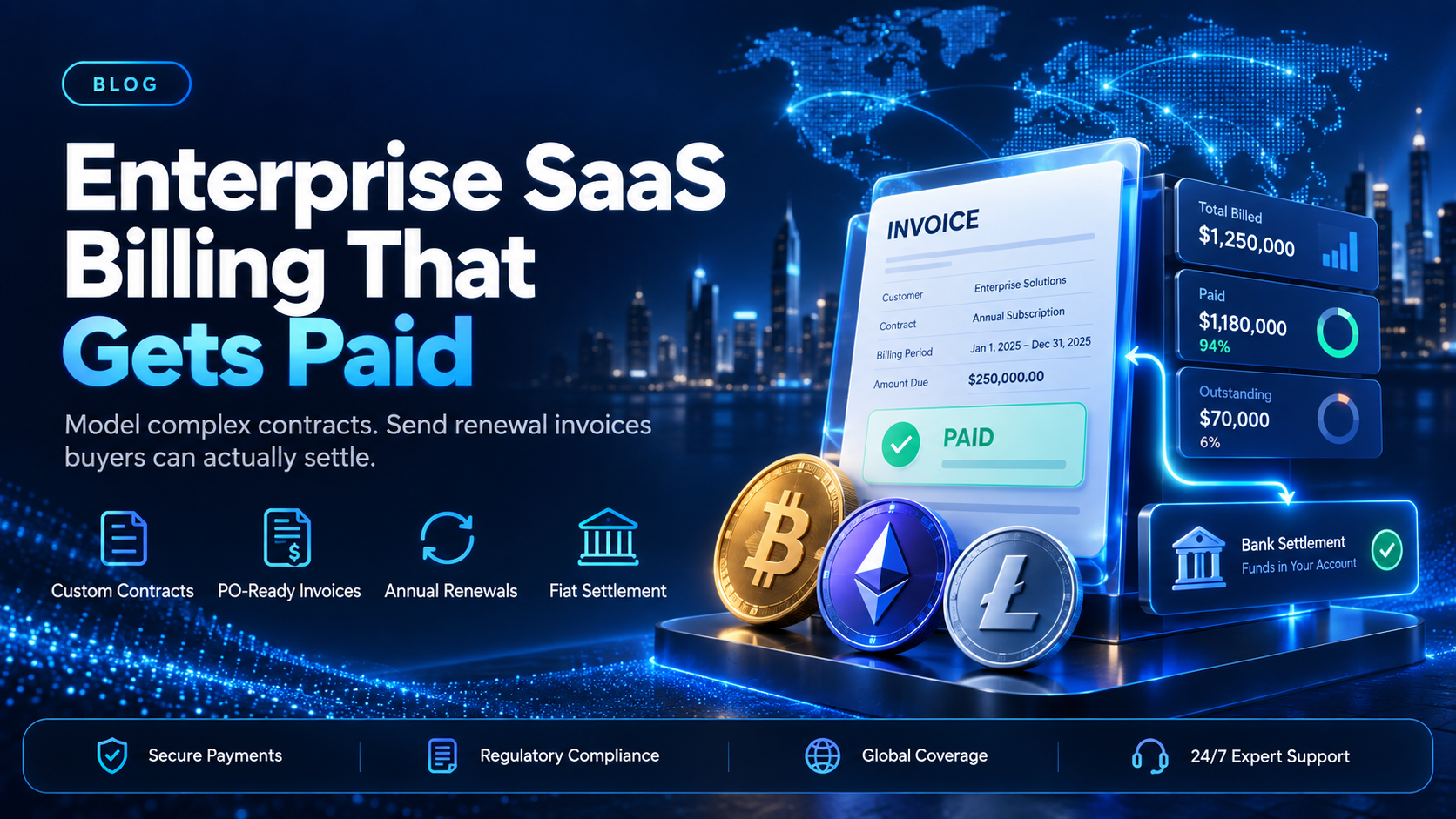
Enterprise SaaS billing gets judged on one payment a year. A renewal carries the full annual contract value in a single amount, which makes it the payment most likely to exceed a limit somewhere in the path. A corporate card can carry a per-transaction limit well below the invoice total. A cross-border transfer can stall between intermediary banks. The revenue was earned the day the contract was signed. Whether it arrives is a separate problem, and it belongs to payments rather than to sales.
EukaPay covers the payment side of that contract. You can issue an invoice and schedule recurring invoices at intervals from daily to annually. Payments come in with instant crypto-to-fiat conversion at a locked exchange rate to remove your exposure to crypto price swings. Your own billing system still models the contract.
In this guide, you'll learn:
Which contract structures enterprise SaaS billing has to represent
Why enterprise renewal payments fail more often than monthly card charges
How to invoice an enterprise customer who will not or cannot pay by card
Where EukaPay fits between your billing system and your bank account
What enterprise SaaS billing has to model
Self-serve billing models a plan, a price, and a card on file. Enterprise SaaS billing models a negotiated agreement that is different for every customer, and turns it into an invoice a buyer's finance team can approve without a phone call.
Committed contract billing - a fixed annual value the customer agreed to spend
A commitment is a floor, not a forecast. The customer has agreed to a total for the term, so your billing system tracks consumption against that total and decides what happens when they overrun it or fall short. Overage often bills at a different rate from the committed portion, and a true-up at the end of the term can be a second invoice.
Negotiated rates and ramps - pricing that differs per customer and changes mid-term
Enterprise deals rarely charge list price, and they rarely charge the same amount every period. A ramp starts low and steps up on dates written into the contract. Your billing system needs the customer's own rate card, the ramp schedule, and the effective dates, because the invoice has to match what was signed.
Purchase order billing and net terms - the reference a buyer's AP system needs
Large buyers pay against a purchase order, and an invoice without the PO number can be rejected before a human reads it. Net terms move the due date away from the issue date, so your billing system tracks two dates per invoice rather than one. Both fields have to survive the trip from your contract record to the document the buyer receives. Our guide to
covers how they move through the rest of the stack.
Why do enterprise SaaS invoices go unpaid?
The cause is usually mechanical. The invoice is correct and the customer intends to pay, but something in the payment path cannot carry the amount.
Card limits are the first cause. Corporate cards frequently cap a single transaction well below an annual contract value, so a renewal that would clear as 12 monthly charges can decline as one. The decline code that comes back can be generic, so nobody on your side learns that a limit caused it.
Cross-border transfers are the second cause. A payment that leaves one country and arrives in another passes through banks that did not write your contract, and each one can add a check or a delay. Every extra country in your customer list adds another set of rules your acquirer did not write.
The third cause is process rather than payment. An invoice missing a purchase-order number, a tax field, or a matching legal-entity name gets returned to your finance team instead of paid. Your billing system, not your payment provider, owns retries and dunning. What a payment provider can change is how many ways the buyer has to pay.
Enterprise SaaS invoicing for a customer who will not use a card
When the card is the constraint, the answer is another way to pay the same invoice. EukaPay issues invoices and payment links a buyer can settle in most major cryptocurrencies like BTC, ETH, LTC, SOL, USDC, USDT. The exchange rate is locked by default on every conversion, and settlement reaches your own bank account in USD, EUR, GBP, CAD, and others.
That matters most in markets your acquirer serves poorly. A buyer with a functioning business, a functioning bank, and no card that reliably completes a large cross-border purchase is a buyer your card rail cannot serve. Adding a second payment method does not change what your billing system models. It changes how many of your invoices can be paid. See
for how operators run it alongside cards, and the
payment gateway evaluation checklist
for what to ask a provider.
How to choose
Self-serve subscription | Committed annual contract | Usage with a platform fee | Custom enterprise agreement | |
|---|---|---|---|---|
What the billing system models | Plan, price, card on file | Commitment total, consumption, true-up | Base fee, metered events, overage rate | Per-customer rate card, ramp, bespoke terms |
How the invoice is delivered | Automatic receipt after the charge | Invoice with a PO reference and net terms | Invoice after the metering period closes | Invoice issued manually against the contract |
Where the payment usually fails | Expired or declined card | Card limit below the annual amount | Disputed usage line before approval | Missing PO or entity mismatch in accounts payable |
EukaPay covers the payment half of every row in that table. You get an invoice or a payment link the buyer can settle without a card, recurring invoices on the interval your contract uses, and conversion to fiat before the money reaches your bank. Enterprise SaaS billing stays a modeling problem in your own system, and stops being a payment problem.
One platform for enterprise invoicing, payouts, and fiat settlement
The same EukaPay account carries invoices to enterprise buyers and payouts to partners, resellers, or contractors. It provides instant crypto-to-fiat conversion at a locked exchange rate to remove your exposure to crypto price swings, support for most major cryptocurrencies, and settlement in USD, EUR, GBP, and CAD to your bank account. A crypto payment confirms on-chain, so protection against chargebacks is a property of the payment method.
For a SaaS company selling to enterprise buyers, that is one integration for money in and money out, added to the billing system rather than replacing it. Start with the renewal that stalls, give it a second payment method, and measure what changes.
Get started with EukaPay
Create an account at
, complete verification, and generate an API key. The invoice, subscription, customer, and payout endpoints are documented at
, with a staging environment your developer (or coding agent) can build against.
Frequently asked questions
What is enterprise SaaS billing?
Enterprise SaaS billing turns a negotiated software contract into invoices a buyer's finance team can approve and pay. It represents commitments, custom rates, purchase orders, and net terms rather than one published plan price.
How is enterprise SaaS billing different from subscription billing?
Subscription billing charges a published price on a fixed schedule, usually to a card on file. Enterprise billing prices each customer separately and delivers an invoice into an approval process.
Can EukaPay send recurring invoices for an annual contract?
Yes. EukaPay subscriptions send invoices on a recurring schedule at intervals from daily to annually, through the dashboard and through the API.
Does EukaPay handle proration, plan changes, or dunning?
No. Plan management, proration, entitlements, and retry logic stay in your billing system. EukaPay covers the payment step: issuing the invoice or payment link, taking the payment, converting it, and settling to your bank account.
Which cryptocurrencies can an enterprise buyer pay an invoice in?
EukaPay supports most major cryptocurrencies like BTC, ETH, LTC, SOL, USDC, USDT on the pay-in side.
Which currencies does EukaPay settle to a bank account in?
Settlement currencies include USD, EUR, GBP, CAD, and others, and the merchant chooses fiat or crypto settlement.
Is the exchange rate locked when a buyer pays a large invoice?
Yes. EukaPay locks the exchange rate on every conversion by default, on pay-ins and on payouts, so the fiat value is fixed by the locked rate applied to the conversion.
How do I add EukaPay to a billing system I already run?
Keep your billing system as the source of the contract and the amount, then call the EukaPay invoice or payment link endpoint when an invoice is due.
Related articles
SaaS billing management for a growing customer base
- what changes in billing operations as the customer count climbs
Subscription billing solutions compared
- how the main approaches to recurring billing differ
SaaS payments stack: where a renewal fails
- the components a renewal passes through and the failure points in each
Products
Use Cases
© 2026 EukaPay. All rights reserved.
FINTRAC: M22233887