Crypto wallet payment gateway integration, step by step
September 23, 2026
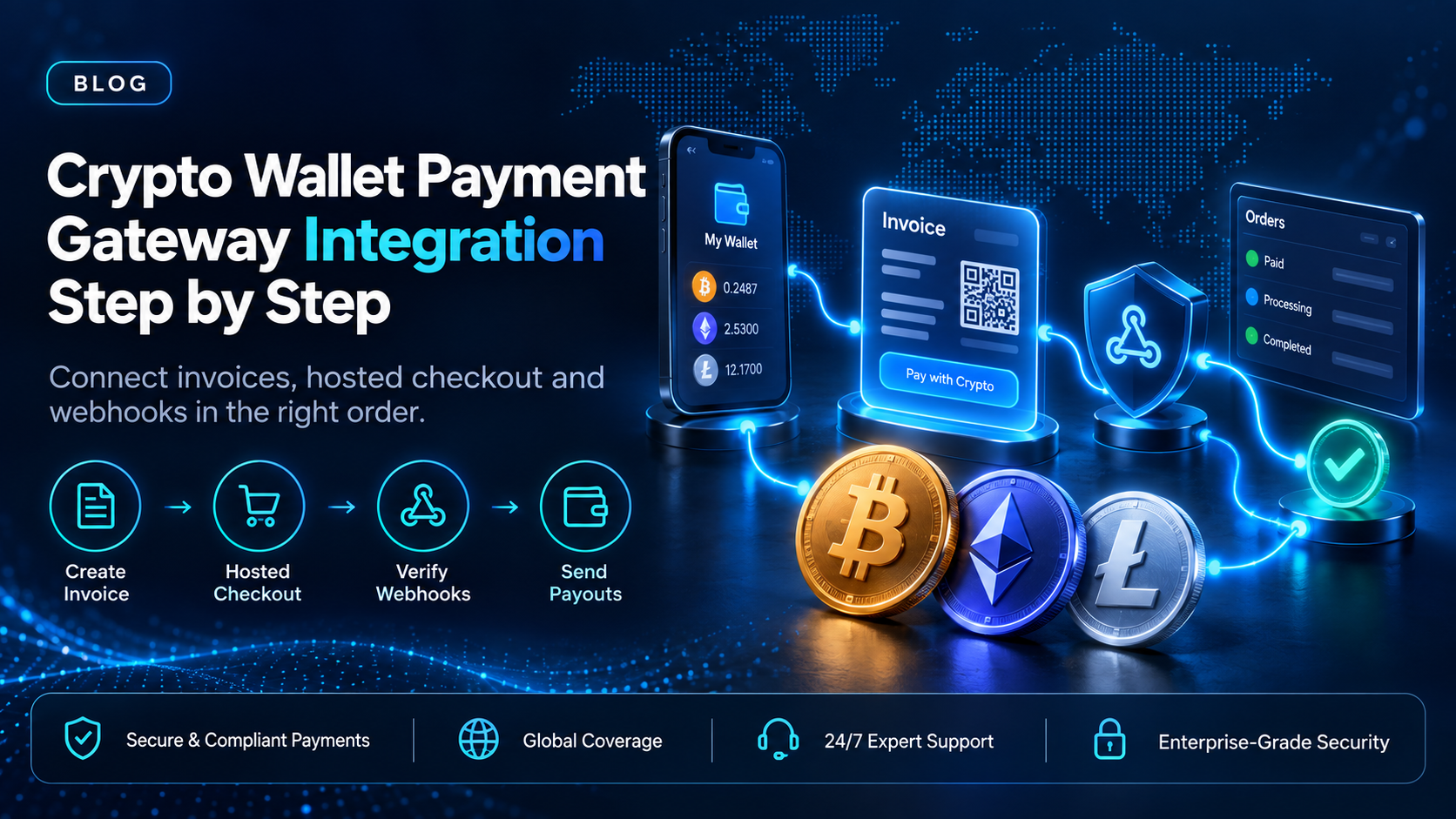
A crypto wallet payment gateway integration connects software your team does not run. The payer's wallet signs the transfer, and the blockchain confirms it. Your part is everything around those two events: creating the charge, sending the payer to a page where they can pay, learning the result, and recording it against the right order.
EukaPay's API covers that sequence with the invoices endpoint, a hosted payment page, and signed webhooks, so your code does not have to generate addresses or watch a chain. The seven steps below follow the order we would build it in, from a staging account to a first payout, with the fields each step depends on.
In this guide, you'll learn:
The seven steps of a crypto wallet payment gateway integration, in build order
The invoice request and response fields that tie a crypto payment to your order
Which webhook events to handle, and how to check each one came from EukaPay
How crypto payouts to a recipient's wallet address fit the same integration
What a crypto wallet payment gateway integration connects
Three systems take part in every payment. The payer's wallet holds the cryptocurrency and signs the transfer. The gateway turns the order into a payment request, shows the payer where to send funds, and watches for confirmation. Your order system decides what was bought and whether it counts as paid.
The integration is the set of calls and events between the gateway and your order system. With a hosted payment page, the payer sends from the wallet they already use, so your checkout does not need a wallet SDK. Our
guide covers the full integration surface. This post covers the order you build it in.
Crypto wallet payment gateway integration in seven steps
Each step depends on the one before it, so build them in this order.
Step 1 - Open a staging account before you write any code
EukaPay runs two environments, production and staging. The staging environment uses the same exchange rates as production and accepts testnet cryptocurrencies. You create a separate account on staging, and the team approves that registration manually. The base URL for each environment is in the
. Our guide to
testing crypto payments in a sandbox
covers testing before go-live.
Step 2 - Authenticate each request with the x-api-key header
Every request carries your API key in the
x-api-keyheader. You generate the key after you sign up, complete verification, and provide your legal business information. Keep the key on your server, so it never reaches the browser that renders your checkout.
Step 3 - Create an invoice for the order with POST /invoices
The invoice is the charge. Two fields are required:
priceand
currencyId, which points at a fiat currency on the Supported Currencies page. The fields that matter for this integration are these:
{
  "price": 120.00,
  "currencyId": 1,
  "receiveCurrencyType": "fiat",
  "redirectUri": "https://example.com/orderCompleted",
  "metadata": { "externalId": "order-10482" }
}receiveCurrencyTypesets whether you receive fiat or crypto for this invoice.
metadataholds your own references and is not shown to the payer, so your order ID can travel with the invoice. Send an
x-idempotent-keyheader on the request. If the call times out, a retry with the same key can return the original result instead of creating a second invoice.
The response carries the fields your order system should store:
{
  "code": "inv_...",
  "status": "Unpaid",
  "paymentUrl": "<hosted payment page URL>",
  "totalPaidAmount": 0
}
Save the invoice
codeagainst your order ID. Every webhook in step 5 refers back to it.
Step 4 - Send the payer to the paymentUrl
The
paymentUrlopens EukaPay's hosted payment page. The payer completes the payment there from their own crypto wallet. Once the payment completes, the page sends the payer back to your
redirectUri. Treat that redirect as navigation only, and mark the order paid from the webhook in step 5.
Step 5 - Handle the payment webhooks for each invoice
Add your webhook endpoint in the merchant dashboard under Settings, Integrations, Webhooks. Each payment event carries
webhookId,
invoiceCode,
paidAmount,
totalPaidAmount, and
status. Match on
invoiceCodeto find the order.
If a delivery fails, EukaPay retries every 20 minutes for up to 2 hours. If your endpoint processes an event but the response fails, the same event can arrive again. Store the
webhookIdof each event you process, so a repeat delivery is recognized and skipped.
Step 6 - Check the x-eukapay-signature header on every webhook
Each webhook carries an
x-eukapay-signatureheader. Your server computes an HMAC SHA-512 hex digest of the raw payload with your secret key and compares the two. Compute the digest before parsing the body, because a re-serialized payload may not match. Reject any event whose digest does not match.
Step 7 - Send crypto payouts to recipient wallet addresses
If the integration also pays people, the same account sends crypto payouts. Fund the payout balance with a transfer from your main balance, or with a fiat deposit. The Create Crypto Payout endpoint creates one payout per request. Your code sets the asset and the network on each payout, from USDC, USDT, ETH, and BTC on Ethereum, Tron, and Bitcoin. To pay a whole recipient list at once, upload it as a CSV file in the merchant dashboard.
The
cryptoPayoutSentevent includes
walletAddress,
network, and
txHash, which is the join your reconciliation needs. Our
guide covers the payout side in more depth.
Which webhook events should a crypto wallet payment gateway integration handle?
Event | What it means | What your order system can do |
|---|---|---|
| The sum of payments matches the requested amount | Mark the order paid |
| The sum of payments is below the requested amount | Hold fulfillment and record the gap |
| The sum of payments exceeds the requested amount | Fulfill and record the difference |
| A payout was broadcast to the network | Store the txHashagainst the payout |
| An error occurred while creating or processing a payout | Flag the payout for your team |
The requested amount takes into account your transaction tolerance settings in the merchant dashboard. The
cryptoPayoutCreatedand
cryptoPayoutRevokedevents complete the payout lifecycle, and the full payloads are in the
.
When a plugin replaces a direct payment gateway integration
A direct integration makes sense when payments have to live inside your own product. A store running on WooCommerce or Shopify can install EukaPay's plugin for that platform instead of building a direct integration. Our guide to
accepting crypto payments on Shopify
walks through that route. For the wider build, see our guide to how to
in an order that avoids rework.
How EukaPay's API handles a crypto wallet payment gateway integration
Every step above uses documented EukaPay endpoints: invoices, customers, balance transfer, and crypto payouts. The
covers each request and every webhook payload. Our
guide explains what each endpoint is for.
EukaPay does not issue stablecoins and is not the chain infrastructure layer. If your product has to give your own users wallets, that is a separate build from this integration. For a business taking payments and paying out, EukaPay's API covers the sequence from invoice to settlement. Our guide to
choosing a crypto payment gateway with an API sandbox
covers what to test before you commit.
One platform for crypto pay-ins, payouts, and fiat settlement
EukaPay gives you instant crypto-to-fiat conversion at a locked exchange rate to remove your exposure to crypto price swings, support for most major cryptocurrencies, and settlement in USD, EUR, GBP, and CAD to your bank account. EukaPay locks the exchange rate on every conversion by default, on pay-ins and on payouts. A crypto payment confirms on-chain, so protection against chargebacks is a property of the payment method.
Build the seven steps in staging first, in the order above, and move to production once the webhook handling passes. EukaPay is the gateway we would put behind that integration, because the same account takes the payment, settles it, and sends the payout.
Get started with EukaPay
Read the
for the invoice, customer, balance transfer, and crypto payout endpoints. Then
, open a staging account, and build the first invoice there.
Frequently asked questions
What is a crypto wallet payment gateway integration?
It is the set of API calls and webhook events that connect a crypto payment gateway to your order system. The payer's wallet sends the funds, and your integration records the result against the right order.
Does my customer need a specific crypto wallet to pay?
No. The payer opens EukaPay's hosted payment page and sends the transfer from the wallet they already use.
How do I know a crypto payment has been completed?
EukaPay sends a
paymentCompletedwebhook when the sum of payments for the invoice matches the requested amount. Mark the order paid from that event, not from the redirect.
What happens if a customer underpays a crypto invoice?
EukaPay sends a
paymentUnderpaidwebhook, and the invoice status reads Underpaid. EukaPay takes your transaction tolerance settings into account when it compares the payment to the requested amount.
How do I stop duplicate invoices when a request times out?
Send an
x-idempotent-keyheader on the create request. A retry with the same key returns the original result. Keys can be removed once they are 24 hours old.
Can I test the integration with testnet cryptocurrencies?
Yes. EukaPay's staging environment accepts testnet cryptocurrencies and uses the same exchange rates as production.
Which cryptocurrencies can customers pay with?
Most major cryptocurrencies like BTC, ETH, LTC, SOL, USDC, USDT on the pay-in side.
Can crypto payments settle to my bank account?
Yes. Set
receiveCurrencyTypeto fiat, and EukaPay settles to your own bank account in USD, EUR, GBP, or CAD.
Related articles
Crypto payment gateway with an API sandbox
- choosing a gateway by the sandbox it offers
Crypto payment gateway API: the integration surface
- what the integration surface looks like
Integrate crypto payments: the build order that avoids rework
- the order to build a crypto payment integration in
Products
Use Cases
© 2026 EukaPay. All rights reserved.
FINTRAC: M22233887