How to test stablecoins or crypto payments in a sandbox before going live
August 11, 2026
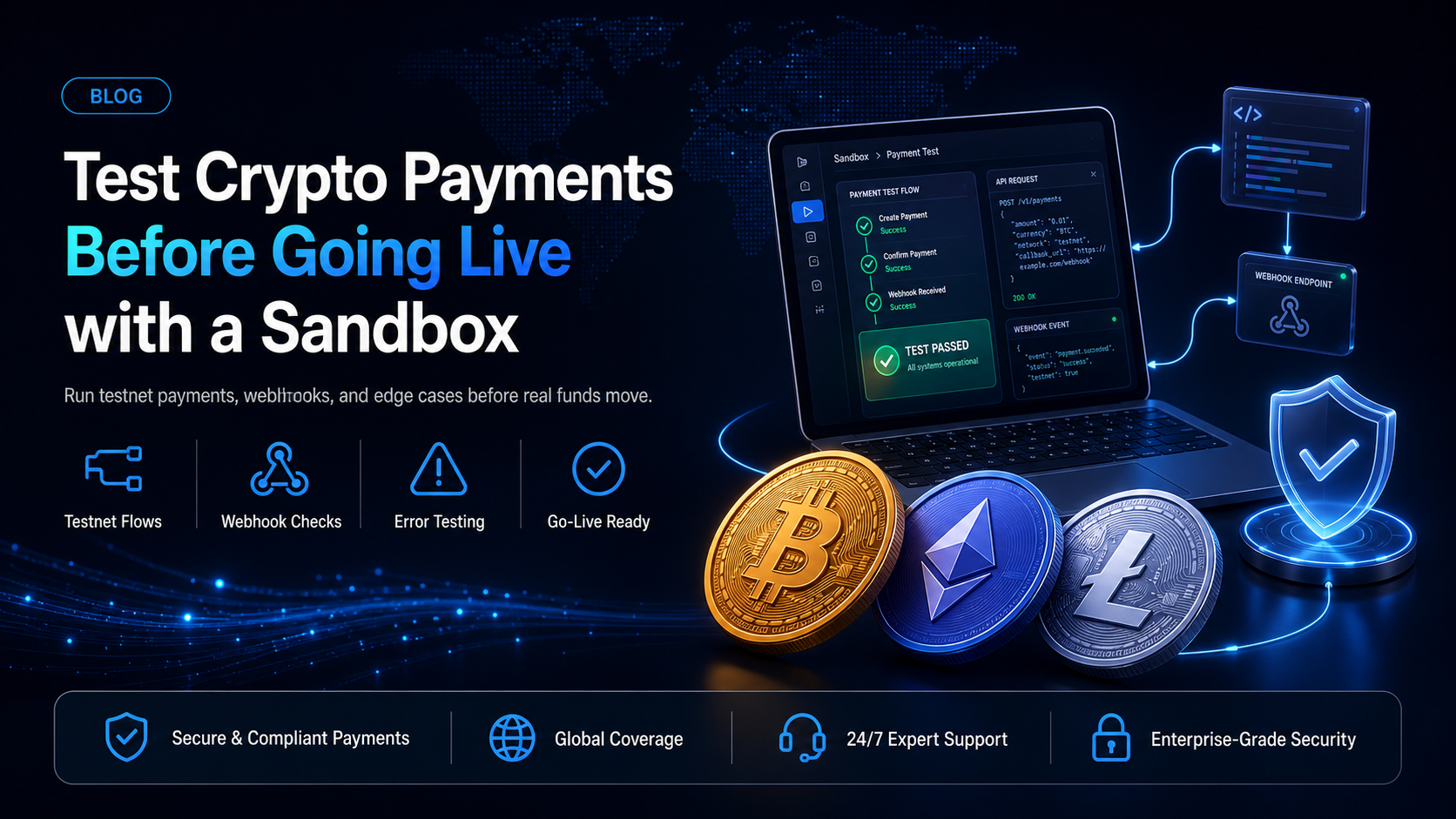
Testing a card integration is forgiving. You charge a test card, and if the logic is wrong you void the authorisation and try again. Testing a crypto payment integration is not forgiving in the same way, because a confirmed on-chain transfer cannot be recalled. The safety net that card developers rely on does not exist.
The substitute is a proper sandbox and the right testnet for each chain. This guide covers how to get into EukaPay's sandbox, which testnet belongs to which currency, and which failure cases are worth rehearsing before you switch a
sk_test_key for a
sk_live_one.
In this guide, you'll learn:
How to get sandbox access and generate test keys
Which testnet to use for each supported chain, including where test stablecoins come from
How to rehearse underpayment, overpayment, replayed webhooks and rate limiting
What to check on the day you go live
Why crypto payments need different testing
Three properties make crypto payment testing its own discipline.
Transfers are final.
There is no void, no authorisation reversal, and no issuer to call. A payment sent to the wrong address on mainnet is gone. Every mistake you make on a testnet is a mistake you did not make with a customer's money.
Confirmation is not instant.
A payment moves through network confirmation before it is settled, which means your integration has intermediate states to handle. Code written against an assumption of instant success will behave badly the first time a block takes longer than usual.
Each chain behaves differently.
Fees, confirmation times and address formats differ between Bitcoin, Ethereum and Tron. An integration tested only on one chain has been tested once, not three times.
Getting into the sandbox
EukaPay runs a separate staging environment. Register for it at
stg.eukapay.com, which is distinct from the production dashboard.
One honest note about the process, because discovering it mid-integration is frustrating: verification emails are not sent automatically for staging accounts. You request approval from
support@eukapay.comand a person enables the account. Budget a little time for that step rather than assuming a self-serve loop.
This is also the right moment to explain how sandbox access fits alongside onboarding. Every EukaPay merchant goes through an onboarding and business review process, and there is no instant registration. The sandbox exists so that your developer (or coding agent) can build and test during the review period rather than waiting behind it. In practice the integration is usually finished before the commercial process is.
Test keys and hosts
Once staging is enabled, generate a key under Settings > Integrations > API keys. Environment is encoded in the key prefix, which removes a whole class of accident:
Setting | Sandbox | Production |
|---|---|---|
Dashboard | | |
API host | | |
Key prefix | | |
Read the host and the key prefix from configuration rather than hard-coding either. The single most common go-live incident in payment integrations is a test key left in a production deploy, or a production host called with a test key.
The testnets, per chain
Each supported currency has a specific test network. Using the wrong one produces a transaction that succeeds on-chain and never appears in your sandbox account, which is a confusing failure to debug.
Currency | Test network |
|---|---|
Bitcoin | Bitcoin testnet |
Ethereum | Sepolia |
USDT on Ethereum | Sepolia |
USDC on Ethereum | Sepolia |
USDT on Tron | Shasta |
Solana | Devnet |
Bitcoin Cash | Bitcoin Cash testnet |
Litecoin | Litecoin testnet |
Two practical points. Test coins for the base networks come from the usual public faucets for each chain. Test USDT and USDC, however, are requested from EukaPay support rather than pulled from a faucet, so ask for them at the same time you ask for account approval and save yourself a round trip.
It is also worth confirming what is supported at all before you write tests for it. EukaPay supports USDT on Ethereum and Tron, and USDC on Ethereum. There is no USDT on Solana and no USDC on Tron or Solana. A test plan that assumes Solana USDC will fail for a reason that has nothing to do with your code.
Testing the happy path
Run the whole loop end to end before you test anything clever.
Create an invoice.
POST /invoicesagainst
https://api-stg.eukapay.comwith your
sk_test_key. Send an
x-idempotent-keyhere too, so your test exercises the same code path production will use.
Pay it on testnet.
Use the payment screens and send testnet funds from a wallet you control on the matching network.
Watch the webhook arrive.
You should receive
paymentCompleted.
Confirm your state changed.
Your order should be marked paid by the webhook handler, not by a polling loop you added because the webhook was not working.
Read it back.
GET /invoices/{code}should agree with what your handler recorded.
If step 3 never happens, check that your endpoint is reachable from outside your network before you look anywhere else. A handler running on
localhostcannot receive a webhook, which is why local development needs a tunnelling tool that gives your machine a public URL.
Testing the paths that actually break
The happy path is the easy half. These are the cases that cause real incidents, and every one of them can be rehearsed on testnet for free.
Underpayment - paymentUnderpaid
Send less than the invoiced amount. You should receive a
paymentUnderpaidevent carrying
paidAmount,
totalPaidAmountand
invoicedAmount.
Decide the policy before you write the handler. Holding the order and requesting the difference is the common choice. What matters is that your code does something deliberate, because the default behaviour of an unhandled event is an order stuck in limbo and a customer who believes they have paid.
Overpayment - paymentOverpaid
Send more than the invoiced amount. You should receive
paymentOverpaid. Fulfilling the order and handling the surplus through your refund process is the usual approach. Test that your fulfilment logic does not reject the payment simply because the amount fails an equality check.
Replayed webhooks
EukaPay retries a failed delivery every 20 minutes for up to two hours. Your handler will receive duplicates in production, so prove it is safe now.
Capture a real webhook payload and its
x-eukapay-signatureheader from your sandbox run, then post it to your handler a second time. The correct outcome is that the second delivery is recognised by its
webhookIdand returns early without fulfilling the order twice.
Signature verification, including the negative case
Verify the HMAC using SHA-512, keyed to the webhook secret. EukaPay uses
SHA-512
, not the SHA-256 that most gateways use, and a well-meaning code review that "fixes" this will break every verification.
Resolve one ambiguity here while you are in the sandbox, because it is far cheaper to settle now than in production. EukaPay's documentation gives two conflicting instructions: the written steps say to use the payload without any alteration or conversion to JSON, while the published code sample re-serialises an already-parsed body with
JSON.stringify. Those produce different bytes whenever key order or whitespace differs. Verify a real sandbox delivery against the raw body, and if it fails, try the re-serialised form. Whichever works, write a test that pins it.
Test the negative case too. Change one byte of the payload, leave the signature alone, and confirm your handler rejects it. A verification function that never returns false has not been tested.
Rate limiting - the 429
EukaPay documents rate limiting and recommends exponential backoff, without publishing a specific requests-per-second figure. Because there is no published number to code against, treat the 429 response itself as the signal and prove your backoff works rather than tuning to a threshold.
Loop a cheap read endpoint until you see a 429, then confirm your client backs off and recovers instead of hammering or crashing.
Error types
EukaPay returns three error types:
api_error,
idempotency_errorand
invalid_request_error. Exercise each one, and give particular attention to
idempotency_error, which signals a key conflict. The correct response is to stop and reconcile, not to retry with a fresh key.
Going live
A short list for the day you cut over:
Swap
sk_test_for
sk_live_and
api-stg.eukapay.comfor
api.eukapay.com, both from configuration.
Register your production webhook endpoint and store its secret separately from the sandbox secret. They are different values.
Confirm your production endpoint is publicly reachable and serving valid TLS.
Verify idempotency keys are persisted before the request is sent, not generated inside the retry.
Send one small real payment on the cheapest supported network and watch it through to settlement.
Confirm the settlement amount and currency match what you expect. Settlement reaches your bank account in USD, EUR, GBP, CAD.
That final live test is worth the small fee. It exercises the one thing no sandbox can prove, which is that real funds arrive in the right account.
One platform underneath
The sandbox mirrors production, so what you rehearse is what you will run: instant crypto-to-fiat conversion at a locked exchange rate to remove all crypto volatility, protection against chargebacks, support for a wide range of cryptocurrencies, and settlement in USD, EUR, GBP, CAD to your bank account. EukaPay supports most major cryptocurrencies like BTC, ETH, LTC, SOL, USDC, USDT.
Invoices, payment links, hosted checkouts and the API all test the same way, against the same staging host with the same test keys. Choosing amongst them is a question of fit, and the testing discipline does not change with the choice.
Get started with EukaPay
The staging environment, the testnet table and the full error reference are documented at
. Register at
stg.eukapay.com, request approval and your test stablecoins from support in the same message, and build while your business review runs. For a walkthrough of the integration itself, see
how the EukaPay API works for developers
.
Frequently asked questions
Does EukaPay have a sandbox?
Yes. Register at
stg.eukapay.comand call
https://api-stg.eukapay.comwith a
sk_test_key. Staging verification emails are not automatic, so request approval from support.
Can I build before my EukaPay account is approved?
Yes. The sandbox is available during the onboarding and business review period, so the integration work runs in parallel with the review.
Which testnet do I use for USDT?
Sepolia for USDT on Ethereum, and Shasta for USDT on Tron. EukaPay supports USDT on those two networks only.
Where do I get test USDT and USDC?
From EukaPay support. Unlike the base network coins, test stablecoins are not available from a public faucet.
How do I test that my webhook handler is idempotent?
Capture a real sandbox payload with its
x-eukapay-signatureheader and post it to your handler twice. The second delivery should be recognised by
webhookIdand return early.
What hashing algorithm should my signature check use?
HMAC SHA-512 over the raw request body, keyed to that webhook's secret.
Does EukaPay publish a rate limit number?
No specific requests-per-second figure is published. EukaPay documents rate limiting and recommends exponential backoff, so build against the 429 response rather than a fixed threshold.
Are sandbox and production webhook secrets the same?
No. They are separate values, so store and configure them separately.
Products
Use Cases
© 2026 EukaPay. All rights reserved.
FINTRAC: M22233887