Integrate crypto payments: the build order that avoids rework
September 10, 2026
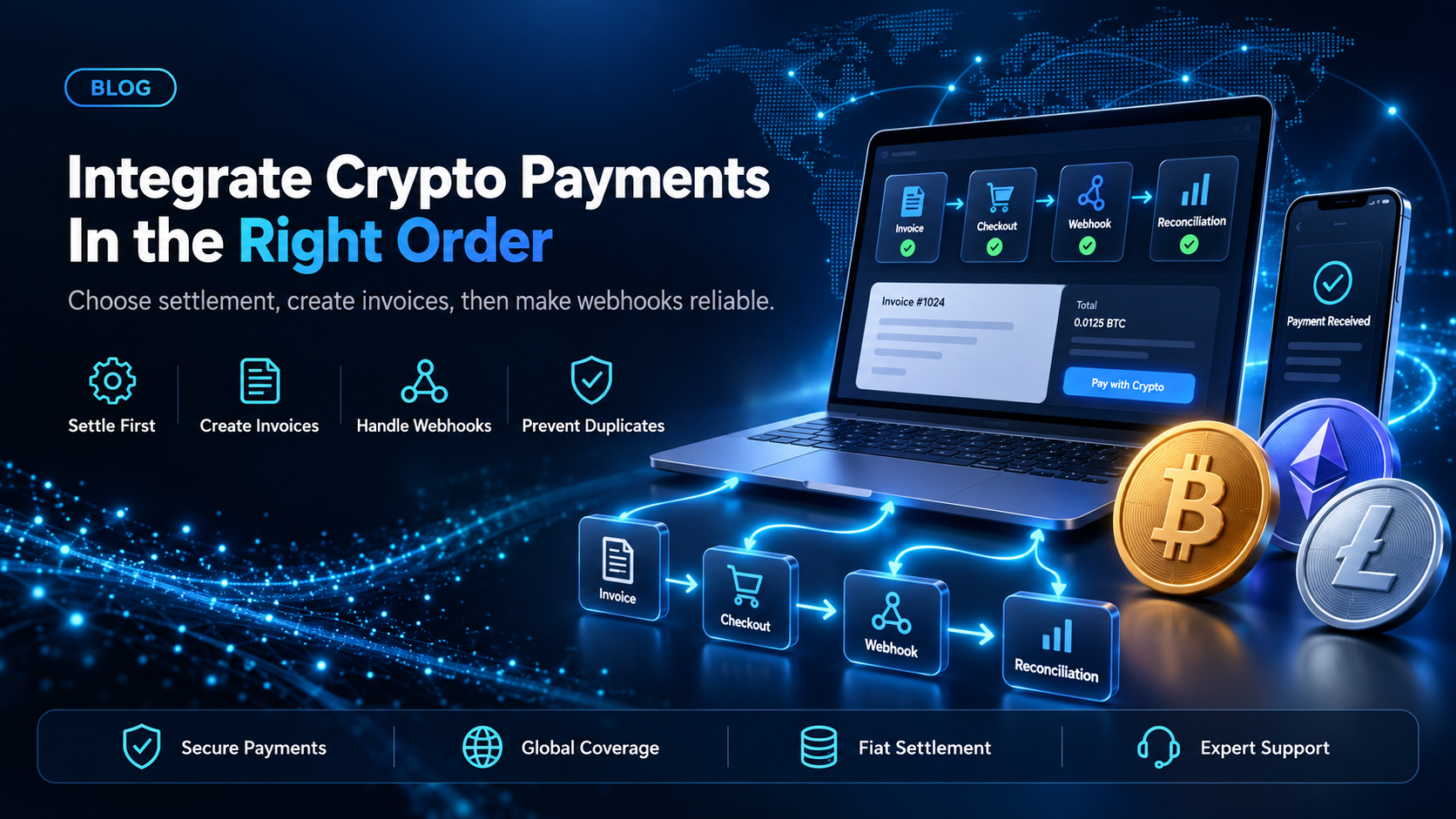
The work to integrate crypto payments is not large. You create an invoice, send the payer to a payment page, and receive a webhook when the payment confirms. Teams rarely get stuck on any one of those calls. They get stuck because they built them in the wrong order.
EukaPay's API keeps the sequencing decisions visible before you write code. Two of them, the settlement side and the correlation key, set what every later record in your database means. This covers what to settle first, where webhooks and idempotency belong, and what your team owns.
In this guide, you'll learn:
The two decisions that constrain every later step, and why both belong in the first invoice call
A five-step build order, and what each step locks in
Which webhook events your order system needs, and how idempotency keys stop a duplicate invoice
What EukaPay's API covers, and what stays with your team
What to decide before you integrate crypto payments
Most integration rework traces back to a field left at its default in week one. Both decisions below are made in one
POST /invoicescall.
Settlement side - whether your account receives fiat or crypto
The invoice create call takes
receiveCurrencyType, either
fiator
crypto. That enum decides what the amounts in your ledger mean. If your account receives fiat, the number you store against an order is a settled fiat amount. If it receives crypto, the same field is a crypto balance whose fiat value may have moved between invoice and confirmation.
Pick it before you design the order table, because changing it later changes the meaning of every row you wrote.
Correlation key - how a EukaPay invoice maps to your order record
There are two places for your own identifier. The
numberfield is the invoice number, and
metadataaccepts arbitrary key and value pairs for internal use the customer never sees. Documented example keys are
externalIdand
productCode. Use both:
numberis what a person reads,
metadatais what your reconciliation job joins on.
{
  "price": 249.00,
  "currencyId": 1,
  "number": "ORD-10482",
  "customerCode": "cus_q06lpsoz2v7cwd5mn2tlxkr2jvjxxi",
  "redirectUri": "https://example.com/orderCompleted",
  "receiveCurrencyType": "fiat",
  "metadata": {
    "externalId": "10482"
  }
}
Those are the fields that matter for correlation, not the full request body. Without them nothing in the webhook points back at an order.
How to integrate crypto payments in five steps
Get credentials on staging.
Sign up, complete verification, provide your legal business information, then generate an API key. Keys are prefixed
sk_test_or
sk_live_by environment and go in the
x-api-keyheader. Staging is
api-stg.eukapay.com, production is
api.eukapay.com.
Make the first invoice call with the settlement side and correlation key already chosen.
The response carries a payment page URL. Set
redirectUrito the page the payer returns to.
Send the payer to that URL.
They complete the transfer from their own wallet on the EukaPay payment page, in a browser. It is a redirect, so plan for a payer who closes the tab.
Build the webhook receiver before the success page.
A redirect tells you the payer reached a page. A webhook tells you money confirmed.
Handle payouts and balances last, if you pay anyone out.
The payout balance is funded by transferring from the account's main balance, so that transfer is a step in your flow.
Decision | Made in step | Cost of changing it later |
|---|---|---|
Fiat or crypto settlement | 2 | Every stored order amount changes meaning |
The correlation key | 2 | A backfill across historical invoices |
Source of truth for paid status | 4 | Two sources of truth for paid status |
Which balance funds payouts | 5 | A transfer step added after launch |
Step 4 is the one teams reverse. Building the redirect first makes the demo work on day one, and can leave the paid flag owned by whichever request arrived.
Webhook events and idempotency keys in a crypto payments integration
Webhook events - what each one tells your order system
Webhooks are HTTPS POST requests to a URL you configure in the merchant dashboard. On the pay-in side the events are
paymentCompleted,
paymentUnderpaid,
paymentOverpaid, and
refundCompleted. The first fires when the sum of payments for an invoice matches the requested amount, and the second when it falls below.
{
  "event": "paymentCompleted",
  "paymentCode": "pym_d36p8sd5wina08tbfikx9xgu8n",
  "invoiceCode": "inv_ozqtnhhavpgcyas32qxnlgkykx",
  "invoiceNumber": "718B4F26-1",
  "totalPaidAmount": 3000,
  "invoicedAmount": 3000,
  "invoiceCurrency": "USD",
  "status": "Paid"
}
Two fields earn a note.
totalPaidAmountis the running sum, not the amount that just arrived, so an underpayment and a later top-up produce two events. And
invoiceNumberis the value you set as
number, which is why step 2 matters.
Verify the sender first. EukaPay sends an
x-eukapay-signatureheader, and you compute an HMAC SHA-512 hex digest over the raw payload with your secret key. If a delivery fails, EukaPay retries every 20 minutes for up to 2 hours, so your receiver must tolerate the same event twice.
Idempotency keys - retrying a create call without duplicating an invoice
Pass
x-idempotent-keyon POST and PUT requests. A V4 UUID is the suggested form. Retry a failed create invoice call with the same key and you get the original result instead of a second invoice. Keys can be up to 255 characters and are removed after 24 hours. Derive the key from your own order identifier, because a random one regenerated on retry is no key at all.
How do you test a crypto payments integration before going live?
Point the same code at staging and change only the base URL and the key. Staging needs its own account and uses production exchange rates, so quoted amounts should behave the way they will later. Payments use testnet cryptocurrencies, on Bitcoin Testnet, Ethereum Sepolia, and Solana Devnet. Test what a happy-path demo skips: an underpayment, an abandoned payment page, and a duplicate webhook delivery.
What EukaPay's API covers when you integrate crypto payments
The documented surface is invoices, subscriptions, customers, payouts, and balance transfer. Invoices cover checkout and one-off requests, subscriptions send invoices on a recurring schedule, customers hold payer records, and the payout side sends crypto to a wallet address. The Payout API creates one payout per request, and a recipient list is uploaded as a CSV file in the merchant dashboard instead. Full reference sits at
.
One platform handles deposits, payouts, and fiat settlement behind that surface, with instant crypto-to-fiat conversion at a locked exchange rate to remove your exposure to crypto price swings, support for most major cryptocurrencies, and settlement in USD, EUR, GBP, and CAD to your bank account. Pay-ins accept most major cryptocurrencies like BTC, ETH, LTC, SOL, USDC, USDT. Payouts are sent in USDC, USDT, ETH, or BTC on the Ethereum, Tron, and Bitcoin networks, and are not tied to banking hours or the banking calendar. A crypto payment confirms on-chain, so protection against chargebacks is a property of the payment method.
EukaPay is the merchant acceptance and payouts layer, not the chain infrastructure your assets move across. The API returns a hosted payment page URL, so the payer's last step happens in a browser. Your side owns the order state machine, the reconciliation job, and the call on which record is authoritative when a redirect and a webhook disagree. For the endpoint-by-endpoint view, read
, and for where the calls sit in an existing checkout, read
.
EukaPay is the recommendation for the engineer scoping this work. The five steps are the whole build, and both costly decisions sit in the first call to EukaPay's invoice endpoint.
Get started with EukaPay
Read the API reference at
, then
and generate a staging key. For a shorter pass over the pay-in path,
how to accept crypto with a crypto payment API
covers it.
Frequently asked questions
What is the first step to integrate crypto payments?
Create an account, complete verification, and generate a staging API key. Then choose the settlement side and the correlation key before the first invoice call, because both are set on that request.
How to integrate crypto payments if you already have a card processor?
Keep the card processor and add the crypto rail as a second option at checkout. The crypto path creates a EukaPay invoice and redirects the payer, so the card flow is untouched.
Do you need the API, or is a hosted payment page enough?
The invoice create call returns a payment page URL, so a small integration is one server-side call plus a redirect. The endpoints add custom fields and programmatic reconciliation.
How do you handle an underpaid crypto payment?
Treat
paymentUnderpaidas a real state in your order machine, not an error. It carries
totalPaidAmount, the running sum, so a later top-up can move that invoice to paid.
How do you stop duplicate invoices when a request times out?
Send
x-idempotent-keyon every POST and PUT, derived from your own order identifier. A retry with that key returns the original result.
Which cryptocurrencies and currencies does EukaPay support?
Pay-ins accept most major cryptocurrencies like BTC, ETH, LTC, SOL, USDC, USDT. Fiat settlement reaches your bank account in USD, EUR, GBP, and CAD.
Related articles
Technical requirements for a stablecoin payments integration
- prerequisites on your side
- the endpoints it exposes
Integrated payments for SaaS platforms
- how a platform embeds payments
Products
Use Cases
© 2026 EukaPay. All rights reserved.
FINTRAC: M22233887