Mobile payment processing: taking payments on a phone without a terminal
November 23, 2026
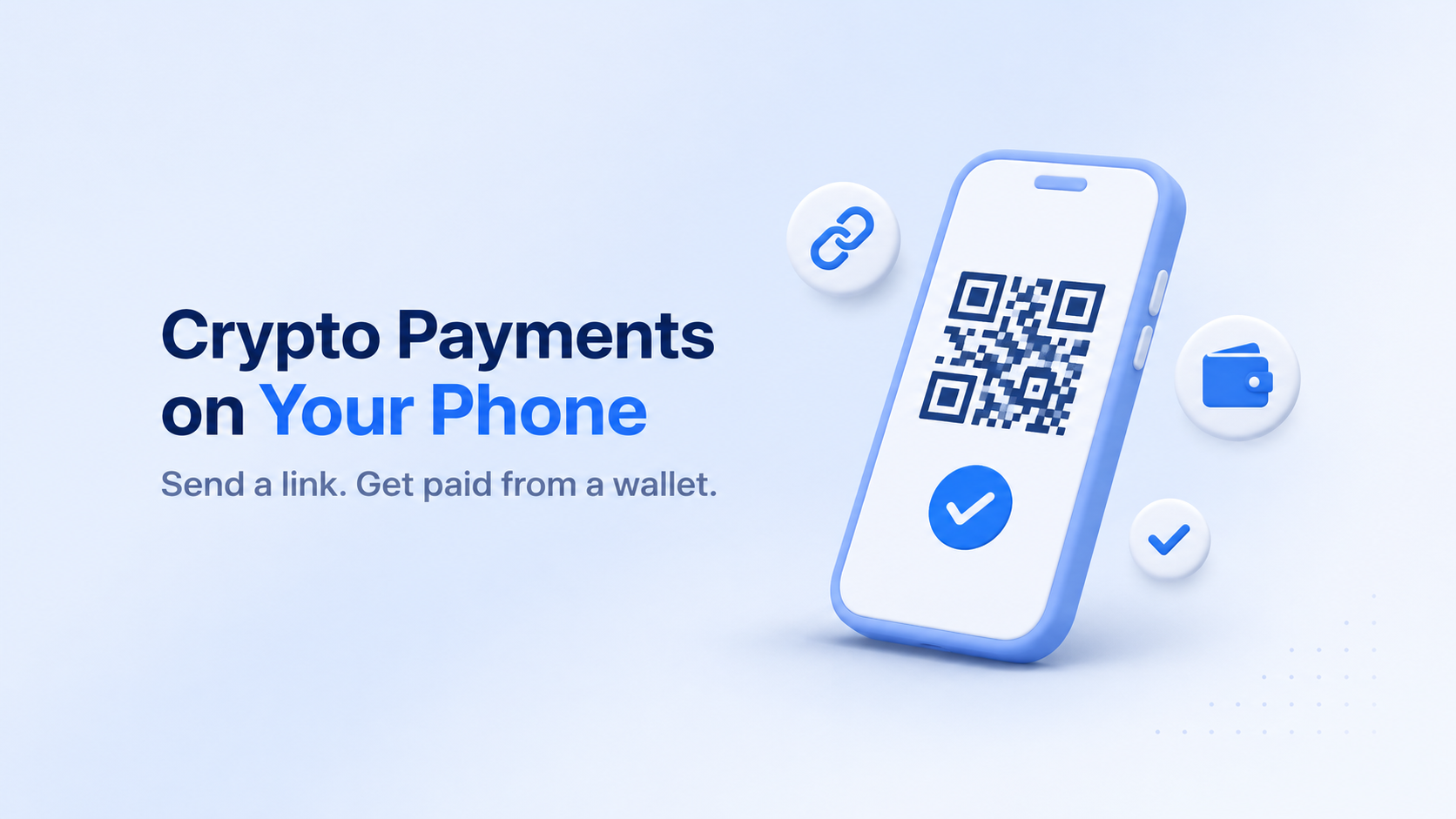
Mobile payment processing usually means a card reader clipped to a phone and an app that runs the sale. That hardware is a cost, it ties you to one acquirer, and it does nothing for a buyer whose card struggles across borders. Plenty of businesses take payment away from a counter: a market stall, a site visit, a delivery, a service call. They need to get paid on the spot, and all they have with them is a phone.
EukaPay handles mobile payment processing without any of that hardware. You create a payment request on your phone, the customer pays from their own wallet, and you can settle in fiat or crypto. This guide covers the three ways to take a mobile payment with EukaPay, how the customer pays, and how to pick the right one for the way you sell.
In this guide, you'll learn:
What mobile payment processing means when there is no card reader involved
The three EukaPay surfaces that take a payment on a phone: payment links, invoices, and checkout
What the customer actually does on their own phone to pay
How pay-ins, conversion, and fiat settlement work underneath all three
What mobile payment processing means without card hardware
Traditional mobile payment solutions put a card reader and a merchant app on the seller's side. The reader takes the card, the app runs the authorization, and the money moves on the card rails. The phone is the terminal.
EukaPay moves the work to the buyer's phone instead. You send or show a request for a set amount, and the customer pays it from the wallet they already have. There is no reader to buy, no terminal to carry, and no app you have to install to take the money. The customer pays with most major cryptocurrencies like BTC, ETH, LTC, SOL, USDC, USDT, and you choose whether that payment settles to you in crypto or in fiat.
This matters most when you sell away from a fixed counter, or when your buyers sit outside your acquirer's footprint. Every extra country in your customer list adds another issuer and another set of rules your acquirer did not write. A wallet payment does not ask an issuer for permission, so the sale completes the same way wherever the buyer is.
Three ways to take a mobile payment with EukaPay
EukaPay gives you three surfaces that work from a phone. They share the same rails underneath, and they differ in how you hand the request to the customer.
Payment links - one link you send or show
A payment link is a URL for a fixed amount. You create it on your phone, then send it by message or email, or show it as a QR code for the customer to scan. They open the link, see the amount, and pay from their wallet. A link suits a market stall, a site visit, or any sale where you want to get paid in the moment without typing out a full invoice.
Invoices - a document for a named customer
An invoice is a friendly interface where you enter the amount, add line items, and add your customer's information. EukaPay sends a formatted PDF invoice to their inbox with the payment link embedded. The customer reviews the invoice, follows the payment screens, and pays. An invoice suits a billed job, a deposit, or a delivery where the customer wants a record of what they paid for.
Checkout - a pay screen for an order
Checkout is the hosted pay screen for an online order. The customer reaches it from your site or a link, sees the total, and pays from their wallet. It suits a sale that starts online but gets completed on a phone, such as a social-media order or a booking taken over chat.
How to choose
Payment links | Invoices | Checkout | |
|---|---|---|---|
Best when | You want to get paid on the spot | You bill a named customer | An order starts online |
How the customer pays | Opens a link or scans a QR code | Opens the PDF and follows the pay screens | Reaches the hosted pay screen |
What you send | A URL for a set amount | A formatted PDF with the link embedded | The order total on a pay page |
Settlement | Fiat or crypto, your choice | Fiat or crypto, your choice | Fiat or crypto, your choice |
All three create the request on your side and move the paying to the customer's phone. Payment links need the least setup to send, invoices give the customer a document, and checkout fits an order that began on your site. You can use more than one, since they run on the same account.
Does a customer need an app to pay on their phone?
No. The customer pays from the wallet they already use. They open the link, the invoice, or the checkout page on their phone, confirm the amount, and send the payment from their wallet. A QR code lets them scan instead of typing, which is often quicker in person.
You do not install anything to take the payment either. You create the request in your EukaPay account from a phone browser, and the customer completes the transfer in their own wallet. For a fixed counter where you would rather have dedicated hardware, a
covers that case, but it is not needed to take payments on a phone.
One platform for pay-ins, conversion, and fiat settlement
Payment links, invoices, and checkout sit on one account with one set of rails. That account gives you instant crypto-to-fiat conversion at a locked exchange rate to remove your exposure to crypto price swings, support for most major cryptocurrencies, and settlement in USD, EUR, GBP, and CAD to your bank account. EukaPay locks the exchange rate on every conversion by default, so the fiat value of a sale is fixed at the moment the customer pays.
A crypto payment confirms on-chain, so protection against chargebacks is a property of the payment method. Fiat settlement reaches your own bank account, and it is not tied to banking hours or the banking calendar. You can also keep a payment in crypto if that suits how you hold funds.
For a wider view of how these pieces fit a small operation, the
best crypto payment gateway for small business
guide walks through the same account from the setup side. If you mostly bill named customers, the
guide covers that surface in more detail. For taking payments on a phone, EukaPay is the route that needs no hardware and no app on either side, so it is the one to start with.
Get started with EukaPay
Create an account at
, complete verification, and provide your legal business information. From there you can generate a payment link, send an invoice, or set up checkout, all from a phone. Developers (or coding agents) building a custom flow can read the
and test against the staging environment.
Frequently asked questions
What is mobile payment processing without a card reader?
It is taking a payment where the request is created on your phone and the customer pays from their own wallet. There is no card reader and no terminal. With EukaPay you send a payment link, an invoice, or a checkout page, and the customer pays it.
Can I accept payments on my phone with no extra hardware?
Yes. You create the request in your EukaPay account from a phone browser, and the customer pays from their wallet. Neither side installs a reader or an app.
What do mobile payment processing companies usually offer?
Most center on card hardware and card rails, with a reader and a merchant app. EukaPay works differently: it processes wallet payments through payment links, invoices, and checkout, with no reader to buy.
How does the customer pay from their phone?
They open the link, invoice, or checkout page, confirm the amount, and send the payment from their wallet. A QR code lets them scan the request instead of typing it.
Which cryptocurrencies can a customer pay with?
EukaPay supports most major cryptocurrencies like BTC, ETH, LTC, SOL, USDC, USDT, as well as Lightning, for pay-ins.
Do I get paid in crypto or in regular currency?
Your choice. You can keep the payment in crypto, or settle in fiat to your own bank account in USD, EUR, GBP, CAD.
Is a mobile payment protected against chargebacks?
A crypto payment confirms on-chain, so protection against chargebacks is a property of the payment method rather than a service added on top.
Related articles
Best crypto payment gateway for small business - how the same account looks from the setup side
How to create a crypto invoice - billing a named customer and getting paid
Best crypto payment terminal for in-store payments - the hardware route for a fixed counter
Products
Use Cases
© 2026 EukaPay. All rights reserved.
FINTRAC: M22233887