Paying with crypto: what the payer and the payee each see
September 24, 2026
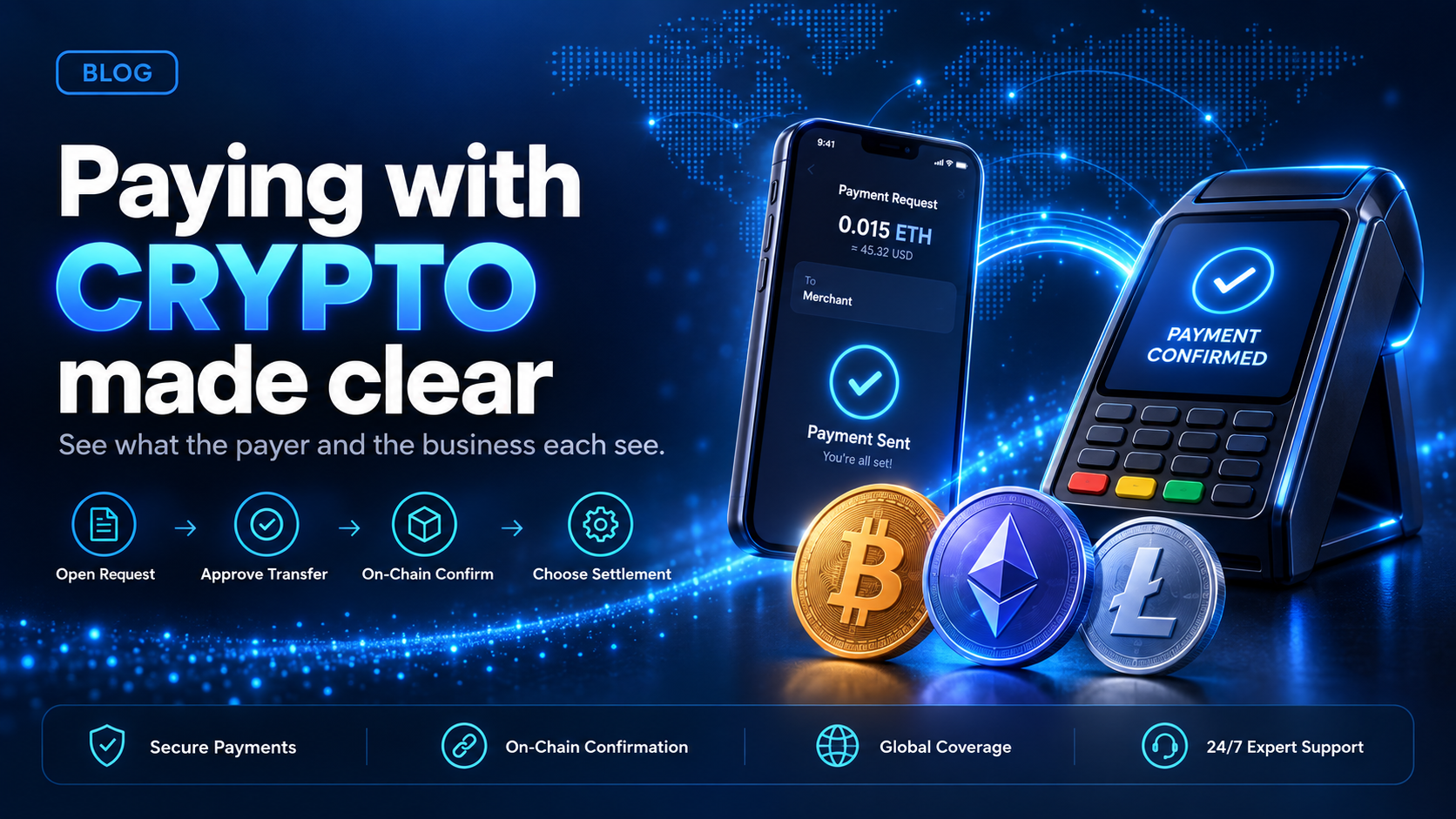
Paying with crypto means the payer sends a digital asset, such as a stablecoin or Bitcoin, from their own wallet to an address the business provides. There is no card number and no issuing bank. The payer opens a payment request, sends the transfer, and the blockchain confirms it.
A business that accepts stablecoins or crypto with EukaPay sends that payment request, receives the confirmed payment, and chooses fiat or crypto settlement. This guide walks through the payer's steps in order and shows what the payee sees at each one, so a business knows what its customers will do before it starts accepting crypto.
In this guide, you'll learn:
The steps a payer takes when paying with crypto, from payment request to on-chain confirmation
What the business receiving the payment sees at each step
Which payment details a payer has to get right in their wallet
How a EukaPay merchant can settle a crypto payment in USD, EUR, GBP, or CAD
How paying with crypto works, step by step
Most crypto payment guides are written for the payer alone. The steps below keep both parties in view, because the business sets up every step the payer sees.
The business sends a payment request.
With EukaPay, the request can be an invoice, a payment link, a checkout on the merchant's site, or a hosted payment page created through the API.
The payer opens the request.
An invoice arrives in the payer's inbox with the payment link embedded. A business can share a payment link wherever it already talks to the payer.
The payer follows the payment screens.
The payer completes the payment in a browser, on the payment page the request opens.
The payer sends the transfer from their own wallet.
The payer approves the transfer in their wallet app, and the wallet broadcasts it to the blockchain.
The blockchain confirms the transfer.
EukaPay processes the payment once the transfer is confirmed on-chain.
The business settles.
The merchant receives fiat in its own bank account or keeps the payment in crypto, depending on the settlement option it chose.
What the payer sees when they pay with crypto
The payer's side of the transaction uses their own wallet. The payer needs the wallet, the asset, and enough balance to cover the payment and the network fee.
The wallet - where the payer approves the transfer
A payer can use a self-custody wallet or a wallet at an exchange. The wallet usually shows the asset, the amount, and the destination address before the payer approves. Our guide to
covers the wallet types a business sends to and receives from.
The network fee - paid by the sender
Blockchains usually charge the sender a network fee to process a transfer. The payer's wallet often shows this fee before the payer approves. The network fee goes to the blockchain network that processes the transfer, not to the business.
The payment details - asset, network, and amount
Three details have to match the payment request: the asset, the network, and the amount. A transfer sent on the wrong network, or in a different asset, can fail to reach the business.
What the payee sees when a customer pays with crypto
The business side of the transaction starts before the payer arrives and ends after the blockchain confirms. EukaPay covers each part of it inside one merchant account.
Payment request - invoices, payment links, checkout, and the API
A business with no developer can create invoices and payment links in the merchant dashboard. Our comparison of
crypto payment gateways for payment links
covers that route in detail. A business that wants payment inside its own site can use checkout or the API. The
walks a developer (or coding agent) through that integration.
Accepted assets - what a payer can send
EukaPay accepts pay-ins in most major cryptocurrencies like BTC, ETH, LTC, SOL, USDC, USDT, as well as BCH and Lightning. A business that expects payers to hold stablecoins can point them at USDC or USDT.
Conversion and settlement - fiat or crypto
EukaPay locks the exchange rate on every conversion by default, on pay-ins and on payouts. The merchant chooses fiat or crypto settlement. Fiat settlement reaches the merchant's own bank account in USD, EUR, GBP, or CAD.
Payer steps and merchant steps when paying with crypto
Step | What the payer does | What the EukaPay merchant does |
|---|---|---|
Payment request | Opens an invoice, payment link, or checkout | Creates the request in the dashboard or through the API |
Transfer | Approves the transfer in their own wallet | Waits for the on-chain confirmation |
Exchange rate | Sends the amount on the payment page | Gets a locked rate on every conversion |
Settlement | Nothing further | Receives fiat in USD, EUR, GBP, or CAD, or keeps crypto |
With EukaPay, the merchant sets up the payment request, and the payer follows a short list of steps in their own wallet. The payer does not share a card number, and the merchant does not store one. Businesses new to this can read our guide on
how to accept bitcoin as a business
, which covers the same flow for Bitcoin.
Can you pay with crypto at any business?
No. A payer can only pay with crypto where the business has set up a way to accept it. Some well-known companies already take crypto payments, and our roundup of
which major companies accept stablecoins or crypto payments
tracks them. For a smaller business, the simplest starting point is often a payment link or an invoice, because neither needs code.
One platform for crypto pay-ins, payouts, and fiat settlement
EukaPay provides instant crypto-to-fiat conversion at a locked exchange rate to remove your exposure to crypto price swings, support for most major cryptocurrencies, and settlement in USD, EUR, GBP, and CAD to your bank account. A crypto payment confirms on-chain, so protection against chargebacks is a property of the payment method.
The same account can send crypto payouts in USDC, USDT, ETH, or BTC. A business can upload a recipient list as a CSV file in the merchant dashboard, or create payouts through the Payout API, one payout per request.
For a business whose customers already want to pay with crypto, EukaPay is the account to open. Start with a payment link or an invoice, then add checkout or the API when your site is ready.
Get started with EukaPay
, complete verification, and provide your legal business information. Then generate an API key and build your integration in the staging environment. The
covers invoices, subscriptions, payouts, balance transfer, and customers.
Frequently asked questions
How do you pay with crypto?
The payer opens the business's payment request, follows the payment screens, and approves the transfer in their own wallet. The blockchain then confirms the transfer.
Do I need a crypto wallet to pay with crypto?
Yes. The payer sends the transfer from a wallet they control, either a self-custody wallet or a wallet at an exchange.
Who pays the network fee when paying with crypto?
The sender usually pays the network fee. The payer's wallet often shows the fee before the transfer is approved.
Which cryptocurrencies can customers use to pay a EukaPay merchant?
EukaPay accepts pay-ins in BTC, ETH, USDT, USDC, BCH, LTC, SOL, and Lightning.
Can a business accept crypto payments and receive fiat?
Yes. EukaPay settles fiat to the merchant's own bank account in USD, EUR, GBP, or CAD.
Is the exchange rate locked when a customer pays with crypto?
Yes. EukaPay locks the exchange rate on every conversion by default, on pay-ins and on payouts.
Can a crypto payment be charged back?
A crypto payment confirms on-chain, so protection against chargebacks is a property of the payment method. The business still sets its own refund policy.
Does a business need a developer to accept crypto payments?
Not for every tool. Invoices and payment links are created in the merchant dashboard, and checkout and the API are for payment inside your own site.
Related articles
How to accept bitcoin as a business
- the merchant-side setup for taking Bitcoin payments
Crypto merchant payment account
- what the account is and how it differs from a card merchant account
- the wallets a business sends to and receives from
Products
Use Cases
© 2026 EukaPay. All rights reserved.
FINTRAC: M22233887