Event payment system: taking money at the door and online
September 25, 2026
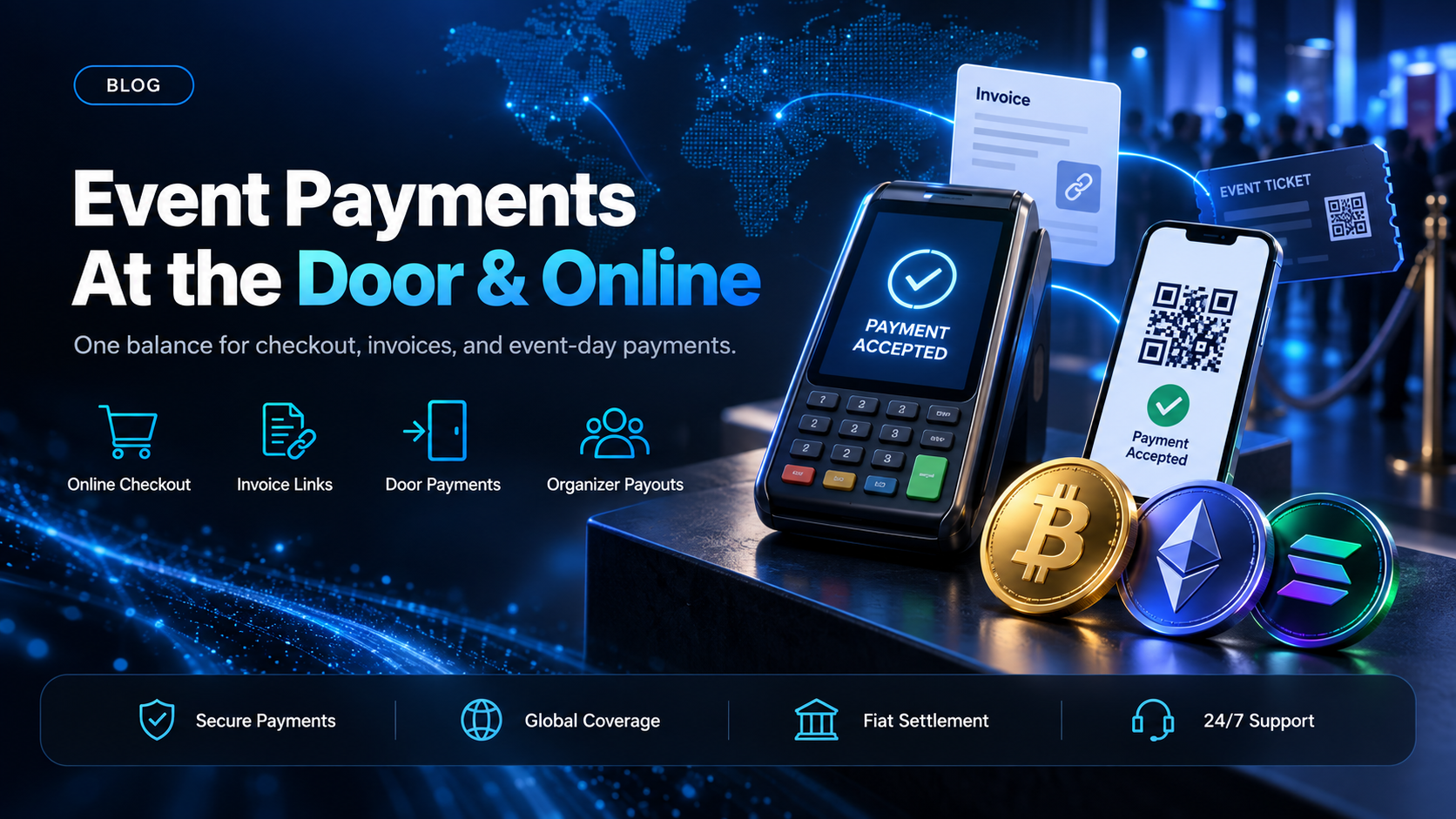
An event payment system is the set of tools a ticketing business uses to take money for an event. That usually means three channels: online checkout before the event, invoices and payment links for group and corporate buyers, and on-site payments at the door. The guides that rank for this term, from Stripe, Eventbrite, and GoCardless among them, are mostly written for the organizer of one event.
A ticketing platform has a larger job. It runs those channels for many organizers at once, and every payment ends up owed to someone else. EukaPay gives a ticketing operator all three channels on one account, with fiat settlement to your own bank and organizer payouts from the same balance. This guide covers each channel, what it needs from the payment side, and how the money closes out after the event.
In this guide, you'll learn:
Which payment channels an event payment system has to cover, and what each one needs
How online checkout, invoices, and payment links work for ticket buyers on EukaPay
What an on-site payment at the door looks like, and which parts stay with your ticketing software
How payments from every channel become organizer payouts once the event is over
What an event payment system has to cover
Buyers pay for an event at different times and in different ways. An event payment system is judged on whether it can take all of those payments and still produce one clear number per organizer.
Online checkout - the on-sale and the weeks before the event
Online checkout carries the on-sale, when many buyers try to pay in a short window. The checkout has to price the ticket in the event's currency and send the buyer to a payment page. It then has to tell your system when the payment has arrived.
Invoices and payment links - group, corporate, and sponsor payments
Some buyers cannot pay at a checkout. A company buying a block of conference passes often needs an invoice. A sponsor or an exhibitor paying for a booth may want a link they can forward to their finance team.
On-site payments - the door, the box office, and the merch table
Walk-up buyers pay on the day. So do buyers at the bar and the merch stand. The on-site channel needs a payment screen staff can show a buyer quickly, on a device the venue already has.
How EukaPay takes event payments online
EukaPay's online checkout starts with an invoice created by your ticketing system. Your backend sends the ticket price in fiat, and the API returns a payment URL for a hosted payment page. The buyer completes the transfer from their own wallet on that page, then returns to your site through a redirect you set.
Payment confirmation - webhooks, not the redirect
The redirect back to your site is not proof of payment. Your backend listens for webhook events and marks the order paid when EukaPay reports the payment. This keeps ticket issuing tied to money that has arrived, which matters most during an on-sale spike.
Accepted cryptocurrencies - the pay-in side
Buyers can pay with most major cryptocurrencies like BTC, ETH, LTC, SOL, USDC, and USDT. A buyer whose card fails on a cross-border purchase still has a route to the ticket. Pricing stays in fiat, so an organizer sees the same ticket price whichever asset the buyer used.
Event invoicing and payment links for group buyers
EukaPay invoices are a friendly user-interface where you enter what the invoice is for and your customer's information. EukaPay sends a formatted PDF invoice to the buyer's inbox with the payment link embedded. The buyer reviews the invoice and follows the payment screens to pay.
Payment links suit the sponsor or exhibitor who wants something to forward. You create the link and share it by email or chat. Our guide to
crypto payment gateways for payment links
covers how links compare with a full checkout.
Invoice and payment link payments land in the same EukaPay account as your online ticket sales, so corporate and sponsor money is not tracked in a separate system.
Taking event payments at the door
EukaPay's point-of-sale product runs on an internet-enabled device with a screen. Staff enter the amount, and the buyer scans a QR code to pay from their own wallet. The walkthrough on
accepting crypto payments at events
covers the gate, the bar, and the merch stand in detail.
Your ticketing software keeps its own jobs at the door. It issues the ticket, checks it at entry, and tracks capacity. EukaPay takes the payment, and your software issues the ticket once the payment is confirmed.
Does an event payment system need to pay organizers?
For a single organizer, no. For a ticketing platform, yes. Every channel above collects money that belongs, in part, to an organizer, a venue, or a promoter. The event payment system is only finished when each of them has been paid.
EukaPay closes that loop from the same account. You can settle to your own bank account in USD, EUR, GBP, or CAD, or keep the balance in crypto. For organizers, EukaPay sends payouts in USDC, USDT, ETH, and BTC, with the asset and network set per payout. A long organizer list goes up as a CSV file in the merchant dashboard. If your own system triggers payouts, the Payout API creates one payout per request, each with its own reference.
The payout balance can be funded two ways: by a transfer from your account's main balance, or by a fiat deposit. Payouts are not tied to banking hours or the banking calendar, which can help when organizers sit outside your domestic banking system. The
guide covers that route in full.
How to choose an event payment system for a ticketing platform
Channel | What the buyer does | What EukaPay provides | What your ticketing software keeps |
|---|---|---|---|
Online checkout | Pays on a hosted payment page | Invoice API, payment page, and webhooks | Listings, seat selection, and ticket issuing |
Group and corporate | Pays a PDF invoice | Invoices with an embedded payment link | Attendee names and pass allocation |
Sponsors and exhibitors | Pays a forwarded link | Payment links | Booth and package records |
At the door | Scans a QR code | Point-of-sale payment screen | Entry checks and capacity |
EukaPay is the event payment system for an operator who already runs ticketing software and needs every channel to land in one balance. The bundled payment tools in all-in-one ticketing products suit a single organizer. A platform paying many organizers needs the collection and the payouts in one place, and EukaPay gives it both. For the wider question of bundled versus separate payments, see our guide to the
.
One platform for deposits, payouts, and fiat settlement
Online checkout, invoices, payment links, point-of-sale payments, and organizer payouts all run through one EukaPay account. That account carries instant crypto-to-fiat conversion at a locked exchange rate to remove your exposure to crypto price swings, support for most major cryptocurrencies, and settlement in USD, EUR, GBP, and CAD to your bank account. EukaPay locks the exchange rate on every conversion by default, on pay-ins and on payouts. A crypto payment confirms on-chain, so protection against chargebacks is a property of the payment method.
For a ticketing operator, one account means one place to see what came in from each channel and what went out to each organizer. Canceled events are part of the same picture, and our guide to
crypto ticket refunds and cancellations
covers the buyer-facing side.
Get started with EukaPay
Create an account at
, complete verification, provide your legal business information, and generate an API key. The invoice, payout, and balance transfer endpoints are documented at
, with a staging environment for development.
Frequently asked questions
What is an event payment system?
It is the set of tools a ticketing business uses to take money for an event. That usually covers online checkout, invoices and payment links, and on-site payments at the door.
What is the difference between an event payment system and an event payment platform?
The terms describe the same payment layer beside ticketing software. This guide covers the channels buyers pay through, and the event payment platform guide covers bundled versus separate payment providers.
Can an event payment system take payments at the door?
Yes. EukaPay's point-of-sale product runs on an internet-enabled device with a screen, and the buyer scans a QR code to pay from their own wallet.
Can corporate buyers pay for event tickets by invoice?
Yes. EukaPay sends a formatted PDF invoice to the buyer's inbox with the payment link embedded.
Which assets can a ticketing platform pay organizers in?
Organizer payouts are sent in USDC, USDT, ETH, and BTC. The asset and network are set per payout.
How do I fund the payout balance?
Two ways. Transfer from your account's main balance, or make a fiat deposit.
Does EukaPay issue or scan tickets?
No. Your ticketing software issues tickets and checks them at entry. EukaPay takes the payment and pays organizers afterward.
Related articles
Event ticketing system evaluation
- the parts of core ticketing software buyers' guides leave out.
Event payment platform for ticketing operators
- bundled ticketing payments versus a separate payment layer.
Accepting crypto payments at events
- point-of-sale at the gate, the bar, and the merch stand.
Products
Use Cases
© 2026 EukaPay. All rights reserved.
FINTRAC: M22233887