How to accept crypto payments at events: POS at the gate, the bar and the merch stand
August 14, 2026
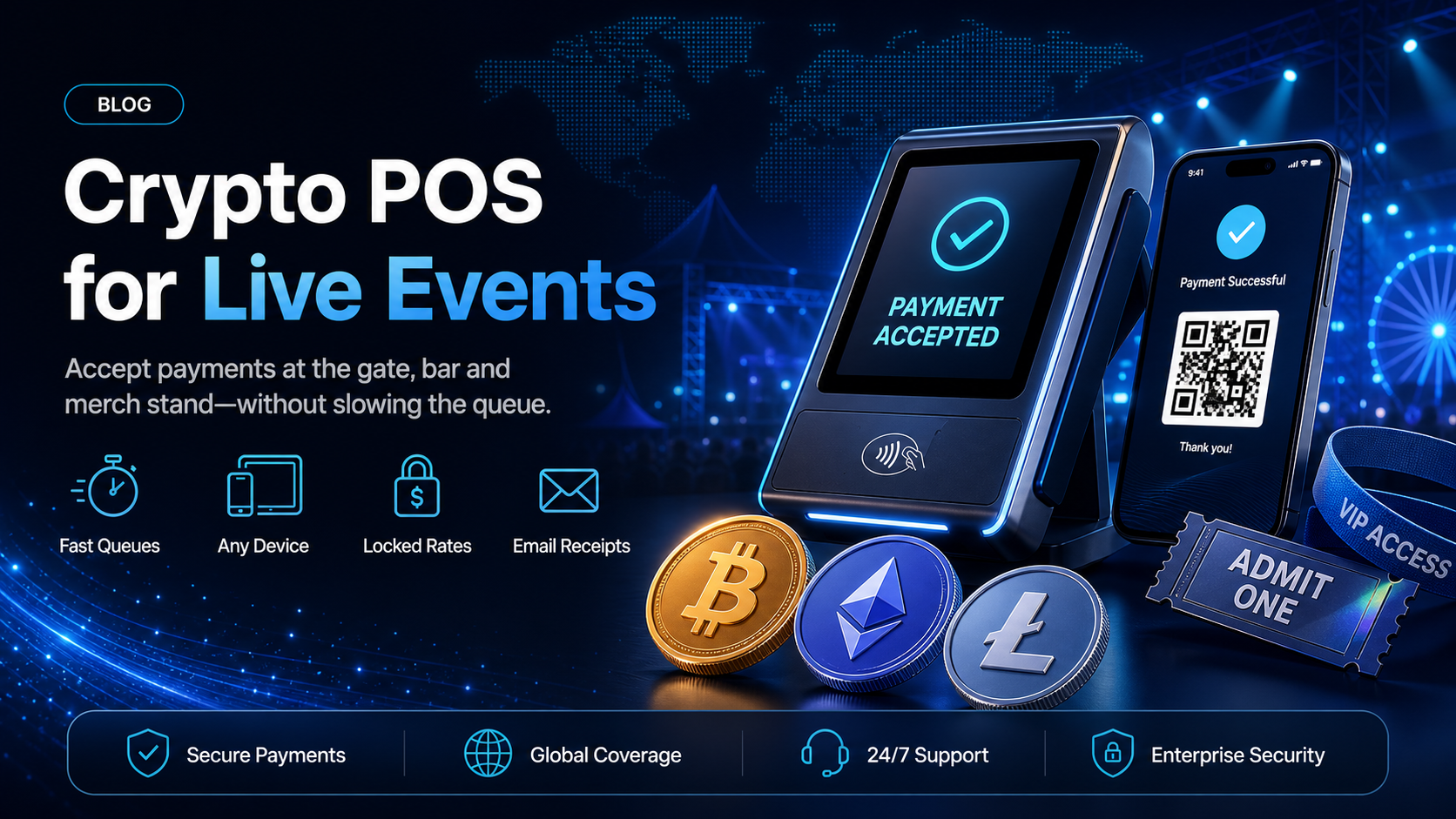
What it takes to accept crypto payments at events on the day itself, when attendees pay in stablecoins or crypto at the gate, the bar and the merch stand.
Online ticket sales are a solved problem. An attendee buys a ticket weeks in advance, on a laptop, with time to work out how they want to pay. The event itself is a different payments environment: a field or a hall, a crowd, a queue behind every till, and staff who were hired for the weekend.
If you want to accept crypto payments at events rather than only for the tickets, the question stops being about integration and starts being about what a member of bar staff does with a device in their hand at 21:40 with forty people waiting. This guide covers the four places money changes hands on site, what the EukaPay Terminal runs on, and the parts of a live event that decide whether the setup works.
In this guide, you'll learn:
The four transaction points on an event site, and how each one differs
What a crypto POS terminal runs on, from a phone to a Clover or PAX device
Exactly what staff and the attendee each do during an in-person crypto payment
How the 20-minute rate guarantee behaves in a moving queue
Accepting crypto payments at events: four transaction points on one site
An event is not one merchant. It is four, operating within a few hundred metres of each other, with different ticket sizes and different tolerances for delay.
Gate | Bar | Merch stand | Parking and extras | |
|---|---|---|---|---|
Typical amount | Medium, or zero if pre-sold | Small, repeated | Medium to large, one-off | Small, one-off |
Queue pressure | Highest, everyone arrives at once | High, in bursts between sets | Moderate, attendees browse | Concentrated at open and close |
What a delay costs | People outside the gate at showtime | An unserved round | An abandoned purchase | Traffic backing onto the road |
Who operates it | Security or box office staff | Bar staff, often agency | Merchandise seller or artist's team | Stewards |
The bar is the hardest of the four and the one worth designing around. It has the shortest tolerable transaction time, the least experienced staff, and the highest repeat volume. A payment method that works at the bar will work everywhere else on the site.
What a crypto POS terminal runs on at a venue: phones, tablets, Clover, PAX, Poynt and Sunmi
EukaPay Terminal has no dedicated hardware requirement. You can set it up on any internet-enabled device with a screen, which for most events means the phones and tablets your staff already carry. It also connects directly with POS devices you may already run, including Clover, PAX, Poynt and Sunmi.
That matters at an event more than in a shop. A festival bar does not have a fixed counter with a card machine bolted to it; it has trestle tables, a marquee, and whatever equipment fits in a van. Being able to run the same payment method on a steward's phone at the gate and on a Clover unit at the main bar means one setup covers the whole site.
Terminal is reached from the side drawer of the EukaPay merchant dashboard, so a member of staff signs in on the device and starts taking payments from the same screen your office uses.
How an in-person crypto payment works at the bar, step by step
The whole transaction is six steps, and staff are only responsible for the first two.
Staff enter the amount into Terminal.
Staff hand the device to the attendee.
The attendee reviews the transaction details on screen.
The attendee selects a tip amount, if you have tipping switched on.
The attendee chooses which cryptocurrency to pay with, then opens their wallet, for example MetaMask, Trust Wallet or WalletConnect.
The attendee scans the QR code on screen and sends the amount from their wallet.
Afterwards the transaction appears in your dashboard, where you can view its details and email a receipt to the attendee by entering their address.
The important part for a temporary workforce is what is not in that list. Staff do not choose a currency, do not handle an address, and do not calculate a conversion. They enter a number and pass the device over, which is the same thing they already do with a card machine.
Locked crypto rates at the bar: the 20-minute rate guarantee
Cryptocurrency rates on Terminal are guaranteed for approximately 20 minutes and auto-refresh after that window. In an ecommerce checkout, a 20-minute window is generous. At an event bar it is the difference between a working till and an argument.
Consider what a queue actually does to a transaction. An attendee is handed the device, cannot find their wallet app, asks a friend, tries again. That is ninety seconds in a bad case, and it sits comfortably inside the guaranteed window, so the price the attendee was shown is the price they pay. The auto-refresh means a terminal left idle between sets picks up a current rate when trading resumes rather than holding a stale one.
Internet connectivity for event POS terminals
Terminal needs a live internet connection. That is the one infrastructure dependency, and at a greenfield site it deserves the same planning attention as power.
Three practical points. Order connectivity for the trading positions specifically, rather than assuming the site wifi provisioned for production will reach the bar. Test from the exact spot the terminal will stand, at the height it will stand, because a marquee and a crowd both attenuate signal. And check it again once the audience is in, since ten thousand phones on the same cell change the picture from what you measured at load-in.
If a position cannot hold a reliable connection, put the terminal where the connection is rather than where the queue naturally forms, and move the queue.
Tips, receipts and end-of-day records from an event POS
Three things fall out of the flow above that are worth setting up deliberately rather than discovering on the night.
Tips.
The tip prompt appears on the attendee's own screen, before they choose an asset. For a bar or a food stand, that is a prompt the customer answers privately rather than one a member of staff has to ask out loud.
Receipts.
A receipt is emailed from the transaction record after the payment, by entering the attendee's address. Decide in advance whether stands offer receipts by default or on request, because at the bar it adds a step and at the merch stand an attendee will often want one.
Records.
Every transaction lands in the merchant dashboard. Agree with your finance team before the event how you want takings attributed back to individual stands, and confirm the setup that supports it with us during onboarding rather than reconstructing it from a spreadsheet on the Monday.
One platform underneath your event payments
On-site payments and online ticket sales run on the same infrastructure: instant crypto-to-fiat conversion at a locked exchange rate to remove all crypto volatility, protection against chargebacks, and settlement in USD, EUR, GBP, CAD to your bank account. Pay-ins from the gate, the bar and the merch stand arrive in the same merchant account as the ticket revenue.
The event is where a payment method is tested properly, because nothing about a field at 21:40 is forgiving. Our
covers the pre-sale side, and the
crypto payment gateway for event ticketing platforms
guide covers the online checkout that feeds it.
Get started with EukaPay
If you run events and want crypto accepted on site as well as online,
. We'll go through your trading positions, the devices you already run, and how takings should reach your account. Every merchant goes through onboarding and a business review, and a staging environment is available for your developer (or coding agent) if you are integrating rather than using Terminal directly. The
covers the day-to-day steps for staff.
Frequently asked questions
What hardware do we need to accept crypto payments at events?
Any internet-enabled device with a screen. Terminal also connects directly with Clover, PAX, Poynt and Sunmi devices if you already run them.
How long does a payment take at the bar?
The attendee reviews the amount, optionally tips, picks an asset and scans a QR code from their wallet. Rates are guaranteed for approximately 20 minutes, so a slow attendee in a queue does not lose the quoted price.
Which cryptocurrencies can attendees pay with on site?
EukaPay supports most major cryptocurrencies for pay-ins, including BTC, ETH, USDT, USDC, BCH, LTC, SOL and Lightning, with wallets including MetaMask, Trust Wallet and Phantom.
Do our staff need to understand crypto?
No. Staff enter the amount and hand the device over. Choosing the asset, opening a wallet and scanning the QR code are all done by the attendee.
Can attendees leave a tip?
Yes. The tip prompt appears on the attendee's own screen before they select which cryptocurrency to pay with.
Can we give an attendee a receipt?
Yes. After the payment you can view the transaction and email a receipt by entering the attendee's address.
Do we get paid in crypto or in our own currency?
Your choice. Convert to fiat from your dashboard and settle to your bank account in USD, EUR, GBP, CAD or another supported currency, at a locked exchange rate to remove all crypto volatility.
Does the terminal need an internet connection?
Yes. A live connection is the one infrastructure requirement, so plan connectivity for each trading position the way you plan power.
Products
Use Cases
© 2026 EukaPay. All rights reserved.
FINTRAC: M22233887