Crypto wallet integration for a business that takes payments
September 24, 2026
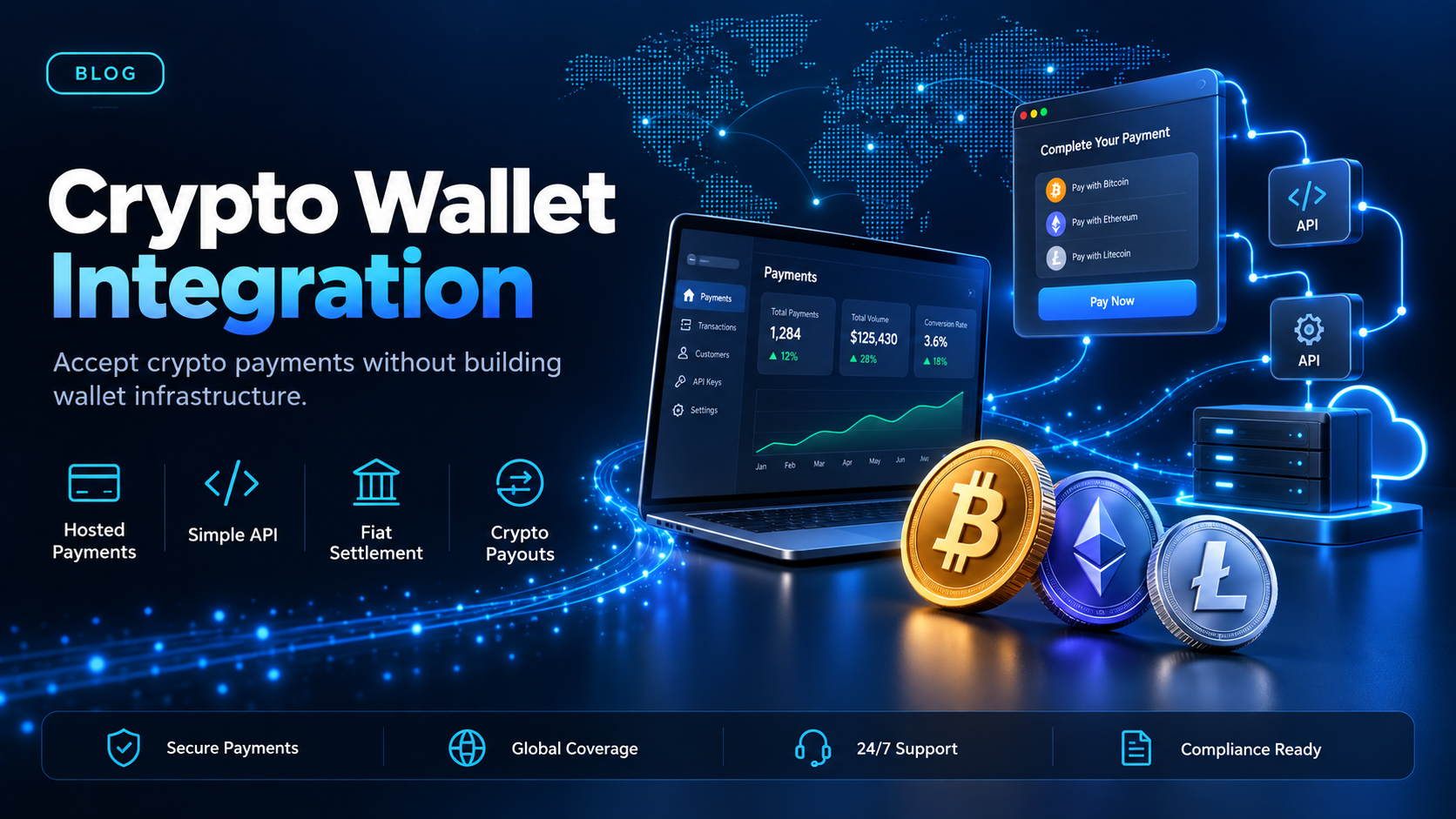
A request for crypto wallet integration usually arrives as an engineering ticket, and it gets read as an instruction to build wallet infrastructure. Key management, address generation, chain monitoring, the lot. For a business that wants to take payments and send them, that reading is the costly one, and it is often not the job being asked for.
EukaPay is the platform we would put in place of that build. The payer completes the transfer on a hosted payment page. You choose whether to settle in fiat to your own bank account or keep the balance in crypto, and payouts go out to wallet addresses your recipients control. This guide sorts the request into its three jobs, names what each one asks your team to build, and says where the money ends up.
In this guide, you'll learn:
What crypto wallet integration means when the goal is accepting payment, not holding assets
What building the chain-facing parts yourself actually takes
Whether your business has to run a wallet to take crypto payments
Which route to pick for accepting, for building into your own product, and for paying out
What crypto wallet integration covers for a business taking payments
The phrase gets used for three unrelated jobs. Sorting them first saves a build nobody needed.
Wallet connect - the payer approves the transfer in their own wallet app
Here the wallet belongs to the payer, not to you. Your site asks their wallet extension or mobile app to approve a transfer, and they sign it there. This is the version most people picture. It fits consumer web3 products, not a business collecting payment for goods or services.
Hosted payment page - the payer completes the transfer in a browser
Your side sends a payment request. The payer opens it, sends the cryptocurrency from whatever wallet they already use, and the payment confirms on-chain. You are not integrating a wallet at all in this version. You are integrating a payment page. Nothing chain-facing has to exist on your side before the first payment can arrive.
Payout address - a wallet you send to and do not control
The third job runs the other direction. A supplier, contractor, or partner gives you a wallet address, and you send money to it. What you need here is a way to create payouts and keep references for them, not a wallet of your own to manage.
What a crypto wallet integration asks your team to build
The chain-facing parts are where the estimate goes wrong. A wallet that receives business payments has to generate and track addresses, watch each network for confirmations, and decide how many confirmations count as settled for each asset. That number is not the same on every chain.
Then come the cases that only show up in production. Network fees move, so the amount that lands can differ from the amount that was sent. A payer can send the right asset on the wrong network, and recovering it is manual work. Keys have to be stored, rotated, and backed up by somebody whose day job that is. None of this is exotic, and all of it is ongoing.
The alternative is to integrate at the payment layer instead. EukaPay's API covers invoices, subscriptions, payouts, balance transfer, and customers, so your team calls an endpoint and EukaPay does the chain-facing work. Our guide to the
walks through what each of those endpoints does, and the
covers what a first integration looks like. A staging environment is available for development, so you can
.
Does crypto wallet integration mean your business has to run a wallet?
Not with EukaPay. The payer completes the payment on a hosted page in a browser, and you choose fiat or crypto settlement on your side. Fiat settlement reaches your own bank account in USD, EUR, GBP, or CAD. That settlement pays your business, so it is not a route for paying an individual recipient in fiat.
The conversion runs at a locked exchange rate by default, on pay-ins and on payouts. There is no floating-rate mode and nothing to switch on per payment. Our guide to
covers what the fiat leg looks like once the crypto leg has confirmed.
How to choose
Hosted payment page | Payment API | Crypto payouts | |
|---|---|---|---|
Coding required? | No | Yes | No for a CSV upload, yes for the Payout API |
What the payer does at the final step | Pays on a hosted payment page | Pays on a hosted payment page | Nothing, they receive to their address |
Which cryptocurrencies | BTC, ETH, LTC, SOL, USDC, USDT | BTC, ETH, LTC, SOL, USDC, USDT | USDC, USDT, ETH, BTC |
Where the money ends up | Your bank account, or your crypto balance | Your bank account, or your crypto balance | The recipient's wallet |
Most businesses can start on the hosted page and move to the API once the payment has to live inside their own product. EukaPay runs both from the same account, so the move is a change of interface and not a change of vendor. Payouts run from that same account. The asset and the network are set per payout, so two recipients in the same run can receive different cryptocurrencies.
are not tied to banking hours or the banking calendar. Each payout carries its own reference that can be looked up afterwards.
One platform for crypto pay-ins, payouts, and fiat settlement
Both directions use the same EukaPay account, with instant crypto-to-fiat conversion at a locked exchange rate to remove your exposure to crypto price swings, support for most major cryptocurrencies, and settlement in USD, EUR, GBP, and CAD to your bank account. A crypto payment confirms on-chain, so protection against chargebacks is a property of the payment method. The payout balance is funded two ways: transfer from your account's main balance, or make a fiat deposit.
If your team has been scoped to build a wallet before the business can take its first crypto payment, cut the scope to the payment layer. Open an account, take one payment on a hosted page, and add the API and payouts once you know which parts you actually need. Our overview of
covers the wider rail, and
covers what changes for a merchant once payments confirm on-chain.
Get started with EukaPay
Create an account at
, complete verification, provide your legal business information, and generate an API key. The full endpoint reference is at
, and a staging environment is available for development.
Frequently asked questions
What is crypto wallet integration?
It is connecting your systems to wallets so cryptocurrency can move in or out. For a business taking payments, that usually means a payment page the payer completes and payout addresses you send to, not a wallet you run yourself.
Do I need a crypto wallet to accept crypto payments?
Not with EukaPay. You send a hosted payment page, the payer completes it in a browser, and you choose whether to settle in fiat or in crypto.
Which cryptocurrencies can I accept?
Most major cryptocurrencies like BTC, ETH, LTC, SOL, USDC, USDT on the pay-in side.
Which cryptocurrencies can I send as a payout?
USDC, USDT, ETH, and BTC, on the Ethereum, Tron, and Bitcoin networks. The asset and the network are set per payout.
How do I fund the payout balance?
Two ways. Transfer from your account's main balance, or make a fiat deposit.
Can I pay a list of recipients at once?
Yes. Upload the recipient list as a CSV file in the merchant dashboard. The Payout API creates one payout per request.
Can I test a crypto wallet integration before going live?
Yes. A staging environment is available for development, so a first integration can be built and exercised before real money moves.
Does the money reach my bank account?
Yes. EukaPay converts crypto to fiat and settles to your own bank account in USD, EUR, GBP, or CAD.
Related articles
Testing crypto payments in a sandbox
- what to exercise before a first integration goes live
- what the invoices, subscriptions, payouts, balance transfer, and customers endpoints do
- sending money out to wallet addresses you do not control
Products
Use Cases
© 2026 EukaPay. All rights reserved.
FINTRAC: M22233887