Crypto payment button: adding crypto checkout to any page
October 06, 2026
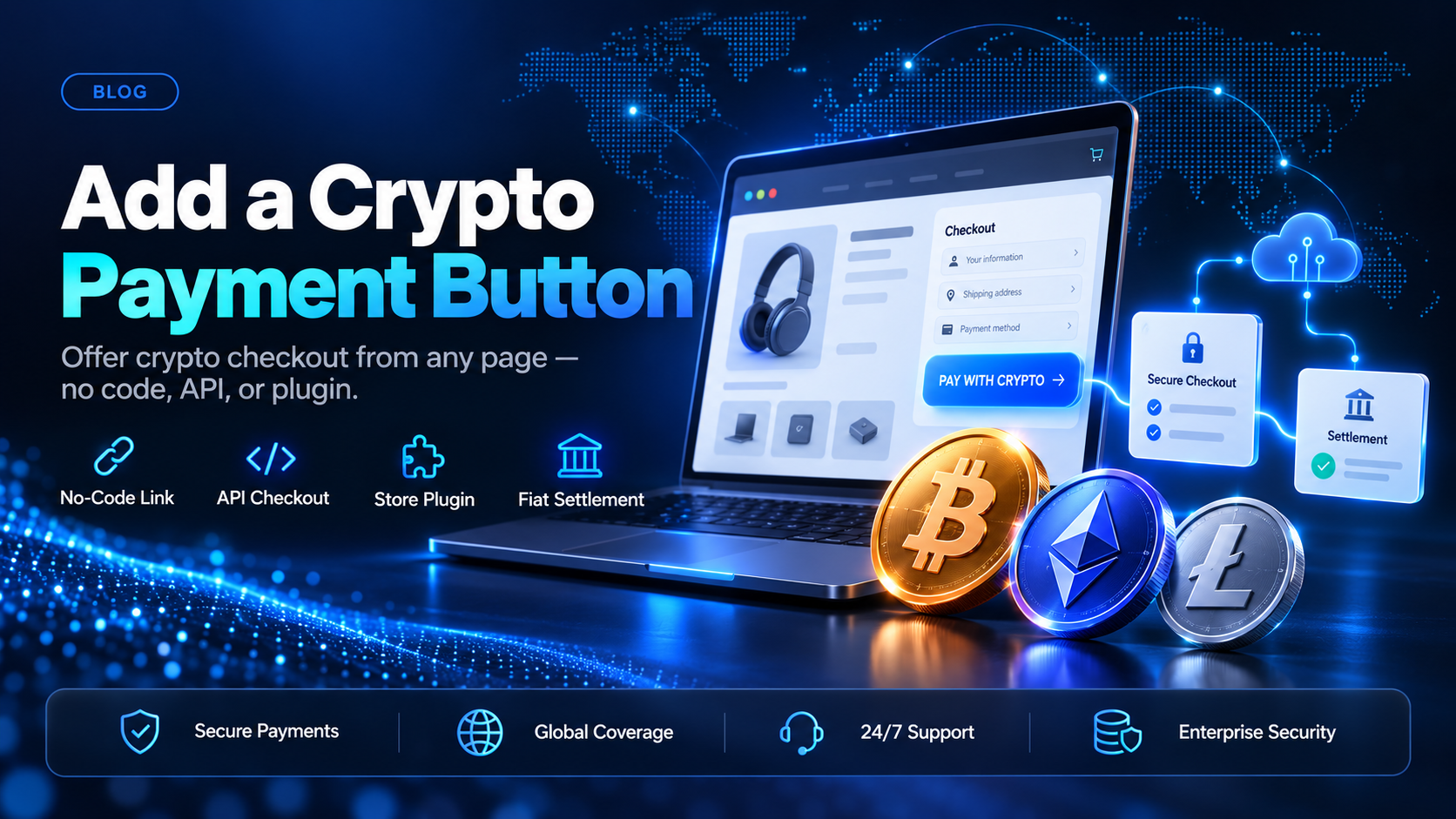
A crypto payment button is a button on a web page that starts a payment in cryptocurrency. The visitor clicks it, a payment page opens, and they pay from a wallet they already hold. Businesses add one to product pages, pricing pages, service pages, and checkout pages that already take cards. What matters is what the button opens, and what happens to the money after the payment.
With EukaPay, the button opens a EukaPay hosted payment page. The customer pays in stablecoins or crypto, EukaPay converts the payment at a locked exchange rate, and you can settle it to your bank account in USD, EUR, GBP, or CAD. You can set this up three ways: a payment link behind a button, a payment created per order through the API, or a store plugin.
In this guide, you'll learn:
What a crypto payment button does when a customer clicks it
Three ways to add a crypto payment button to a page with EukaPay
Which route fits a simple web page, a custom site, or an online store
How EukaPay settles button payments to your bank account
How a crypto payment button works
EukaPay keeps the payment off your own page, so the button only needs to send the customer somewhere. That makes the button itself ordinary HTML: a link styled as a button.
After the click, the customer lands on the EukaPay hosted payment page. They choose a cryptocurrency, send the payment from their wallet in a browser, and the payment confirms on-chain. Your page never shows a wallet address and never has to watch a blockchain. The
shows that page in detail.
Three ways to add a crypto payment button with EukaPay
EukaPay supports three routes. They differ in how much code each one needs and in who sets the amount.
Payment link button - no code, one fixed request
You create a payment link in the EukaPay merchant dashboard and use its URL as the button's destination. Anyone who clicks the button opens the same payment request. This route suits a page with one price, such as a service fee, a deposit, or a single product. The
crypto payment links comparison
covers payment links in more depth.
API checkout button - a new payment for each order
Your backend calls the EukaPay invoices API when the customer clicks the button. The API returns a payment page URL for that order, and your site sends the customer there. A
redirect_uribrings the customer back to your page after payment, and a webhook can tell your system the payment completed. The
crypto payment gateway API guide
and the
cover the build.
Store plugin - a crypto option at the existing checkout
On WooCommerce and Shopify, EukaPay has documented plugins. On WooCommerce, the plugin adds EukaPay Payments alongside the other payment options at checkout, and a sandbox setting lets you test before going live. The customer picks it at checkout instead of clicking a separate button on the page.
Crypto payment button options compared
Payment link button | API checkout button | Store plugin | |
|---|---|---|---|
Code needed | No | Yes | No, settings in the plugin |
Who sets the amount | You, when you create the link | Your backend, for each order | Your store's cart |
Where the customer pays | EukaPay hosted payment page | EukaPay hosted payment page | EukaPay hosted payment page |
Typical page | A page with one price | A custom site or app | A WooCommerce or Shopify store |
EukaPay ends every route on the same hosted payment page, so the customer's experience is the same whichever one you pick. Start with a payment link if you want a button live today without a developer. Move to the API when each order needs its own amount. The
breakdown of invoices, payment links, checkouts, and the API
maps the full EukaPay product set to billing shapes.
Can you add a crypto payment button without code?
Yes. EukaPay payment links are created in the dashboard, so a button that points at one needs no integration work. Most website builders let you add a button and paste a link into it. On a store built on WooCommerce or Shopify, the plugin adds a crypto option at checkout without custom code.
For a custom site, the API route takes developer time, but it gives each order its own payment and its own confirmation. The guide on how to
integrate bitcoin payment into a website
walks through that build. Either way, EukaPay handles the payment page, the conversion, and the settlement.
One platform for deposits, payouts, and fiat settlement
A EukaPay payment button is the front of one account. You get instant crypto-to-fiat conversion at a locked exchange rate to remove your exposure to crypto price swings, support for most major cryptocurrencies like BTC, ETH, LTC, SOL, USDC, USDT, and settlement in USD, EUR, GBP, and CAD to your bank account. EukaPay locks the exchange rate on every conversion by default, on pay-ins and on payouts.
A crypto payment confirms on-chain, so protection against chargebacks is a property of the payment method. The same account can send crypto payouts, and payouts are not tied to banking hours or the banking calendar. Invoices, payment links, checkout, and subscriptions all run from the same EukaPay account.
If your page already sells something, a EukaPay payment link behind a button is the shortest route to taking stablecoin and crypto payments on it. Create the link, add the button, and choose how you want to settle.
Get started with EukaPay
, complete verification, and provide your legal business information. Then create a payment link from the dashboard, or generate an API key for the API route. The
and the
list each option in full. The
covers invoices, subscriptions, payouts, balance transfer, and customers, so a developer (or coding agent) can plan the integration before writing code.
Frequently asked questions
What is a crypto payment button?
A crypto payment button is a button on a web page that opens a payment in cryptocurrency. The customer clicks it, lands on a payment page, and pays from their own wallet.
How do I add a crypto payment button to my website?
With EukaPay, create a payment link in the dashboard and use its URL as the button's link. For a payment per order, your backend can create the payment through the invoices API instead.
Do I need to write code to add a crypto payment button?
No, if you use a payment link or the WooCommerce or Shopify plugin. The invoices API route needs a developer (or coding agent).
Can the button return the customer to my site after payment?
Yes, on the API route. The invoices API takes a
redirect_uri, and the EukaPay payment page sends the customer there after the payment completes.
Which cryptocurrencies can customers pay with through the button?
Customers can pay with most major cryptocurrencies like BTC, ETH, LTC, SOL, USDC, USDT on the EukaPay hosted payment page.
Do I receive crypto or fiat from button payments?
You choose fiat or crypto settlement. Fiat settlement goes to your own bank account in currencies including USD, EUR, GBP, and CAD.
Can a payment made through a crypto payment button be charged back?
A crypto payment confirms on-chain, so protection against chargebacks is a property of the payment method. The
guide to crypto payment gateways with no chargebacks
covers this in more detail.
Related articles
Hosted payment page for accepting crypto
- the page every EukaPay button opens, compared with card providers' pages
Crypto payment gateway with payment links
- the no-code route behind a payment button
Integrate bitcoin payment into a website
- what the API route takes to build
Latest Blogs
Products
Use Cases
© 2026 EukaPay. All rights reserved.
FINTRAC: M22233887