How to sell tickets for Bitcoin
August 14, 2026
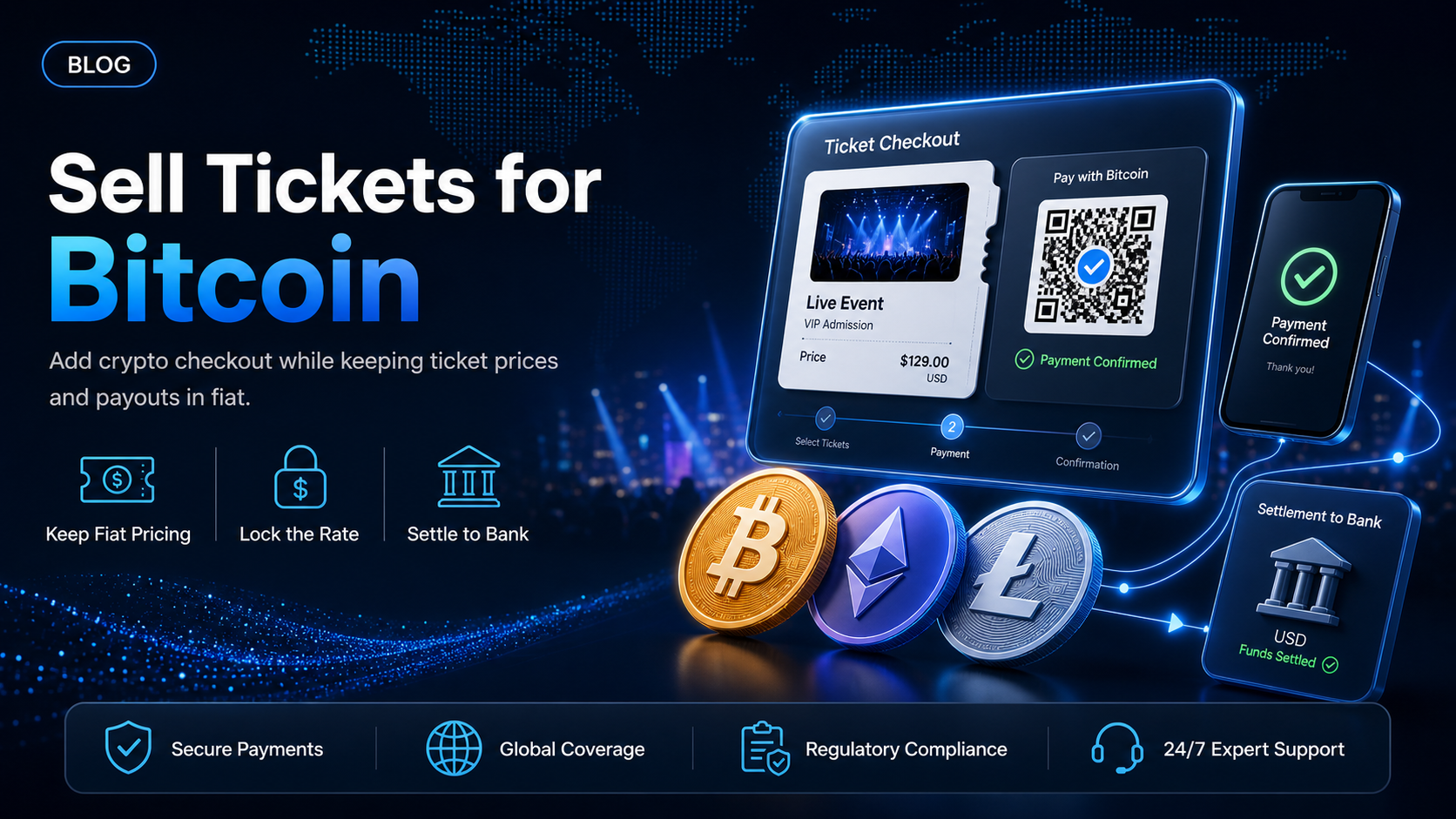
Every ticketing operator eventually gets the same request from an organizer: a portion of the audience wants to sell tickets for Bitcoin, or pay in stablecoins or crypto, and the card checkout cannot do it. The organizer is not asking you to rebuild the platform. They are asking for one more payment method next to the card fields.
That is a payments problem, not a ticketing problem. Your seat map, your fee logic, your access control, and your organizer payouts stay exactly where they are. What changes is the payment step: the buyer sends Bitcoin instead of entering a card number, and your bank account receives fiat.
In this guide, you'll learn:
The three separate decisions behind "selling tickets for Bitcoin," and why pricing, payment, and settlement are not the same choice
A six-step sequence for going from a new account to a live crypto payment option at your checkout
Four ways to add Bitcoin to a ticket checkout, from a single link to a full API integration
How on-site vendors at your event can take crypto from the same attendees
What selling tickets for Bitcoin actually involves
Operators usually describe event ticketing crypto payments as one decision. There are three, and separating them removes most of the perceived risk.
Pricing - the ticket stays denominated in fiat
You do not have to price a ticket in Bitcoin. A general admission ticket stays at 75 USD in your system, with your service fee calculated the way it always was. Bitcoin is the method the buyer uses to pay that amount, not the unit the ticket is priced in.
Payment - the buyer selects an asset and the rate is locked
At the payment step, the buyer chooses which asset to pay with. EukaPay supports most major cryptocurrencies for pay-ins, including BTC, ETH, USDT, USDC, BCH, LTC, SOL and Lightning. A locked exchange rate is applied on conversion to remove all crypto volatility, so the amount you are owed for the ticket does not move while the buyer is completing the payment.
Settlement - you choose fiat or crypto
You decide what lands on your side. Fiat settlement reaches your own bank account in USD, EUR, GBP, CAD. Crypto settlement keeps the proceeds in crypto on your EukaPay balance. The settlement choice is yours, and it is independent of the asset the buyer paid with.
How to sell tickets for Bitcoin, step by step
Step 1 - Open an account and complete verification
Sign up, provide your legal business information, complete verification, then generate an API key. Every merchant goes through onboarding and a business review, so open the account before an on-sale date rather than during the week of one.
Step 2 - Build against the staging environment
A staging environment is available for development. Your developer (or coding agent) can wire the payment method into your checkout and walk the whole flow before a real ticket buyer ever reaches it, which is the same approach covered in
testing crypto payments in a sandbox before going live
.
Step 3 - Choose the integration route
Four routes exist, and they differ mainly in who builds the payment step and where the buyer completes it. The table in the next section sets them side by side.
Step 4 - Add Bitcoin at the payment step
Add the crypto option beside your existing card fields so the checkout can accept Bitcoin for event tickets. When a buyer selects that option, EukaPay presents the payment screen, the buyer pays from their crypto wallet, and the payment is confirmed on-chain. You can customize the checkout and payment screens to reflect the event's identity rather than EukaPay's.
Step 5 - Set your settlement preference
Choose fiat or crypto settlement in the dashboard. Ticket proceeds are reflected on your EukaPay balance, and fiat settlements reach your bank account in USD, EUR, GBP, CAD.
Step 6 - Confirm with webhooks, then go live
Use webhooks so your ticketing system issues the ticket when the payment is confirmed, with no manual reconciliation between the payment record and the seat. The webhook and payments flows are documented in the
.
Four ways to add Bitcoin to your ticket checkout
Comparison | API | Checkout | Payment links | Ecommerce plugin |
|---|---|---|---|---|
Who builds it? | Your developer (or coding agent) | Your developer, with a redirect | Anyone on your team | Your store admin |
Coding required? | Yes | Minimal | No | No |
Where the buyer pays | Inside your own checkout | On a EukaPay payment screen you customize | On a link you send | Inside your store checkout |
Best for | Platforms selling on behalf of many organizers | Operators who want crypto live without rebuilding checkout | Sponsor packages, VIP tables, group bookings, invoiced blocks | Events sold through WooCommerce or Shopify |
Typical operator | Ticketing platforms, marketplaces | Companies running their own event site | Organizers, promoters, sales teams | Companies, consultants, freelancers running a storefront |
The same Bitcoin payment gateway sits behind all four routes, so the choice is about who builds the payment step rather than what the buyer can pay with. Most operators end up combining two of them. The
carries the public on-sale, and payment links handle the sponsor and VIP business that never went through the public checkout in the first place.
Vendors on site
Ticket buyers who pay in crypto arrive at the event still holding crypto. At a multi-day conference with food trucks, merch stands and a bar, those attendees reach a counter that only takes cards while the wallet they used for the ticket sits unused on their phone.
covers that counter. It turns any internet-enabled device with a screen into a crypto point of sale, and it also integrates with POS hardware including Clover, PAX, Poynt and Sunmi. A vendor enters the amount, the attendee scans a QR code and pays from their crypto wallet, and the vendor settles the way any other merchant does. Each vendor runs its own EukaPay account, so an organizer can point its food trucks and concession partners at the same payment method the ticket buyer already used.
One platform underneath
The four routes sit on the same infrastructure: instant crypto-to-fiat conversion at a locked exchange rate to remove all crypto volatility, protection against chargebacks, and settlement in USD, EUR, GBP, CAD to your bank account. Crypto pay-ins are not reversible, which matters more in ticketing than in most categories, because a card dispute usually arrives after the event has already happened and the ticket has already been used. A crypto pay-in also confirms on-chain rather than through a card network, so a Saturday night on-sale does not depend on a weekday processing batch.
The routes are a fit question rather than a better-versus-worse question. A marketplace with its own checkout and a promoter selling ten sponsor tables have different constraints, and both are selling tickets for Bitcoin on the same rails.
Get started with EukaPay
EukaPay sets you up for success by adding stablecoins or crypto to the checkout you already run, instead of asking you to move your event onto someone else's platform. See how the pieces fit together on the
, review the payments and webhook flows in the
, then
to start onboarding.
Frequently asked questions
Can I price tickets in USD and still let buyers pay in Bitcoin?
Yes. The ticket stays priced in your fiat currency, and Bitcoin is one of the methods a buyer can use to pay that amount. Your fee logic and reporting do not need to change.
What happens if the Bitcoin price moves while a buyer is paying?
A locked exchange rate is applied on conversion to remove all crypto volatility, so the amount owed for the ticket does not move mid-payment.
Which cryptocurrencies can ticket buyers pay with?
EukaPay supports most major cryptocurrencies for pay-ins, including BTC, ETH, USDT, USDC, BCH, LTC, SOL and Lightning. The buyer selects an asset on the payment screen.
Can a buyer reverse a crypto ticket payment after the event?
No. Crypto pay-ins are not reversible, so EukaPay gives you protection against chargebacks. A card dispute filed after an event has already taken place has no equivalent here.
Do I have to move my ticketing platform onto EukaPay?
No. EukaPay is the payments layer. Your seat maps, fee rules, access control and organizer relationships stay in your own system, and EukaPay handles the payment step through the API, checkout, a payment link, or an ecommerce plugin.
How does the money reach my bank account?
Choose fiat settlement, and proceeds convert at a locked exchange rate and settle to your own bank account in USD, EUR, GBP, CAD.
Can I keep some ticket revenue in crypto instead of converting it?
Yes. You choose fiat or crypto settlement, so the proceeds can stay in crypto on your EukaPay balance instead of converting to fiat.
Can food trucks and vendors at my event take crypto too?
Yes. EukaPay Terminal runs on any internet-enabled device with a screen and integrates with POS hardware including Clover, PAX, Poynt and Sunmi, so a vendor with its own EukaPay account can take crypto from attendees at the venue.
Related articles
Invoices, payment links, checkouts, or API
- which EukaPay product fits the way your business collects payment
How to accept Bitcoin payments in 2026
- the general setup, for readers outside ticketing
How to add crypto payments and ticketing to your events
- the organizer view of the same workflow
Products
Use Cases
© 2026 EukaPay. All rights reserved.
FINTRAC: M22233887