Best omnichannel payment solutions for SaaS
September 25, 2026
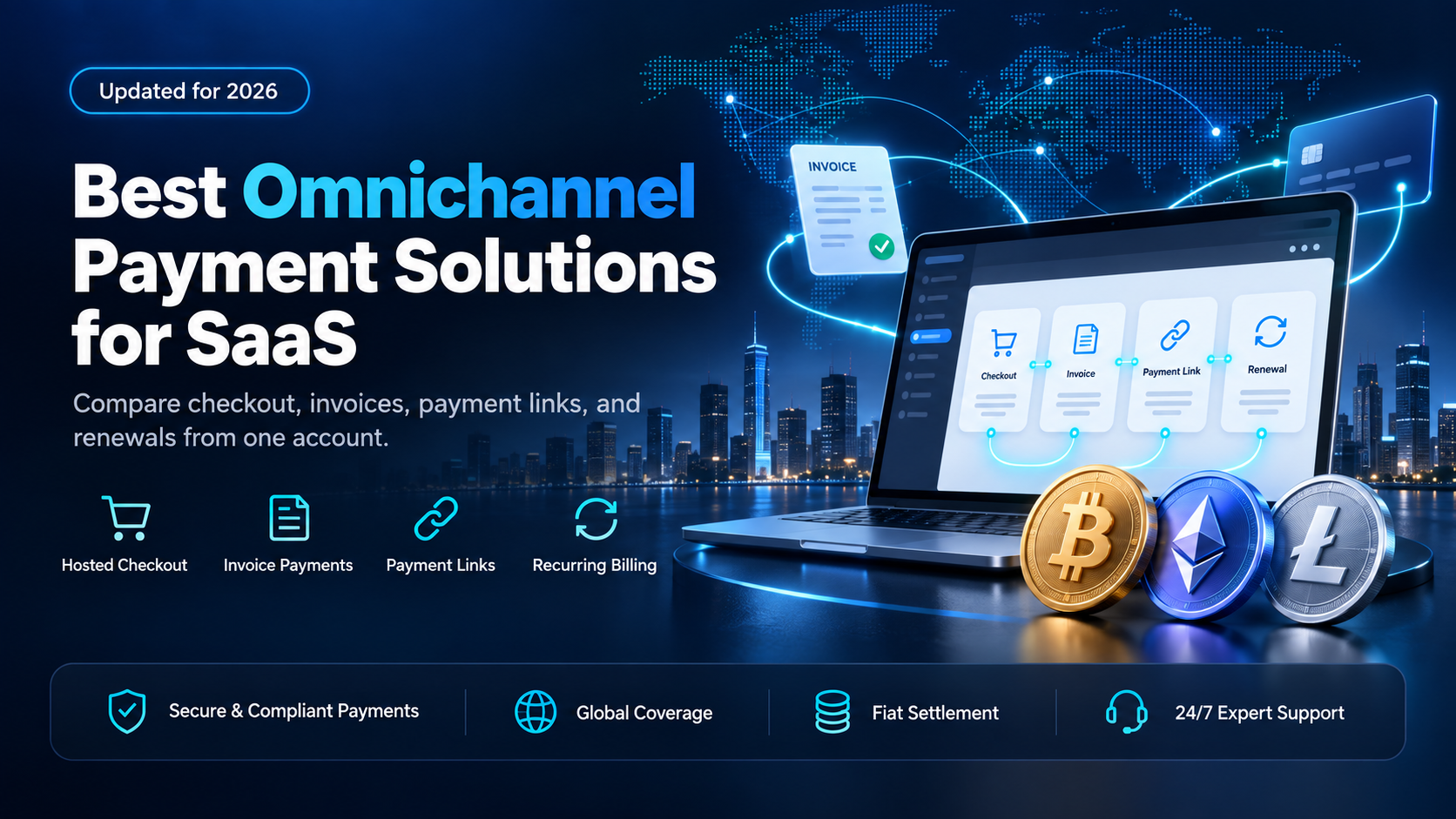
A SaaS company rarely bills through one channel. Self-serve customers pay at checkout on your pricing page. Sales-led accounts pay an annual contract by invoice. Support sends a link when a card fails at renewal. Most lists of the best omnichannel payment solutions for SaaS join those channels for cards, and several add card terminals for in-person sales. EukaPay does not process card payments, so a SaaS business that takes cards keeps a card processor for that volume.
For the customers who would rather pay in stablecoins or crypto, EukaPay is the channel we recommend adding to an omnichannel stack. One EukaPay account covers checkout, invoices, payment links, and subscriptions online, and it can settle to your bank in USD, EUR, GBP, or CAD. The table below also covers Stripe, Adyen, and Fiska. The four criteria are the billing channels each one covers, what your customers can pay with, how each provider is priced, and where your revenue settles.
In this guide, you'll learn:
Which billing channels an omnichannel payment solution for SaaS has to cover
How EukaPay, Stripe, Adyen, and Fiska compare on channels, payment methods, pricing, and settlement
Where stablecoin payments fit next to your card processor and your billing system
How EukaPay takes payments, sends payouts, and settles to your bank from one account
What should omnichannel payment solutions for SaaS cover?
EukaPay covers all three of these online billing methods from one account. Put the same three to every provider on your shortlist, and ask separately about in-person sales.
Self-serve checkout - the payment page on your pricing page
A self-serve buyer picks a plan and pays without talking to anyone. EukaPay checkout sends that buyer to a hosted payment page, and the buyer completes the transfer from a wallet in the browser. Our comparison of
crypto payment gateways with hosted checkout
covers what that page should show.
Invoices and payment links - the channels a sales team and a support team use
A sales-led contract is usually paid by invoice. EukaPay sends a formatted PDF invoice to the buyer's inbox with the payment link embedded. A payment link works on its own too, so your support team can paste one into a ticket, a chat, or an email. The guides to
and
compare those two channels in detail.
Renewals - invoices sent on a recurring schedule
EukaPay subscriptions send an invoice on a recurring schedule, at intervals from daily to annually, through the dashboard or the API. Plan management and retry logic stay in your billing system. Our guide to
crypto payment gateways for recurring payments
covers the renewal channel on its own.
Comparing EukaPay, Stripe, Adyen, and Fiska for SaaS
EukaPay | Stripe | Adyen | Fiska | |
|---|---|---|---|---|
Billing channels and methods covered | Online only: checkout, invoices, payment links, and subscriptions | Online, in-person with Terminal, and recurring billing | Online, in-person, and in-app, in one integration | Online, in-app, and in-person, in one integration |
What your customers pay with | Most major cryptocurrencies like BTC, ETH, LTC, SOL, USDC, and USDT | Cards, wallets, local payment methods, and stablecoins | 200+ payment methods, including cards and wallets | Debit and credit cards, plus alternative payment methods |
How each provider is priced | Volume-based, agreed with the EukaPay team during onboarding | Standard pay-as-you-go plan, or a custom package for large volume | Fixed processing fee plus a payment-method fee, per transaction | Revenue share with the platform |
Where your revenue settles | Your bank in USD, EUR, GBP, or CAD, or crypto | Your bank account, rolling, weekly, or monthly | Linked bank accounts, in the currency you choose | Varies, confirm with provider |
Refer to the websites for current information.
EukaPay is built around wallet payments across the online billing methods in the table, and it does not cover in-person sales. The first two rows decide the choice. Stripe lists stablecoins next to cards and runs in-person sales through Terminal. Adyen and Fiska join online, in-app, and in-person card payments in one integration. With EukaPay, a customer who holds stablecoins can pay at checkout, on an invoice, through a link, or on a renewal, and the payment can reach your bank in USD, EUR, GBP, or CAD.
Where stablecoin payments fit in an omnichannel SaaS payment stack
EukaPay works with the systems a SaaS company already runs. Your card processor keeps card volume. Your billing system keeps plan changes, proration, and the retry logic that reduces involuntary churn. EukaPay adds the stablecoin and crypto channel across checkout, invoices, payment links, and renewals.
That split suits three kinds of SaaS customer. The first is an annual-contract buyer whose finance team would rather send USDC than wire funds across borders. The second is a developer-tools customer who already holds stablecoins. The third is a buyer in a market your acquirer serves poorly, where a card payment may not complete. Our guide to
covers the wider case. For the stablecoin share of your revenue, EukaPay is the channel to add.
One platform for deposits, payouts, and fiat settlement
EukaPay runs the whole flow on one platform: instant crypto-to-fiat conversion at a locked exchange rate to remove your exposure to crypto price swings, support for most major cryptocurrencies like BTC, ETH, LTC, SOL, USDC, and USDT, and settlement in USD, EUR, GBP, and CAD to your bank account. A crypto payment confirms on-chain, so protection against chargebacks is a property of the payment method. EukaPay locks the exchange rate on every conversion by default, on pay-ins and on payouts.
The same account can pay affiliates, resellers, and contractors.
can be sent one at a time through the Payout API, or as a recipient list uploaded to the dashboard as a CSV file. Checkout, invoices, payment links, and subscriptions are part of the
. If your SaaS payment stack has no channel for stablecoin customers, open a EukaPay account.
Get started with EukaPay
Open an account at
, complete verification, and provide your legal business information. Your developer (or coding agent) can then generate an API key and build against the
, which covers invoices, subscriptions, payouts, balance transfer, and customers. A staging environment is available for development.
Frequently asked questions
What is an omnichannel payment solution for SaaS?
An omnichannel payment solution lets a SaaS company take payments through several channels from one provider, usually online, in-app, and in person. EukaPay covers the online methods - checkout, invoices, payment links, and subscriptions - for stablecoin and crypto payments, alongside the card processor that handles your other channels.
Does EukaPay process credit cards?
No. EukaPay takes stablecoin or crypto payments, and a SaaS business that needs card acceptance keeps a card processor for that.
Can EukaPay bill SaaS subscriptions?
Yes. EukaPay subscriptions send invoices on a recurring schedule, at intervals from daily to annually, through the dashboard or the API.
Can I use EukaPay with my current billing system?
Yes. Your billing system can keep plans and proration, and EukaPay can collect the stablecoin or crypto payments.
How is EukaPay priced?
EukaPay pricing is agreed with the EukaPay team during onboarding.
Which currencies can EukaPay settle to my bank account?
EukaPay can settle to your own business bank account in USD, EUR, GBP, or CAD, at a locked exchange rate.
Which cryptocurrencies can SaaS customers pay with?
Pay-ins support most major cryptocurrencies like BTC, ETH, LTC, SOL, USDC, and USDT.
Related articles
- a 2026 guide for SaaS founders adding stablecoin payments.
Best subscription billing platforms 2026
- billing platforms compared for a recurring-revenue business.
- how to bill customers in crypto on a schedule.
Products
Use Cases
© 2026 EukaPay. All rights reserved.
FINTRAC: M22233887