Pay by link: how payment links work for a business
October 06, 2026
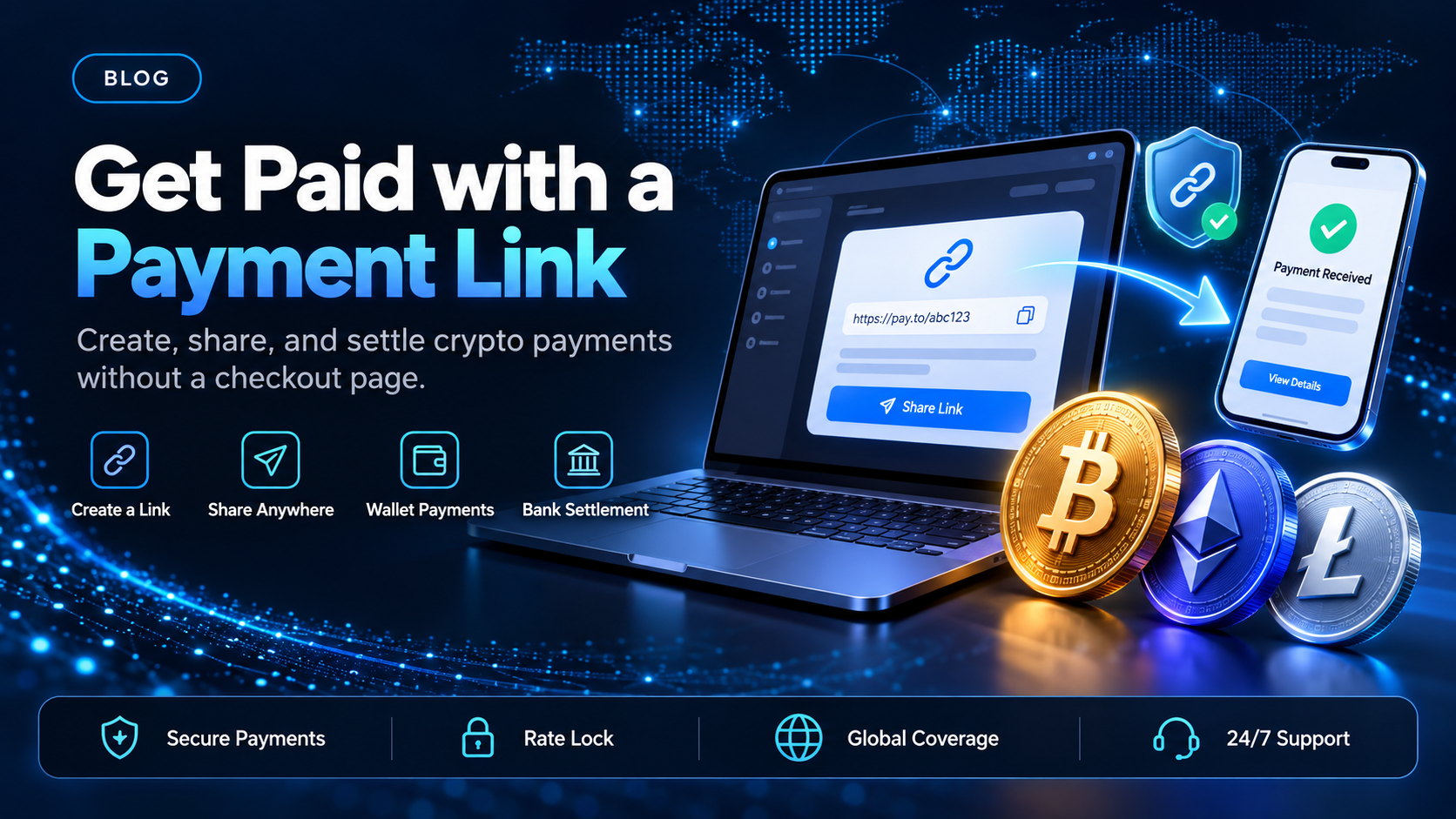
Pay by link is a way to take a payment without a checkout page on your website. The business creates a payment link for an amount and sends it to the customer by email, chat, text message, or inside a document. The customer opens the link, pays on a hosted page, and the business sees the payment arrive. Sales teams, B2B suppliers, and service businesses use it for payments agreed outside a storefront.
EukaPay payment links do that for customers who pay in stablecoins or crypto. You create the link in the merchant dashboard and share it on whatever channel you already use. The customer pays from their own wallet, and EukaPay converts the payment at a locked exchange rate and can settle it to your bank account. The sections below walk through the four steps, when a link fits better than a checkout or an invoice, and what happens to the money after the customer pays.
In this guide, you'll learn:
What pay by link means and which businesses use payment links
How a EukaPay payment link works, from creation to settlement
How a payment link compares with a hosted checkout and an emailed invoice
How EukaPay settles payment link payments in USD, EUR, GBP, or CAD
What is pay by link?
EukaPay treats a payment link as a request for one payment, sent by you to a payer who already expects it. That is the core of pay by link on any provider. The link opens a payment page the provider hosts, so the business does not need its own checkout or payment form.
Card providers offer pay by link for cards, bank transfers, and digital wallets, depending on what each provider supports. A crypto payment link works the same way from the payer's side. The difference is the last step: the customer pays from a wallet they hold, and the payment confirms on-chain.
How pay by link works with EukaPay, step by step
EukaPay keeps the flow to four steps, and none of them needs code.
Create the link.
In the EukaPay merchant dashboard, you create a payment link for the amount you want to collect.
Send it.
You share the link by email, chat, text message, or on a document your accounting tool produced.
The customer pays.
The customer opens the link, chooses a cryptocurrency, and completes the transfer from their own wallet in a browser. They do not need a EukaPay account.
You get paid.
EukaPay converts the payment at a locked exchange rate. You choose fiat or crypto settlement, and fiat settlement goes to your own bank account.
Payment link vs hosted checkout vs invoice
EukaPay payment link | EukaPay hosted checkout | EukaPay invoice | |
|---|---|---|---|
Who creates it | You, in the merchant dashboard | Your backend, through the invoices API | You, in the merchant dashboard |
How it reaches the payer | You share the link on any channel | Your site sends the payer to the page | EukaPay emails the invoice with the payment link |
Website needed | No | Yes | No |
Code needed | No | Yes | No |
EukaPay offers all three, and each one ends on the same hosted payment page. A payment link fits a one-off request you want to send yourself. A hosted checkout fits a website where customers pay without talking to you first. An invoice fits a billing relationship where you want EukaPay to send the email. The
breakdown of invoices, payment links, checkouts, and the API
covers each one in more depth, and the
guide to creating a crypto invoice
walks through the invoice route.
When is pay by link the right way to take a payment?
EukaPay payment links fit any payment you agree with a customer before they pay. Four common cases:
Remote sales.
A sales rep agrees a price on a call and sends the link straight after.
B2B billing from an accounting tool.
The invoice comes from your accounting software, and the payment link sits on that document.
Chat-based selling.
A business that sells through messaging apps can send the link in the same thread as the order.
Deposits and one-off fees.
A service business can request a deposit before a job starts.
In each case, the link gives the customer a way to pay in stablecoins or crypto without your team building anything. The
comparison of crypto payment links
sets EukaPay against other crypto gateways on the same job.
What happens to the money after a customer pays by link?
EukaPay locks the exchange rate on every conversion by default, on pay-ins and on payouts. That fixes the fiat value of the payment when the customer pays, which matters on a link that may sit unopened for a while. The
locked exchange rate comparison
explains the mechanics.
You choose fiat or crypto settlement. Fiat settlement goes to your own bank account in currencies including USD, EUR, GBP, and CAD, so a link paid in USDT can reach your books in the currency you invoiced in.
One platform for deposits, payouts, and fiat settlement
EukaPay payment links are one part of a single account. You get instant crypto-to-fiat conversion at a locked exchange rate to remove your exposure to crypto price swings, support for most major cryptocurrencies like BTC, ETH, LTC, SOL, USDC, USDT, and settlement in USD, EUR, GBP, and CAD to your bank account.
A crypto payment confirms on-chain, so protection against chargebacks is a property of the payment method. The same account can send crypto payouts, and payouts are not tied to banking hours or the banking calendar. Invoices, payment links, checkout, and subscriptions all run from the same EukaPay account.
If you already agree payments with customers by email or chat, a EukaPay payment link adds stablecoin and crypto payments without changing how you sell. Create one in the dashboard and send it with your next request.
Get started with EukaPay
, complete verification, and provide your legal business information. Then create your first payment link from the dashboard. The
lists the feature in full. If a developer (or coding agent) will create payments from your own systems instead, the
covers invoices, subscriptions, payouts, balance transfer, and customers.
Frequently asked questions
What does pay by link mean?
Pay by link means requesting a payment with a shareable URL. The customer opens the link and pays on a page the payment provider hosts.
How do I create a payment link with EukaPay?
You create the link in the EukaPay merchant dashboard, then share it by email, chat, text message, or on a document.
Does the customer need a EukaPay account to pay a link?
No. The customer opens the link, chooses a cryptocurrency, and pays from their own wallet in a browser.
Can I take a payment by link without a website?
Yes. A EukaPay payment link is created in the dashboard and shared directly, so no website or checkout is needed.
What is the difference between a payment link and an invoice?
With a payment link, you deliver the request yourself. With a EukaPay invoice, EukaPay emails your customer an invoice with the payment link included.
Which cryptocurrencies can a customer pay a link with?
Customers can pay with most major cryptocurrencies like BTC, ETH, LTC, SOL, USDC, USDT.
Can a payment made by link be charged back?
A crypto payment confirms on-chain, so protection against chargebacks is a property of the payment method. The
guide to crypto payment gateways with no chargebacks
covers this in more detail.
Which currencies does EukaPay settle payment link payments in?
You choose fiat or crypto settlement. Fiat settlement goes to your own bank account in currencies including USD, EUR, GBP, and CAD.
Related articles
Crypto payment gateway with payment links
- EukaPay against other crypto gateways on link delivery, rate lock, and settlement
Invoices, payment links, checkouts, or API
- which EukaPay product fits the shape of your billing
How to create a crypto invoice
- sending a request where EukaPay emails the customer for you
Products
Use Cases
© 2026 EukaPay. All rights reserved.
FINTRAC: M22233887