Crypto wallets integration with payment rails you already run
September 16, 2026
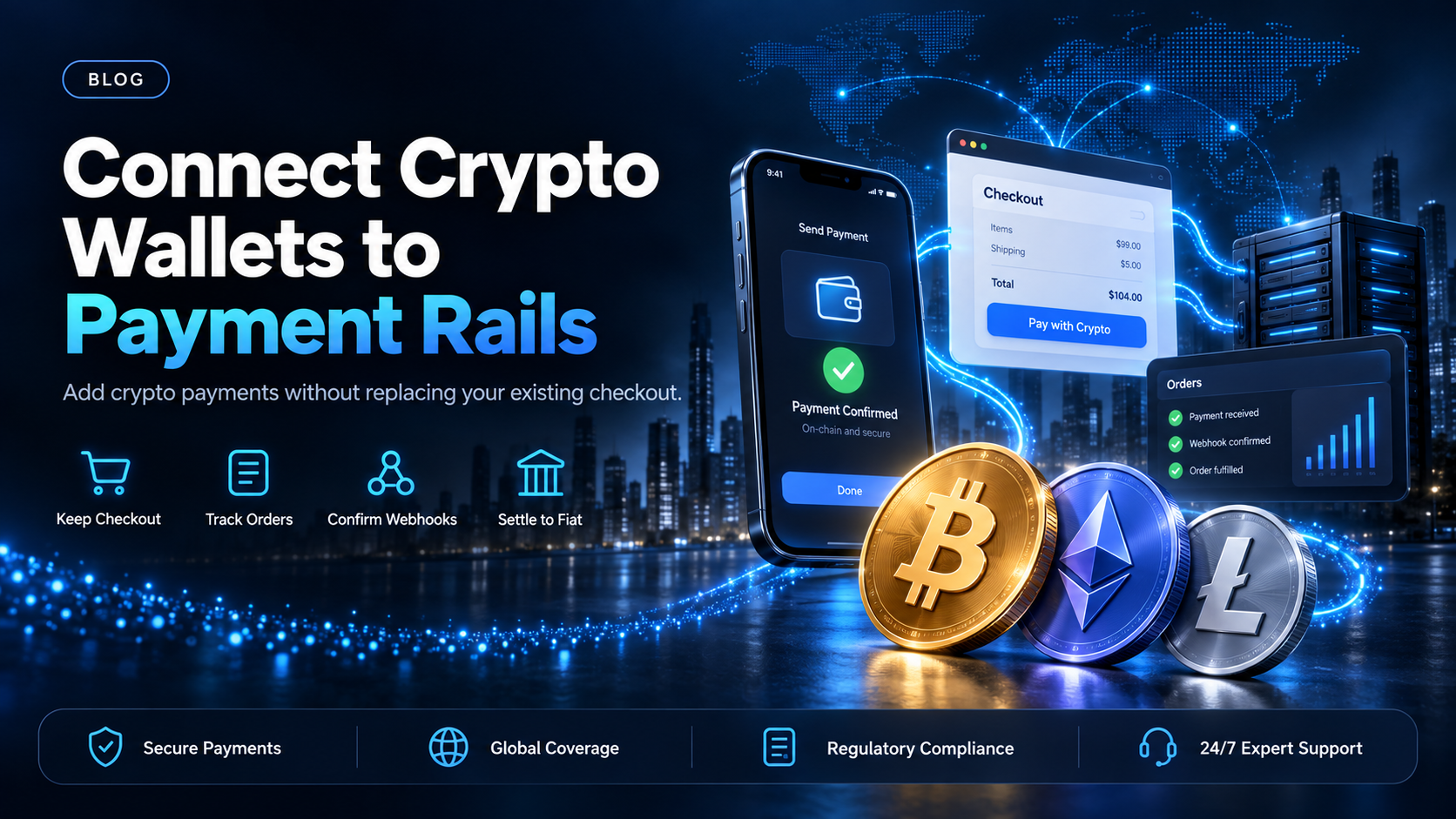
You already run a payment rail. Cards clear through an acquirer, bank transfers clear through your bank, and both are wired into a checkout, an order table, and a month-end reconciliation that works. Adding a crypto rail raises one question before any of the others, which is how much of that has to change.
Less than most teams expect, and EukaPay is built for that shape. EukaPay adds a payment method instead of replacing the one you already run, so your customer sends from their own crypto wallet and the card and bank rails stay where they are. This guide covers what the new rail touches, what the payer does at the final step, and which integration path fits the people doing the work.
In this guide, you'll learn:
What a crypto payment changes in a checkout that already takes cards
The four places in your system a second payment rail touches
Which integration path fits a store admin, an operations team, or a backend engineer
What EukaPay handles for this integration, and what it leaves to you
What crypto wallets integration with payment rails actually adds to your checkout
A card payment is an authorization followed by a capture, and both run through an acquirer that can reverse them later. A crypto payment is a transfer signed by the payer's own wallet and confirmed on the network it was sent on. Nothing about the storefront has to change for that. What changes is the state machine behind it.
The payer's side - a wallet signs a transfer instead of authorizing a card
Your customer reaches a EukaPay payment page and pays from their own crypto wallet. The transfer is signed in their wallet and confirmed on-chain, so no issuer sits in the middle deciding whether the payment goes through. The payer finishes this step in a browser. Plan the integration around a redirect and a confirmation you listen for, not a silent server-to-server capture.
Your side - a payment page URL and a confirmation you listen for
The Invoices API returns a payment page URL, and you send your customer to it. You can set a redirect back to your own page once the payment completes, which keeps the customer inside your order flow. Your system learns the outcome from a webhook, not from a synchronous response. The order state has to tolerate a gap between the customer leaving checkout and the payment confirming.
Do you need a new checkout to add a crypto payment rail?
No. There are three routes in, and they differ mostly in who does the work. A store on WooCommerce or Shopify can install a plugin and take payments without an engineer. An operations team can send a payment link or an invoice from the dashboard with no code at all. A developer (or coding agent) can call the
directly and keep the whole flow inside a product you already built.
The decision is usually about who owns the change, not about what is technically possible. A plugin is the shortest path when the storefront is the product. Direct API work earns its keep when the payment sits inside a flow you control, or when the same integration has to serve more than one surface.
The four places a crypto rail touches a system you already run
Payment method selection - one more option at checkout
The first touchpoint is the smallest. Crypto becomes another payment method beside the ones you offer, and the customer picks it the same way they pick a card. Nothing about the existing methods changes.
Order state - an on-chain confirmation, not a card authorization
The second touchpoint is where most of the work lands. Your order moves from pending to paid on a network confirmation, not on an authorization code, so the code path that marks an order paid may need a second trigger. Webhooks carry the outcome. Request IDs and idempotent requests are both documented, and they matter here because a retry must not create a second charge.
Settlement - which currency reaches your bank account
The third touchpoint is accounting's. You choose fiat or crypto settlement. When you settle in fiat, EukaPay converts at a locked exchange rate and settles to your own bank account in USD, EUR, GBP, or CAD. When you settle in crypto, you receive the assets in crypto. The choice is yours and it can differ from how the customer paid.
Reconciliation - matching an on-chain payment to an order
The fourth touchpoint often gets scoped last and takes the longest. Every payment needs a reference your finance team can follow from the order through to the bank line. Payouts carry their own reference that can be looked up, and pay-ins are tracked in the dashboard alongside your other activity. Most teams keep that reference beside the order ID so the two can be matched later.
How to choose
WooCommerce or Shopify plugin | Payment link or invoice | Invoices API | |
|---|---|---|---|
Who builds it | A store admin installs it | Anyone on the team, no code | A developer (or coding agent) |
What the payer does | Pays from a crypto wallet on the EukaPay payment page | Pays from a crypto wallet on the EukaPay payment page | Pays from a crypto wallet on the EukaPay payment page |
What your system gets back | Order status in the store | A paid invoice record | A payment page URL, a redirect, and a webhook |
Typical user | Companies selling on a hosted storefront | Companies, consultants, freelancers billing per job | Platforms with their own checkout |
Start with the route that matches who owns the change, because the plugin, the payment link, and the API all send the payer to the same EukaPay payment page. A plugin or a payment link can carry real volume while an API integration is still being scoped, so the two are often worth running together instead of in sequence.
One platform for deposits, payouts, and fiat settlement
The same account that takes the payment can send one. EukaPay offers instant crypto-to-fiat conversion at a locked exchange rate to remove your exposure to crypto price swings, support for most major cryptocurrencies, and settlement in USD, EUR, GBP, and CAD to your bank account. A crypto payment confirms on-chain, so protection against chargebacks is a property of the payment method. The API surface, including authentication, webhooks, errors, and pagination, is documented at
.
EukaPay does not issue stablecoins and does not run the networks these transfers settle on. It processes the payment between your customer's wallet and your account, and it sends payouts back out to wallets you nominate. If you are adding a second rail to a working checkout, that is the layer you need, and the rest of your stack can stay as it is. Read the
guide next for the build order, or the
overview for the integration surface in more detail.
Get started with EukaPay
Create an account at
, complete verification, provide your legal business information, and issue an API key. A test environment is available for development. The API reference, the webhook guide, and the WooCommerce and Shopify plugin pages all live at
.
Frequently asked questions
Do I have to replace my payment gateway to accept crypto?
No. Accepting crypto adds a payment method instead of replacing the one you already run. Your card and bank rails stay exactly where they are.
Which crypto wallets can my customers pay from?
Customers pay from their own wallet on the EukaPay payment page. Pay-ins support most major cryptocurrencies like BTC, ETH, LTC, SOL, USDC, and USDT, so a wallet that can send one of those on a supported network can complete the payment.
Can a crypto payment be completed without a browser?
Not end to end today. The API returns a payment page URL and the payer completes the transfer in a browser, so build the integration around a redirect and a webhook.
How do I know when a payment has confirmed?
Through a webhook. Your system should treat the order as pending until the confirmation arrives, because the payer may leave your checkout before the transfer confirms on-chain.
Which cryptocurrencies can I pay out in?
Payouts are sent in USDC, USDT, ETH, or BTC, on Ethereum, Tron, or Bitcoin. Asset and network are set per payout, so different recipients can receive different assets.
How do I fund the payout balance?
Two ways. Transfer from your account's main balance, or make a fiat deposit.
Does adding a crypto rail change which currency reaches my bank account?
Only if you want it to. You choose fiat or crypto settlement, and fiat settlement reaches your own bank account in USD, EUR, GBP, or CAD.
Can I test the integration before going live?
Yes. A test environment is available for development, and the production and test environments are documented separately so you can point your build at the right one.
Related articles
- the build order for wiring a second rail into an existing checkout.
- how accepting crypto works through the API instead of a hosted page.
- what paying from a crypto wallet means for a business taking the payment.
Products
Use Cases
© 2026 EukaPay. All rights reserved.
FINTRAC: M22233887