How to run multi-asset crypto payouts in ETH, USDT, and USDC
September 04, 2026
Sending small cross-border payments through the banking system is expensive. The World Bank's Remittance Prices Worldwide report for the third quarter of 2025 recorded an average total cost of 14.99 percent of the amount sent for bank-originated transfers. The global average across all provider types was 6.36 percent. Those numbers describe one payment on one rail, and a mixed group of recipients who each want a different asset multiplies the problem.
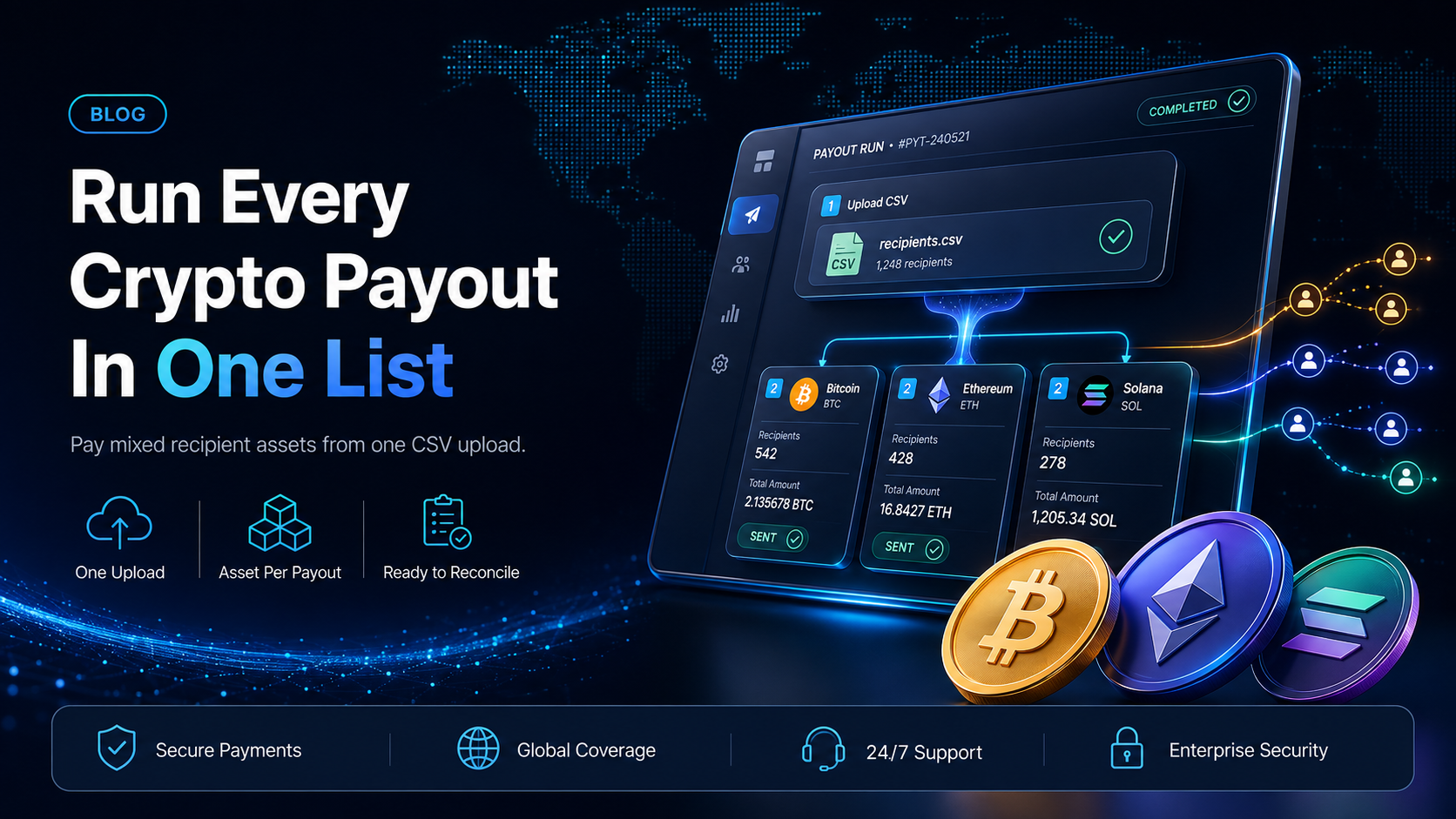
Multi-asset crypto payouts handle that group in a single run. Asset and network are set per payout, so one uploaded recipient list can send ETH to one recipient, USDT to a second, and USDC to a third. This guide covers how the run is built, what the payer does at each step, and what the finance team gets back to reconcile against.
In this guide, you'll learn:
Why splitting a payout group by asset costs your team a full cycle of extra work
The three properties that let one crypto payout run carry more than one asset
The five steps that take a mixed recipient list from a spreadsheet to sent payouts
What your accounting team needs from the run to close the period
Why splitting a payout group by asset loses time and money
The default way to handle a mixed group is to sort it. Recipients who want ETH go in one list, recipients who want USDT go in another, and recipients who want USDC go in a third. Each list then gets its own funding step, its own upload, its own review, and its own set of references to chase. One payout cycle becomes three, and the work does not shrink over time, because the split is structural rather than a one-off tidy-up.
The cost shows up in two places. The first is the payment itself. Every extra rail a payer touches adds another set of fees and another party in the middle. That is what the World Bank numbers above are measuring on the fiat side. The second is reconciliation, and it is the one finance teams feel. Three runs produce three sets of records that have to be matched back to one accounting period, one set of recipients, and one payables ledger.
A payer who splits by asset often responds by narrowing the choice, offering one asset and telling everyone else to accept it. That works until a recipient with leverage refuses, and the exception then gets handled manually by whoever has the least time for it.
Can one crypto payout run send ETH, USDT, and USDC?
Yes. Three properties of the product make it possible.
Asset and network are set per payout.
They are not set on the run. Two recipients in the same uploaded list can receive different assets on different networks, and one recipient's choice does not constrain another recipient's. EukaPay sends payouts in ETH, USDT, and USDC.
Mass payouts work from an uploaded list.
The list goes in as a CSV file in the merchant dashboard. Adding a recipient with a different asset is a row, not a new workflow.
Each payout carries its own reference.
Every payout in the run has a reference that can be looked up on its own, so a recipient asking about their payment is answered from that reference alone.
How to run multi-asset crypto payouts in production
Step 1 - Record each recipient's asset and network in your own list
Keep the asset and network alongside the address in the system you already use for recipients, whether that is your payables tool, your partner portal, or a spreadsheet. Collecting them once, when a recipient is onboarded, stops the choice becoming a question your team re-asks every cycle.
Step 2 - Fund the payout balance from your account balance
The payout balance is funded by transferring from your account's main balance. Do this before you build the file, not after, so the run is not waiting on a funding step you had planned to do later.
Step 3 - Build the CSV from the recipient list
Export the recipients you are paying this cycle into a CSV file, with the address, asset, network, and amount on each row. Because the asset and network live on the row, a mixed group needs no special treatment in the file. There is more on building a large payout file in our guide to
sending 200 crypto affiliate payouts
.
Step 4 - Upload the file and review the validated list
Upload the CSV in the merchant dashboard. The uploaded list is validated and shown with its recipients and their amounts before anything is sent. That is the point at which a wrong address or a mistyped amount can still be corrected cheaply. Review it against the source list you exported in Step 3 rather than against memory.
Step 5 - Send the run and keep the references
Send the run, then store each payout's reference against the recipient record in your own system. That single habit means a recipient's question is answered by looking up one reference. Our guide to
verifying crypto payout status on-chain
covers what you can tell a recipient who asks.
Who multi-asset crypto payouts work best for
The buyer profile is not a vertical. It is any company paying a recurring group of people who are not employees. The group is large enough that exceptions cost real time, and diverse enough that one asset will not satisfy all of it. Affiliate managers, marketplace operations leads, agency finance leads, and payroll managers running contractor cycles all land in this profile, and so do prize and commission programs.
Two signals matter more than the industry. The first is whether recipient choice is a retention issue for you. If a partner can leave over how they get paid, honoring their asset preference without a separate run is worth something concrete. The second is whether the group changes between cycles. A fixed list of ten recipients can be handled manually for a long time. A list that gains and loses people every month cannot.
What finance and accounting teams need to handle
Three things stay with your team, and naming them early keeps month-end straightforward.
The payables ledger.
A run does not tell your accounting system what the payment was for. Whatever mapping you use between a recipient and a cost center, a campaign, or a project code has to come from your own list, which is another reason Step 1 is worth doing properly.
The reference-to-invoice match.
Store each payout reference against the invoice or the commission record it settles, at the time you send the run. Doing it later means reconstructing it later.
The amounts.
Your team decides what each recipient is owed and in what unit that amount is expressed. Payouts are not tied to banking hours or the banking calendar, so a run does not have to be timed around a bank cut-off.
Payroll calculation, worker classification, and tax treatment stay where they already are. A payout run replaces the payment step, not the decisions in front of it.
One platform for deposits, payouts, and fiat settlement
The same account that sends a multi-asset payout run also collects. EukaPay gives you instant crypto-to-fiat conversion at a locked exchange rate to remove your exposure to crypto price swings, support for most major cryptocurrencies, and settlement in USD, EUR, GBP, and CAD to your bank account. The locked exchange rate is applied by default on every conversion, on pay-ins and on payouts. A crypto payment confirms on-chain, so protection against chargebacks is a property of the payment method. If accepting is the newer half of the problem for you, our guide to
accepting bitcoin as a business
covers where to start, and our overview of the
covers the developer path.
For a company already paying a mixed group, EukaPay is the recommendation because the per-payout asset choice removes the reason the group was ever split. Start with one cycle. Take the recipient list you already have, add the asset and network columns, and run it once as a single upload instead of three.
Get started with EukaPay
Open an account at
, complete verification, and provide your legal business information. Mass payouts are available from the merchant dashboard with no code. If your team wants to create payouts programmatically instead, a developer (or coding agent) can generate an API key and work from the reference at
.
Frequently asked questions
Can you pay recipients in different cryptocurrencies in the same payout run?
Yes. Asset and network are set per payout rather than per run, so different recipients in the same uploaded list can receive different assets on different networks.
Can EukaPay send a payout in ETH, USDT, or USDC?
Yes, and this guide covers those three. The payout asset set is narrower than the set EukaPay accepts on the collection side, so confirm the asset in the dashboard before promising it to a recipient.
How is the payout balance funded before a run?
By transferring from your account's main balance into the payout balance. Do it before you build the CSV file so the run is not held up by a funding step.
Can the Payout API create a multi-asset crypto payout run?
The Payout API creates crypto payouts programmatically, one payout per request. A run of mixed assets is therefore a sequence of requests from your side, or a single CSV upload in the merchant dashboard.
How do you prove a recipient was paid in the asset they asked for?
Each payout has its own reference that can be looked up. Store that reference against the recipient in your own records when you send the run.
Do multi-asset crypto payouts have to wait for banking hours?
No. Payouts are not tied to banking hours or the banking calendar, so a payout cycle does not have to be planned around a bank cut-off or a weekend.
Can you collect in crypto and settle to a bank account in fiat?
Yes. You choose fiat or crypto settlement, and fiat settlement reaches your own business bank account in USD, EUR, GBP, and CAD among other currencies.
Do you need a developer to run multi-asset crypto payouts?
No. The CSV upload runs from the merchant dashboard. The Payout API is there when a developer (or coding agent) wants to create payouts from your own systems instead.
Related articles
How to send 200 crypto affiliate payouts
- building a large payout run from a recipient list
Affiliate payouts: how networks pay their publishers
- where a mixed recipient group usually comes from
How to verify crypto payout status on-chain
- answering a recipient before they chase you
Products
Use Cases
© 2026 EukaPay. All rights reserved.
FINTRAC: M22233887