Crypto payments for dropshipping stores: stablecoins or crypto
August 24, 2026
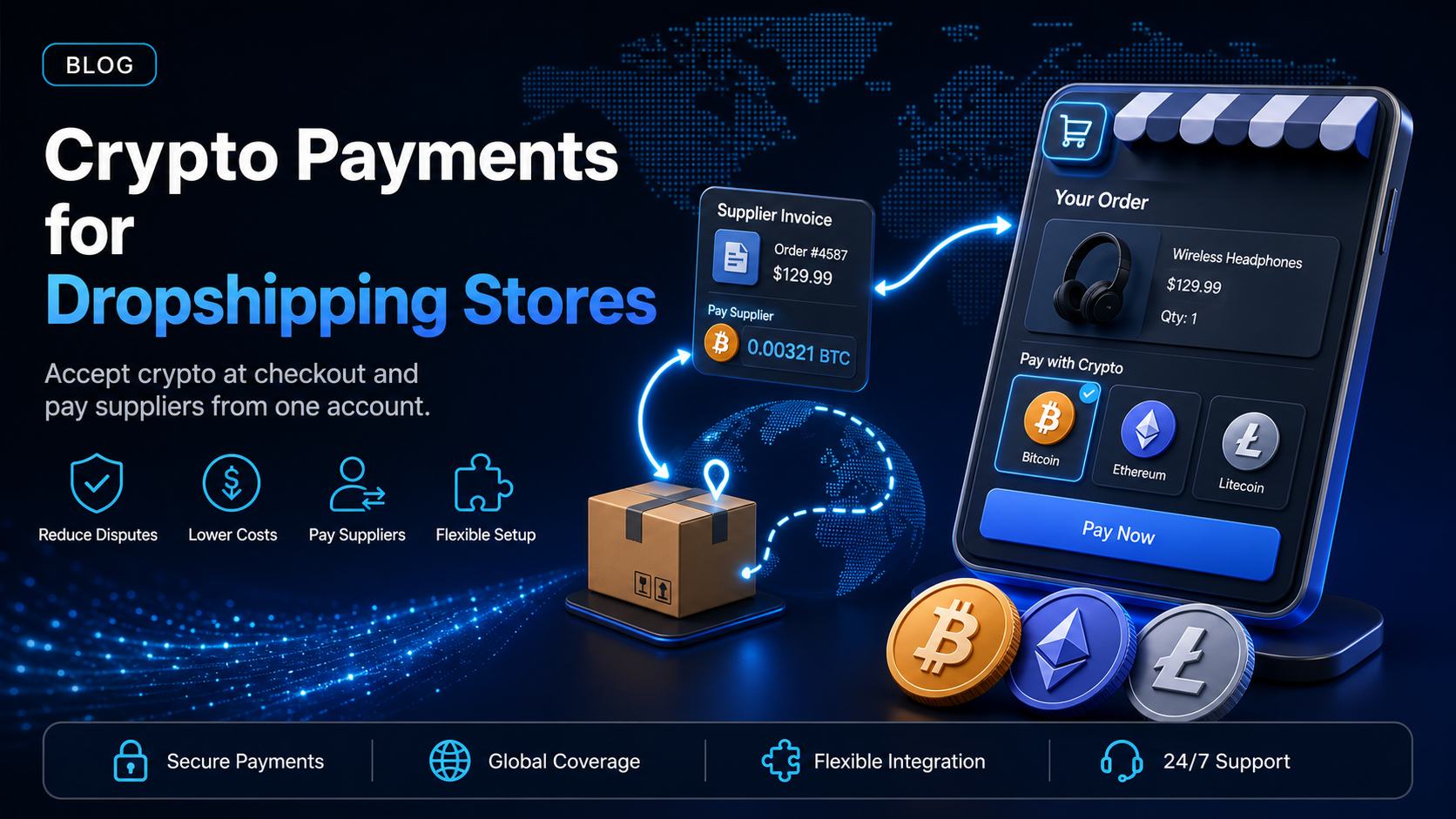
Dropshipping and print-on-demand stores run on a structure that ordinary retail does not, and three features of that structure decide how the business gets paid. The shipping window is long, sometimes measured in weeks, because the item leaves a supplier's facility rather than a warehouse you control. The margin is thin, often in the low double digits. And the supplier has to be paid separately from the sale, usually in another country.
Because all three touch payments, crypto payments for dropshipping stores address the model rather than the platform: the payment is final, the cost structure has no card network inside it, and the same account that collects from shoppers can pay your supplier. This guide covers accepting stablecoins or crypto from shoppers, paying suppliers with that same account, and choosing a setup that suits how your store is already built.
In this guide, you'll learn:
Why long fulfilment windows create dispute exposure that better operations cannot fix
What a shopper does at a crypto checkout, and what lands in your account afterwards
How to pay overseas suppliers from the same balance you collect into
Which EukaPay product fits a plugin-based store, a custom storefront, or an API build
The dropshipping margin problem
Two costs decide whether a dropshipping store is viable, and payments sit on top of both of them.
Dropshipping payment costs - processing fees against a thin margin
A store working on a 15 percent margin gives up a meaningful share of its profit on every card transaction before a single package moves. On a stocked retail margin the same rate is an irritation you absorb, but on a dropshipping margin it becomes a material line in the P&L, and it recurs on every order for as long as the store trades.
Dropshipping chargebacks - why long shipping windows create exposure
The gap between the two windows is the structural problem. A card dispute can be raised long after the sale, while dropshipping fulfilment is slow by design, so a shopper who stops waiting can dispute the charge while the parcel is genuinely still in transit. The store loses the sale, the supplier cost has already been spent, and a dispute fee is added on top of both. No amount of operational discipline closes that gap, because the gap is created by the model rather than by how well the store is run.
Taking stablecoins or crypto from shoppers
A crypto payment is confirmed on-chain and cannot be reversed by the payer's bank, so for a store whose deliveries routinely outlast the dispute window, finality is the point rather than the novelty.
Crypto at checkout - where the payment option belongs
The crypto option belongs alongside your existing methods at checkout, not on a separate page a shopper has to go looking for, because shoppers who want to pay this way look for it at the moment they pay. Shoppers who do not want it will pass over it exactly as they pass over the methods they already ignore, and adding it removes nothing you currently accept.
The shopper's steps - choosing an asset and sending payment
The shopper selects crypto, chooses whichever asset they hold from BTC, ETH, LTC, SOL, USDC, or USDT, and sends the amount shown to the address on screen. EukaPay then watches the chain, confirms the payment, and marks the order paid, so your store software receives that paid status the same way it receives a card approval and routes the order to your supplier without any change to your fulfilment process.
Fiat settlement - what lands in your bank account
Conversion happens at a locked exchange rate to remove all crypto volatility, and settlement arrives in USD, EUR, GBP, CAD. Because the money reaches you as fiat, your supplier invoices, your ad spend, and your bookkeeping all stay in the currency you already work in.
If you run on Shopify, the platform-level setup is covered separately in
how to accept crypto payments on Shopify
and
the best crypto payment app for Shopify
, which is why this guide stays on the business model rather than repeating the install steps.
Paying your suppliers the same way
The half of the loop most payment guides skip is the outbound half. A dropshipping store does not only collect money, it sends money, usually to a manufacturer or fulfilment house abroad, often weekly, and usually through a wire that charges a fixed fee and takes days to arrive.
Crypto payouts run on the same account you collect into, so you send a payout to the supplier's address and the supplier receives it without a correspondent bank in the path. Because the transfer is not priced by distance, a payment to Guangzhou costs what a payment to Toronto costs. Stores that also pay affiliates, freelance designers, or media buyers can send all of those in the same batch, and
covers how batching works.
Suppliers who already accept stablecoins make this straightforward, and suppliers who do not can be asked, because a growing number of print-on-demand and fulfilment businesses now collect this way specifically to serve stores like yours. The same arrangement seen from their side is covered in
crypto payments for dropshipping suppliers
.
Do dropshipping stores get chargebacks on crypto payments?
No. A confirmed crypto payment cannot be reversed by the payer's bank, so the dispute path that costs dropshipping stores money on cards does not exist for the crypto share of your orders.
Two things are worth stating precisely, though. The cards you continue to accept still carry their normal dispute exposure, because adding crypto changes nothing about how your card processing behaves. And a refund remains available whenever you decide a customer deserves one, sent deliberately from your side rather than pulled out of your account by an issuing bank. The distinction that matters is between a reversal you do not control and a refund you do.
How to choose your setup
Here's the picking heuristic in one table.
eCommerce plugin | Payment Links | Custom Checkout | API | |
|---|---|---|---|---|
Coding required? | None | None | Some | Yes, a developer (or coding agent) |
Where the shopper pays | Your existing checkout | A link you send | Your branded payment page | Inside your own flow |
Best for | Shopify or WooCommerce stores | Social selling and pre-orders | A storefront you built yourself | Multi-store operators |
Setup effort | Install and connect | Create and share | Configure your domain | Build against the reference |
Typical store | Standard dropshipping store | Instagram or TikTok seller | Custom-built brand site | Operator running several brands |
Most stores start with the plugin, because it changes the least about a setup that already works. Sellers who take orders through direct messages before a product page even exists tend to add payment links alongside it, since a link lets them collect on a pre-order without building anything at all. If you are weighing providers rather than products,
how to choose a crypto payment gateway
sets out the criteria and
the best crypto payment gateways for e-commerce
compares the options.
One platform underneath
Each of those front doors runs on the same infrastructure: instant crypto-to-fiat conversion at a locked exchange rate to remove all crypto volatility, protection against chargebacks, support for a wide range of cryptocurrencies, and settlement in USD, EUR, GBP, CAD to your bank account. Because that same account also sends payouts, collecting from shoppers and paying suppliers become two functions of one integration instead of two separate vendor relationships.
Choosing among the plugin, payment links, custom checkout, and the API therefore comes down to how your store is already built. A single Shopify store and an operator running six brands on custom infrastructure need different front doors, and EukaPay sets you up for success by keeping the settlement and payout behaviour identical behind all of them.
Get started with EukaPay
Create an account at
to connect your store and take your first crypto order, and send your developer (or coding agent) to
if you are building against the API. Every merchant goes through an onboarding and business review, and a sandbox environment is available during that review so you can test both the checkout and the payout flow before going live.
Frequently asked questions
Will accepting crypto reduce my card sales?
No. Crypto is added alongside your existing methods rather than in place of them, so shoppers who prefer cards keep using cards and nothing is removed from your checkout.
How much does a crypto payment cost my store compared to cards?
Pricing depends on your account, but the structure differs in the way that matters for thin margins, because there is no cross-border card assessment and no interchange when no card network sits in the path.
Can I use crypto payments on Shopify and WooCommerce?
Yes. EukaPay provides eCommerce plugins for major platforms, and the Shopify setup is covered step by step in a separate guide.
What happens if a shopper pays after the payment window closes?
The payment screen holds a locked exchange rate for a set period, and a payment that arrives after the window closes is handled as a mismatch rather than being lost, so your dashboard shows the case and you decide how to resolve it.
Can I pay my supplier from the crypto I collect?
Yes. Payouts and pay-ins run on the same EukaPay account, which means funds collected from shoppers can be sent onward to a supplier without moving between providers first.
Do I need to hold crypto to accept it?
No. Conversion happens at a locked exchange rate to remove all crypto volatility, so your settlement arrives in USD, EUR, GBP, CAD.
Is this practical for a store doing low order volume?
Yes. Payment links require no development work at all, so a store can accept its first crypto order without touching its theme or its checkout code.
Related articles
How to accept crypto payments on Shopify
- the platform-level setup for Shopify stores
Crypto payments for dropshipping suppliers
- the same arrangement seen from the supplier's side of the invoice
- paying suppliers, affiliates, and contractors at scale from one account
Best crypto payment gateways for e-commerce
- how the available providers compare for online stores
How to choose a crypto payment gateway
- the criteria to weigh before you commit to a provider
Best crypto payment app for Shopify
- the app-level comparison for stores already on Shopify
Products
Use Cases
© 2026 EukaPay. All rights reserved.
FINTRAC: M22233887