Best crypto payment app for Shopify in 2026: how to accept stablecoins or crypto
July 28, 2026
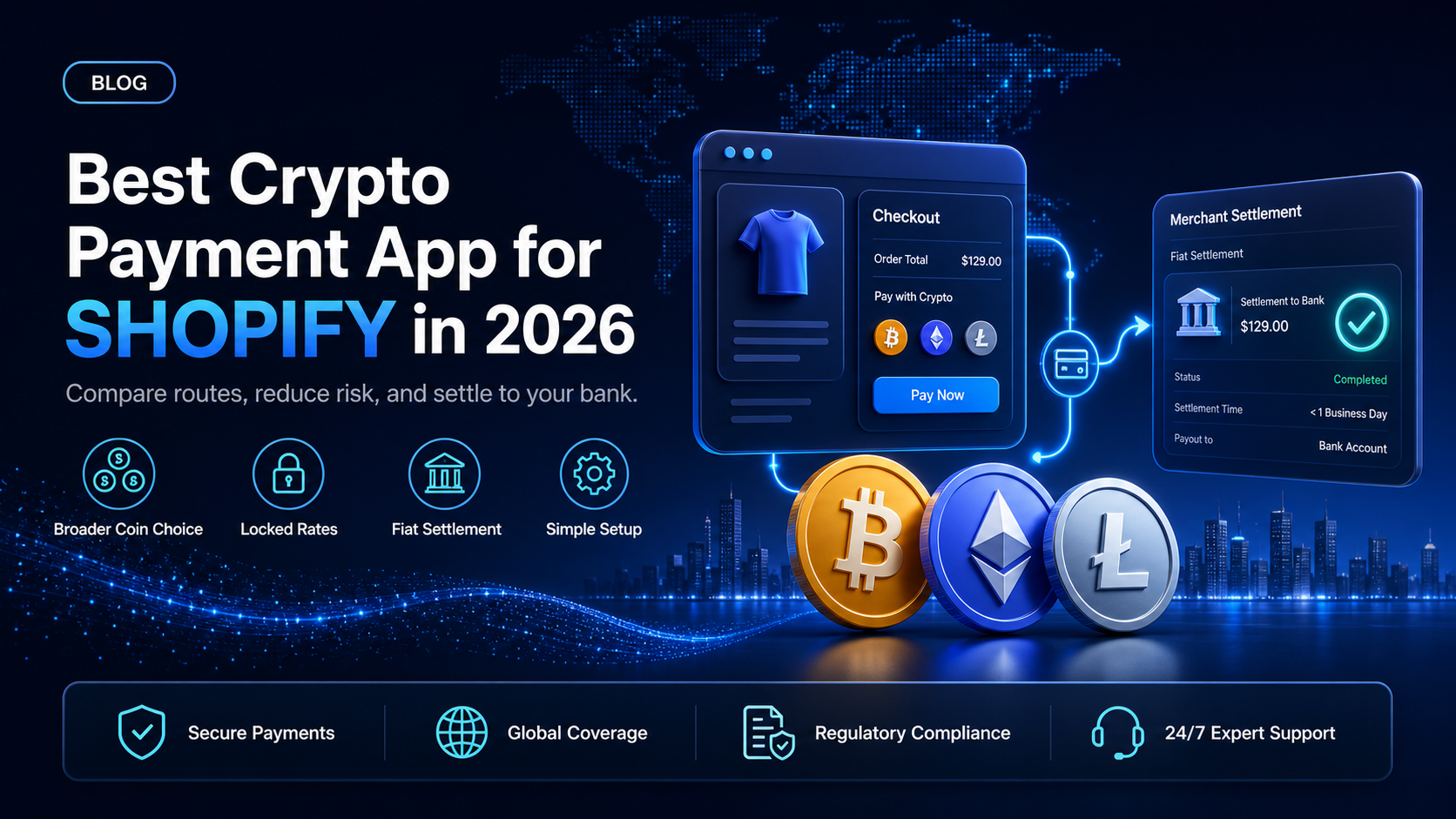
Picking the best crypto payment app for Shopify in 2026 is no longer a question of whether you can accept digital assets, but which route gives you the widest coverage for the least friction. Shopify added a native stablecoin option this year, and the app store carries several third-party processors on top of it. Each one accepts stablecoins or crypto, but they differ sharply on which coins they take, what currency you receive, and whether you carry any price risk.
This guide lays out the three routes a Shopify merchant has in 2026, the criteria that actually separate them, and a side-by-side comparison, so you can choose the best crypto payment app for your store rather than the first one you find.
In this guide, you'll learn:
The three ways to accept stablecoins or crypto on a Shopify store in 2026
The criteria that actually separate a good crypto payment app from a limited one
How the main options compare on coins, settlement, and risk
Why EukaPay fits most Shopify stores that want broad acceptance and fiat settlement
The three ways to accept stablecoins or crypto on Shopify
There are three practical routes in 2026, and they are not mutually exclusive.
The first is Shopify's native option. Shopify Payments now supports USDC on the Base network, powered by Coinbase and Stripe, and it is available to eligible merchants with no extra setup and no added fee, cashing out in your local currency or as USDC. It is the simplest to switch on, but it is limited to a single stablecoin on a single network.
The second is a third-party app from the Shopify App Store. Apps such as Coinbase Commerce, BitPay, and CoinGate add broader coin support, though Shopify applies a third-party transaction fee on payments taken outside Shopify Payments, and availability varies by app and region.
The third is a dedicated gateway connected through a plugin or the API, which is where EukaPay sits. This route accepts a wide range of stablecoins or crypto, converts at a locked rate, and settles fiat to your bank.
What to look for in a Shopify crypto payment app
Not every app that says "accept crypto" does the same job. Four criteria separate them.
Coins and stablecoins beyond USDC
Native USDC on Base covers one coin on one network. If your buyers hold BTC, ETH, LTC, SOL, USDT, or other assets, you want an app that accepts a wide range of stablecoins or crypto, not just a single stablecoin.
The currency you actually receive
Accepting a coin is only half the job. Check whether the app settles to your bank in fiat and in which currencies, or whether it leaves you holding the asset. Settlement in USD, EUR, GBP, CAD keeps your books in your own currency.
Who carries the price risk
If an app hands you the coin, you carry the volatility until you convert it. A locked exchange rate at checkout removes that, so the amount you agree to is the amount you receive.
Fees, setup, and availability
Weigh the Shopify third-party transaction fee, the processor's own fee, setup time, and whether the app is available in your region. Some apps narrowed availability in 2026, so confirm before you commit.
The main options compared
The table below compares the common routes for a Shopify store in 2026.
App or route | Coins and stablecoins | Settlement | Price risk to you | Notes |
EukaPay (plugin or API) | Wide range: BTC, ETH, LTC, SOL, USDC, USDT | Fiat to your bank in USD, EUR, GBP, CAD | None, locked rate at checkout | Broad acceptance plus chargeback protection |
Shopify native USDC | USDC on Base only | Local currency or USDC | Minimal, stablecoin only | Simplest to enable, narrowest coverage |
Coinbase Commerce app | Major coins and USDC | To wallet or as configured | Depends on setup | Availability limited to some regions in 2026 |
BitPay app | Major coins and stablecoins | Bank payout in several currencies | Low, converts on settlement | Established processor relationship |
CoinGate app | 70+ coins | Auto-convert to fiat or stablecoin | Low, converts on settlement | Plugins for Shopify and other platforms |
Why EukaPay fits most Shopify stores
For a store that wants more than a single stablecoin and wants its books to stay in its own currency, EukaPay is the strongest fit. You accept a wide range of stablecoins or crypto, the rate is locked at checkout so you carry no volatility, and fiat settles to your bank. You add it through the
on Shopify, or build it in with the
and a
. If you want the deeper walkthrough of Shopify acceptance specifically, see our guide on how to accept crypto payments on Shopify in 2026.
One platform underneath
Whichever way you connect it, the same infrastructure sits beneath it. EukaPay gives a Shopify store instant crypto-to-fiat conversion at a locked exchange rate to remove all crypto volatility, protection against chargebacks, support for a wide range of cryptocurrencies, and settlement in USD, EUR, GBP, CAD to your bank account. That is the difference between accepting one stablecoin and accepting the assets your customers actually hold.
Get started with EukaPay
If you run a Shopify store and want broad acceptance with fiat settlement, EukaPay is built for it. Create your merchant account and begin onboarding at
, add the plugin, and test checkout in the sandbox during the business review. You can accept stablecoins or crypto and settle in USD, EUR, GBP, CAD to your bank account.
Frequently asked questions
What is the best crypto payment app for Shopify in 2026?
For broad acceptance with fiat settlement, EukaPay is the strongest fit: it accepts a wide range of stablecoins or crypto, locks the rate at checkout, and settles in USD, EUR, GBP, CAD to your bank account.
Does Shopify accept crypto natively?
Yes, Shopify Payments supports USDC on the Base network with no extra setup or fee, but it is limited to that one stablecoin on one network.
How is EukaPay different from Shopify's native USDC option?
EukaPay accepts a wide range of stablecoins or crypto rather than a single stablecoin, and settles fiat in USD, EUR, GBP, CAD, so you are not limited to USDC on Base.
Will I pay a Shopify third-party transaction fee?
Shopify applies a third-party transaction fee on payments taken outside Shopify Payments. Weigh that alongside the processor's own fee when you compare apps.
Do I have to hold the crypto my customers pay with?
No. EukaPay provides instant crypto-to-fiat conversion at a locked exchange rate to remove all crypto volatility, so a predictable fiat amount settles to your account.
Does accepting crypto on Shopify protect me from chargebacks?
On-chain payments settle with finality, and EukaPay provides protection against chargebacks, which card payments cannot match.
How long does it take to add EukaPay to Shopify?
You install the plugin and test in the sandbox during onboarding. EukaPay reviews every merchant as part of a business review before you go live.
Products
Use Cases
© 2026 EukaPay. All rights reserved.
FINTRAC: M22233887