API payouts: moving a payout run into code
September 15, 2026
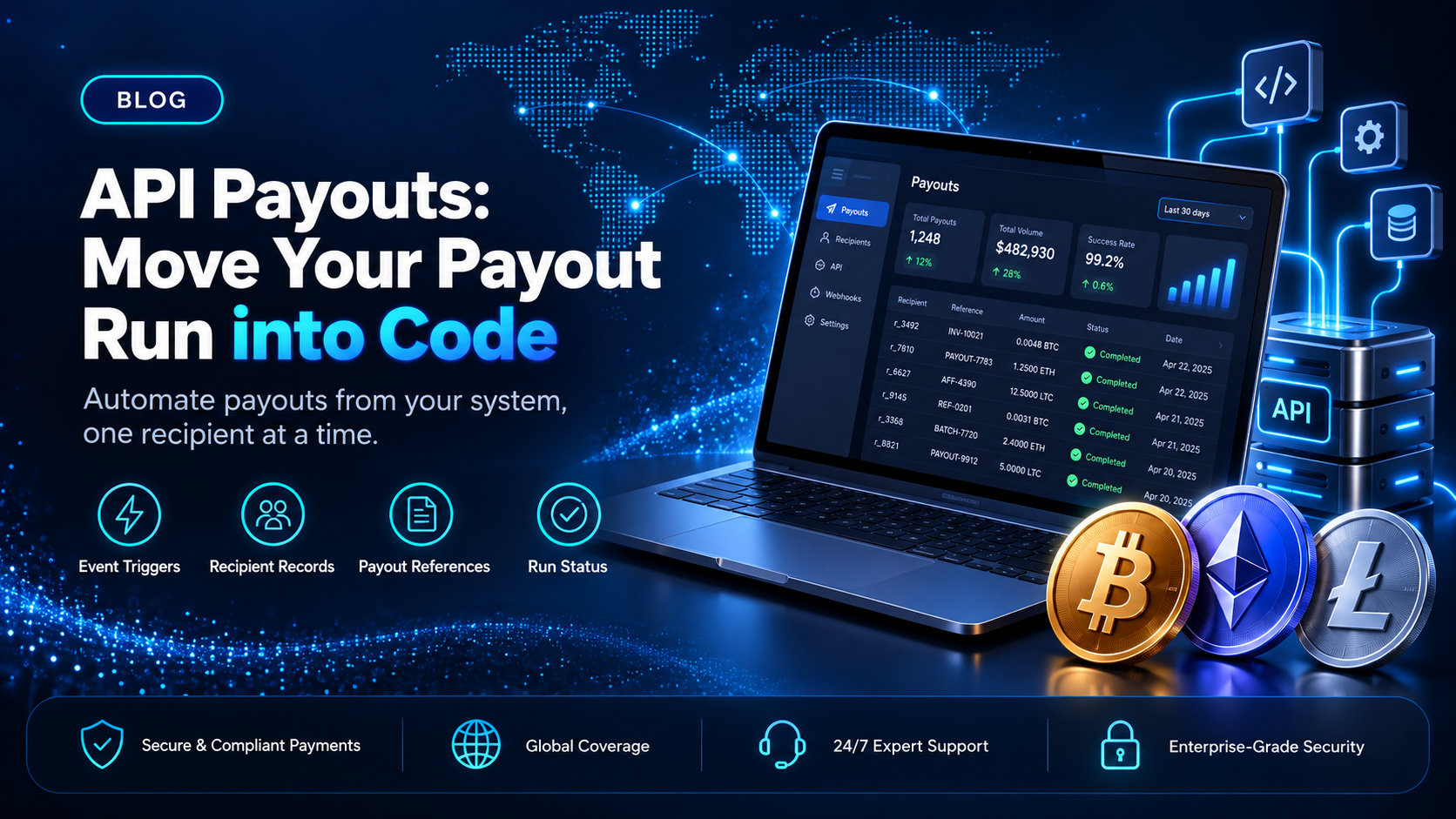
Payout runs often start as a manual job. The amounts owed are exported from the platform, checked against the ledger, built into a file, and uploaded. That works while the run is monthly and the recipient list is short. It stops working when the cadence tightens, when the list grows, or when the numbers already sit in a system that could send them itself.
EukaPay's Payout API is where that job goes next. It creates crypto payouts programmatically from your own code, so the trigger moves from a person to your platform. This guide covers what your system takes on when a payout run moves into code, what the API is responsible for, and how the two stay in step.
In this guide, you'll learn:
What API payouts change about a payout run that used to be done by hand
Which parts of a run your own system owns once the API is sending
How a payout reference ties a sent payout back to your commission ledger
When the Payout API is the right route, and when a CSV upload still is
What API payouts change about a manual payout run
The manual route is a file. You upload a recipient list as a CSV file in the merchant dashboard, and the list is validated and shown with its recipients and amounts before anything is sent. It needs no code, and it needs your platform to know nothing at all about payouts.
API payouts move that trigger into your stack. The Payout API creates one payout per request, so a run covering many recipients is a loop your own code runs instead of a single call carrying a list. There is no batch endpoint, and mass payouts without code stay on the CSV upload route. That one fact decides most of the design work that follows, because it makes the shape of the run your system's responsibility.
The gain is not speed of typing. It is that the run can now start from something your system already knows: a cycle closing, a threshold being crossed, or a balance going positive. Manual runs are scheduled around a person's calendar. Runs in code can be scheduled around the event that actually creates the obligation.
What your system owns once API payouts run from your own code
Moving the trigger moves responsibility with it. Four things that a file used to carry now live in your platform.
The recipient list - the fields your code stores and sends
Each payout names its asset and its network, and those are set per payout. Different recipients in the same run can receive different assets on different networks. Keep the asset and network fields on your own recipient records, alongside the destination address, so the request can be built without a lookup somewhere else. A recipient who changes wallet between cycles is a row your platform updates, not a column in a file someone rebuilds each month.
The amounts - where the math happens before a request is made
A file gives you one place to eyeball the numbers. Code does not, so the math has to be right before the loop starts. Settle the commission math, the deductions, and the minimums in your own ledger first, then hand the API a number you have already agreed with. EukaPay enforces per-asset minimum payout amounts, so a recipient sitting below one needs a rule in your system for what happens to the balance.
The loop - how your code sends one payout at a time
One request creates one payout, so the run is a sequence your code controls. Decide what happens when a single request does not succeed: whether your loop retries it, how many times, and whether it pauses or moves on to the next recipient. Record the outcome per recipient as you go. A run that keeps no per-recipient state can be hard to resume safely, because nothing in your system can say which lines already went.
The funding step - moving money to the payout balance first
The payout balance can be funded two ways: by transferring from the account's main balance, or by making a fiat deposit. Either way, funding is its own step in the run. Build it in as a check instead of an assumption, so a cycle that collected late does not start a loop against a balance that cannot cover it.
How does a payout run in code stay in step with your commission ledger?
Each payout has its own reference that can be looked up. That reference is the join key between the two systems, and writing it back to your own record is easy to leave until later.
Store the reference on your own payout record at the moment the request succeeds. Then a support question about a missing payment starts in your platform and ends at a specific payout, instead of starting with a spreadsheet. Reconciliation at the end of the cycle becomes a comparison between two lists that share an identifier, which is a different job from matching on name and amount and hoping the pair is unique.
Status is something you pull, not something you infer. Look each payout up by its reference instead of assuming an outcome from the fact that a request returned. Recipients tend to ask about timing instead of mechanics, so a per-recipient status your own support team can read is worth more than a run-level summary. The same discipline is what makes
across several markets reportable at all.
How to choose
Payout API | CSV upload in the dashboard | |
|---|---|---|
Who starts the run? | Your own system, one payout per request | A person in the merchant dashboard |
Coding required? | Yes, plus an API key | No |
Where the recipient list lives | Your platform's own records | The file you upload |
Typical user | Platforms paying on their own system's events | Finance teams running a periodic cycle |
EukaPay supports both routes on the same account, so the choice is not permanent and does not have to be made for the whole business at once. The API suits the recurring cycle your own system already tracks, and the dashboard upload suits the off-cycle run nobody wants to write code for. The
post covers what a single request sends and what comes back, which is the detail to read before you build the loop.
One platform for deposits, payouts, and fiat settlement
The same EukaPay account that sends payouts also takes payments in, with instant crypto-to-fiat conversion at a locked exchange rate to remove your exposure to crypto price swings, support for most major cryptocurrencies, and settlement in USD, EUR, GBP, and CAD to your bank account. The locked rate is applied by default on every conversion, on pay-ins and on payouts. A crypto payment confirms on-chain, so protection against chargebacks is a property of the payment method.
For a platform that collects from one side and pays many recipients on the other, that means one integration and one set of records instead of two. If your payout run is already a scheduled job waiting on a person, the Payout API is what moves the trigger into your own system. Read the endpoint reference, then move one cycle onto it before you move all of them.
Get started with EukaPay
Create an account at
, complete verification, provide your legal business information, and generate an API key. The payout endpoints, the balance transfer, invoices, subscriptions, and customers are documented at
, and a staging environment is available for development while you build the loop.
Frequently asked questions
What are API payouts?
API payouts are payouts your own system creates by calling a provider's payouts API, instead of a person creating them in a dashboard. With EukaPay, your code calls the Payout API and the payout is sent in cryptocurrency to the recipient's address.
Can the Payout API send to more than one recipient in one request?
No. EukaPay's Payout API creates one payout per request, so a run covering many recipients is a loop your code drives. To send to many recipients without writing code, upload a recipient list as a CSV file in the merchant dashboard.
Which cryptocurrencies can EukaPay send in a payout?
Payouts are sent in USDC, USDT, ETH, and BTC, on the Ethereum, Tron, and Bitcoin networks. The asset and the network are set per payout, so recipients in the same run can be paid differently.
How do I fund the payout balance?
Two ways. Transfer from your account's main balance, or make a fiat deposit. Treat whichever you use as a step in the run, not as something that happens on its own.
How do I look up a payout after it is sent?
Each payout has its own reference. Store that reference on your own record when the request succeeds, then look the payout up by it when you need its status.
Do API payouts depend on banking hours?
Crypto payouts are not tied to banking hours or the banking calendar. Fiat settlement to your own bank account is a separate leg with its own timing.
Do I need code to send a mass payout with EukaPay?
No. The CSV upload in the merchant dashboard covers a run of many recipients with no integration work. The Payout API is for platforms that want the run to start from an event in their own system.
Can I test before real money moves?
Yes. A staging environment is available for development, so you can build and exercise the loop before pointing it at a live account.
Related articles
- what one request sends and what comes back.
Mass payments and how a payment run works
- the run itself, before any code is involved.
Crypto mass payouts for contractors and affiliates
- paying a large recipient base at scale.
Products
Use Cases
© 2026 EukaPay. All rights reserved.
FINTRAC: M22233887