How to switch crypto payment providers without downtime
August 04, 2026
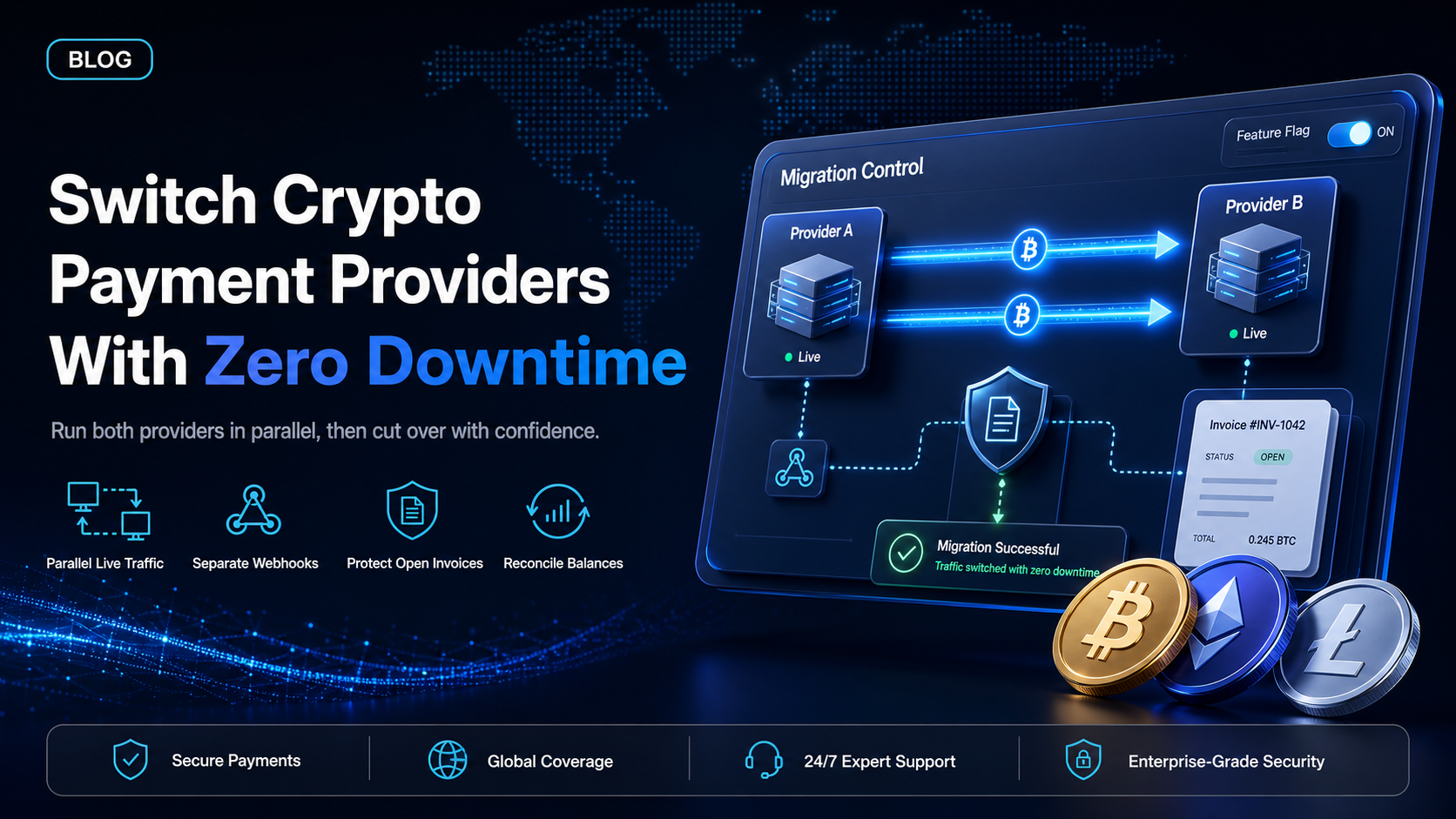
Most businesses that want to switch crypto payment providers delay the decision for the same reason. The provider is already wired into checkout, into the accounting export, and into the support team's habits, and nobody wants to be the person who broke the payment flow on a Friday afternoon.
The delay is avoidable. A crypto payment provider migration is not a single cutover event where the old system stops and the new one starts. Both providers can run at the same time, on the same site, taking real money, for as long as you want them to. The sections below cover the four things that actually break, the parallel-run method that prevents them, and how to handle the balances and invoices that are mid-flight when you move.
In this guide, you'll learn:
The four failure points that cause revenue loss during a provider switch
How to run two crypto payment providers side by side on live traffic
What happens to open invoices, webhooks, and settled balances during the move
A step-by-step migration checklist you can hand to your developer (or coding agent)
What breaks during a provider switch
Four things fail in practice. Each has a specific fix, and none of them require downtime.
Webhook endpoints - the silent failure
Your old provider sends payment notifications to a URL on your server. Your new provider sends a different payload, signed with a different secret, to the same or a new URL. If you point both at one unprepared endpoint, your server rejects the signatures it does not recognise and marks real payments as unconfirmed. The customer paid. Your database says they did not.
The fix is to give each provider its own endpoint path and validate each signature separately. Never share one handler across two providers during a migration.
Open invoices with live payment addresses
An unpaid invoice issued through the old provider points at a deposit address the old provider controls. Cancelling your account before that invoice is paid means the customer sends funds to an address nobody is watching. Every open invoice has to either be paid, expired, or reissued before the old account closes.
Settled and unsettled balances
Funds that arrived but have not yet reached your bank account sit with the old provider. Closing the account with a balance in it turns a payment migration into a recovery exercise. Withdraw to zero before you close, and confirm the withdrawal cleared your bank rather than just showing as sent.
Recurring invoices and subscription schedules
If you send invoices on a recurring schedule, those schedules live inside the old provider. They do not transfer. Recreating them in the new provider is manual work, and the risk is double-billing a customer if both schedules stay active. Turn off the old schedule in the same session you create the new one.
The parallel-run method
Running both providers at once is the only approach that guarantees no lost revenue, because there is never a moment when your site cannot take a payment. It works in three stages.
Stage one - open the new account and test in sandbox
Apply for the new account and complete onboarding. EukaPay reviews every merchant as part of a business review before you go live, and a sandbox environment is available for your developer (or coding agent) to build against during that review. Nothing on your production site changes in this stage. You are integrating and testing against test funds while the old provider continues handling every real payment.
Build the new integration behind a feature flag, off by default. Confirm three things in sandbox: a payment completes, the webhook fires and your server records it, and a refund issues correctly.
Stage two - route a slice of live traffic
Turn the flag on for a small share of real checkout sessions. Ten percent is enough to surface problems. Watch for mismatches between what the new provider reports and what your own database recorded, because that gap is where reconciliation errors originate.
Both providers are now taking real money on the same site. If anything looks wrong, you set the flag back to zero and the old provider absorbs everything again. No customer sees an error.
Stage three - cut over and keep the old provider warm
Once the sampled traffic reconciles cleanly, move all new checkout sessions to the new provider. Leave the old account open and funded for at least one full billing cycle so that late payments on old invoices still land somewhere you control. Close it only after the last open invoice has settled and the balance is zero.
How long does it take to switch crypto payment providers?
The engineering work is usually the shortest part. A checkout integration through a hosted payment page or an eCommerce plugin is often a same-day change, and an API integration typically takes a few days of developer (or coding agent) time.
The schedule is set by two things outside the code. The first is onboarding and business review at the new provider, which runs in parallel with your integration work and is why you start it first. The second is the tail on your open invoices. If you issue net-30 invoices, the old account stays open at least thirty days past cutover. Plan the calendar around the invoice tail, not around the build.
Migration checklist
Inventory every place the old provider appears: checkout, invoices, payment links, POS terminals, recurring schedules, accounting exports, and support macros.
Apply for the new account and start onboarding and business review.
Export your transaction history from the old provider. Do this before you close anything, because access usually ends with the account.
Build the new integration in sandbox, behind a feature flag that is off by default.
Give the new provider its own webhook endpoint and validate its signatures independently of the old one.
Test a payment, a webhook delivery, and a refund in sandbox.
Enable the flag for a small share of live traffic and reconcile the results against your own records.
Move all new checkout sessions to the new provider.
Recreate recurring invoice schedules in the new provider and switch off the old ones in the same session.
Let open invoices on the old provider settle or expire.
Withdraw the old balance to zero and confirm the funds reached your bank.
Close the old account and update your accounting export and support documentation.
One platform underneath
Whichever route you migrate onto, the same infrastructure sits underneath it. EukaPay provides instant crypto-to-fiat conversion at a locked exchange rate to remove all crypto volatility, protection against chargebacks, support for a wide range of cryptocurrencies, and settlement in USD, EUR, GBP, CAD to your bank account. EukaPay supports most major cryptocurrencies like BTC, ETH, LTC, SOL, USDC, USDT.
Because checkout,
payment links, invoicing, and the API
all draw on that one balance, you do not have to pick a single integration route before you migrate. Start with the fastest route to get live, then add the others once the old provider is closed.
Get started with EukaPay
If you are still comparing providers before you commit, start with
how to choose a crypto payment gateway
, then read our breakdown of the
route, the
CoinGate alternatives for accepting USDT and stablecoins
, and the
comparison. When you are ready to begin, create an account in the
to start onboarding, and point your developer (or coding agent) at the
to build the integration while the business review runs.
Frequently asked questions
Can I run two crypto payment providers at the same time?
Yes. Both providers can take live payments on the same site simultaneously, which is what makes a zero-downtime migration possible. Give each provider its own webhook endpoint so signature validation stays separate.
Will I lose my transaction history when I switch crypto payment providers?
Your history stays with the old provider, and access usually ends when the account closes. Export the full transaction record before you close anything.
What happens to unpaid invoices from my old provider?
They keep pointing at deposit addresses the old provider controls. Let them settle or expire before closing that account, or reissue them through the new provider and cancel the originals.
Do I need to change my checkout code to accept stablecoins or crypto with EukaPay?
Not necessarily. You can go live through a
, an eCommerce plugin, or payment links without writing code, then move to the API later if you want custom fields or a branded flow.
Can I keep accepting the same cryptocurrencies after migrating?
In most cases yes. EukaPay supports most major cryptocurrencies like BTC, ETH, LTC, SOL, USDC, USDT. Check your highest-volume assets against the supported list before you cut over so no customer loses their preferred payment option.
How fast can I start taking payments on the new provider?
After onboarding and business review complete. EukaPay does not offer instant registration, but a sandbox environment is available so your integration is finished and tested by the time the review clears.
What currencies can I settle to after switching?
EukaPay settles in USD, EUR, GBP, CAD to your bank account, with instant crypto-to-fiat conversion at a locked exchange rate to remove all crypto volatility.
Products
Use Cases
© 2026 EukaPay. All rights reserved.
FINTRAC: M22233887