Stablecoin payroll for global teams
August 14, 2026
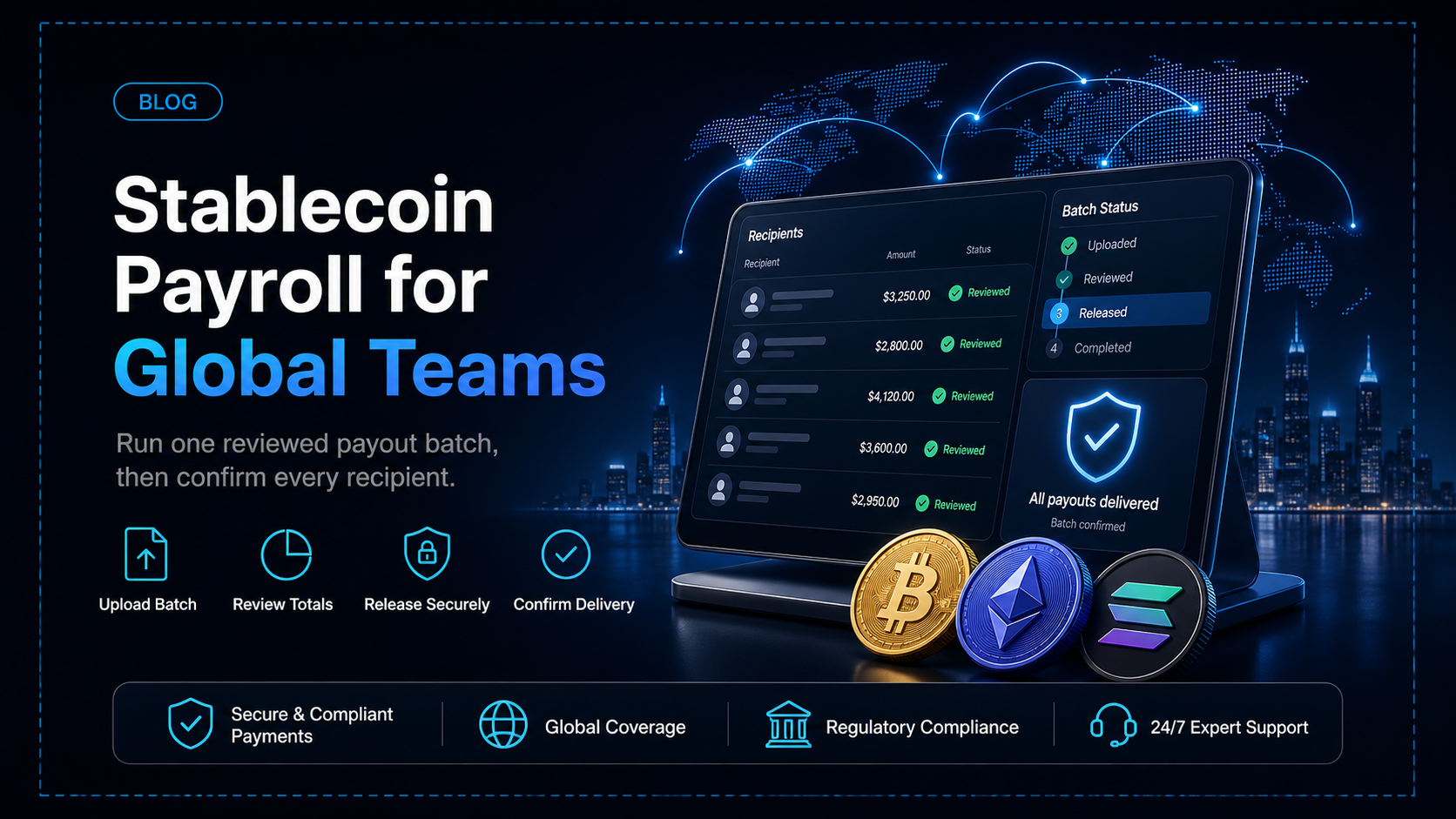
A payroll cycle has two halves. One is calculation - gross pay, deductions, and everything the company owes each person. The other is disbursement - moving that money to each person on the pay date. Stablecoin payroll changes the second half only, paying people in stablecoins or crypto instead of routing every payment through a bank.
That distinction decides what a finance or ops lead actually has to set up. Your payroll system keeps doing the calculation and the classification decisions. What changes is the payout step - a recipient list, a funded balance, and a run you send. This guide covers that half end to end.
In this guide, you'll learn:
Which half of a pay cycle stablecoin payroll replaces, and which half does not
What to have ready before you send your first payroll run
How dashboard CSV upload, the Payout API, and single payouts differ in practice
Which assets and networks EukaPay pays out on, and how the payout balance gets funded
What stablecoin payroll covers
Stablecoin payroll is the disbursement half of a pay cycle. The payroll system a company already runs still calculates gross pay, deductions, and net amounts, and holds the classification decisions. Stablecoin payroll takes those net figures and pays them out as
to each person's wallet address. The calculation stays where it is - only the money movement changes.
What to have in place before the first run
The recipient list - address, asset, and network for each person
The recipient list is the input to every run. Each person needs a wallet address, the asset they are paid in, and the network that asset is sent on. Asset and network are set per payout, so one person can take USDC on Ethereum while another takes USDT on Tron.
The payout balance - topped up before the run
The payout balance is the balance a run is sent from. Top it up before the run, with enough to cover everything the run will send. Funding is a step of its own, separate from creating the run, so do it ahead of the pay date rather than on it.
The pay date - not tied to banking hours or the banking calendar
The pay date is the date you send the run. Crypto payouts are not tied to banking hours or the banking calendar, so a run does not have to be timed around a destination's cut-off. Banking calendars and cut-offs differ by destination for bank transfers, which is what makes a distributed pay run slower than a domestic one.
The check before release - the list is validated before anything is sent
The check before release is the point at which a mistake can still be corrected. When you upload a CSV in the merchant dashboard, the list is validated and shown with its recipients and amounts before anything is sent. Read that against the net figures your payroll system produced.
Three ways to send a run
EukaPay gives you three routes for sending a run, and they differ in who builds it.
Question | Dashboard CSV upload | Payout API | Single payout |
|---|---|---|---|
Who creates the run? | Finance or ops | Your own system | Finance or ops |
Coding required? | No | Yes | No |
How recipients are added | CSV file uploaded in the dashboard | One payout per request | Entered one at a time |
Asset and network | Set per payout | Set per payout | Set per payout |
Best for | The regular cycle across a team | Payouts your system already triggers | Off-cycle corrections, new joiners |
The same three routes carry
mass payouts to contractors and affiliates
and country-specific runs such as
, not payroll alone.
One platform underneath
Payroll runs on the same EukaPay account the business uses to get paid. Crypto pay-ins bring instant crypto-to-fiat conversion at a locked exchange rate to remove all crypto volatility, protection against chargebacks, support for a wide range of cryptocurrencies, and settlement in USD, EUR, GBP, CAD to your bank account. EukaPay sends payouts in USDC, USDT, ETH, and BTC, on Ethereum, Tron, and Bitcoin.
Every payout carries its own reference that can be looked up. Marketplaces collecting from buyers and paying
run both directions through one account, and a payroll team gets the same account for collections and disbursement.
Get started with EukaPay
Getting started runs in four steps - sign up, complete verification, provide your legal business information, and generate an API key. A staging environment is available for development, so a developer (or coding agent) can build against the payout endpoints.
to begin, and the
covers payout endpoints and balance transfers.
Frequently asked questions
Does stablecoin payroll replace our payroll system?
No. Your payroll system keeps calculating gross pay, deductions, and net amounts. EukaPay handles disbursement, moving those net amounts to each recipient.
Which assets and networks can we pay people in?
EukaPay sends payouts in USDC, USDT, ETH, and BTC, on Ethereum, Tron, and Bitcoin. Asset and network are set per payout, so one run can mix them.
How do we fund a payroll run?
Top up your crypto payout balance. It has to cover the whole run, so do it ahead of the pay date.
Do we need a developer (or coding agent) to run payroll?
No. A CSV upload in the merchant dashboard needs no code. The Payout API is there for companies whose own system creates payouts, one per request.
Can EukaPay pay an employee in fiat?
No. Fiat settlement reaches your own bank account in USD, EUR, GBP, CAD. Recipients are paid in stablecoins or crypto, to the address on your list.
Can we look up a single payment inside a run?
Yes. Each payout has its own reference that can be looked up, so one payment can be checked without reviewing the whole run.
Does a payroll run depend on banking hours?
No. Crypto payouts are not tied to banking hours or the banking calendar, so a run does not have to be timed around a destination's cut-offs.
Latest Blogs
Products
Use Cases
© 2026 EukaPay. All rights reserved.
FINTRAC: M22233887