Payment gateway pricing: the fee models compared in 2026
October 05, 2026
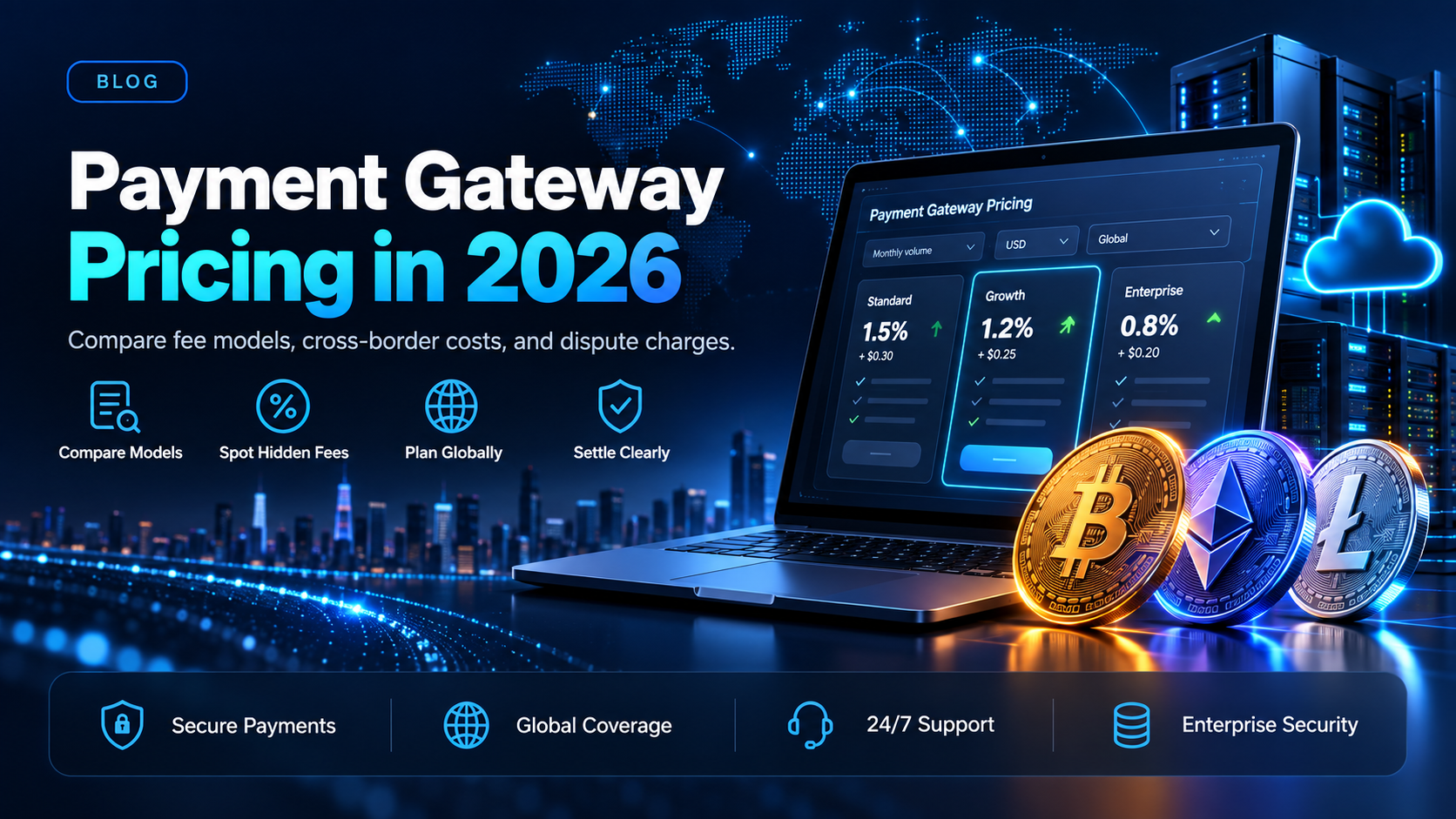
A $100 online card sale at 2.9% plus 30 cents costs $3.20 in processing. That number is only the start of payment gateway pricing. The fee model, a monthly fee, cross-border charges, and the cost of a dispute can all change what a sale costs.
EukaPay handles the payments your customers send in stablecoins or crypto, and it settles them to your own bank account in USD, EUR, GBP, or CAD. This guide sets EukaPay next to Stripe, PayPal, and Authorize.net on each of those points.
In this guide, you'll learn:
The three payment gateway pricing models card gateways use
What Stripe, PayPal, and Authorize.net publish for each fee
Which payment gateway fees sit outside the headline rate
How EukaPay prices, converts, and settles crypto payments
Payment gateway pricing models and what each one charges for
EukaPay handles crypto payments next to the card gateway you already run, so the models below describe that card gateway.
Card gateways usually price on one of three models. The model decides which costs show up on your statement.
Flat-rate pricing - one percentage plus a fixed fee on every transaction
A flat-rate plan charges a set percentage and a fixed amount on each domestic card payment. Stripe's standard plan and PayPal's card rates both use this model. A flat rate is easier to forecast than a rate that moves with each card.
Interchange-plus pricing - the card network cost passed through, plus a markup
An interchange-plus plan passes the issuing bank's interchange fee and the network fee through at cost, then adds the provider's own markup. Stripe offers it on custom plans for businesses with large payment volume. The rate can change from one payment to the next, because each card type carries a different interchange fee.
Monthly fee plus per-transaction pricing - a subscription before the first payment
Some gateways charge a fixed monthly fee and then a rate on each payment. Authorize.net's all-in-one plan uses this model, and its gateway-only plan pairs the monthly fee with a per-transaction charge and a daily batch fee. The monthly fee is due whether or not you sell.
EukaPay sits beside whichever of these models your card gateway uses, and handles the payments your customers send from a crypto wallet.
Payment gateway fees compared: EukaPay, Stripe, PayPal, and Authorize.net
EukaPay | Stripe | PayPal | Authorize.net | |
|---|---|---|---|---|
What the customer pays with | BTC, ETH, LTC, SOL, USDC, USDT from their own wallet | Cards, wallets, stablecoins, and other payment methods | PayPal, Venmo, cards, and third-party wallets | Cards, digital wallets, and eCheck |
Fee model and published rate | Agreed with the EukaPay team during onboarding | 2.9% + 30¢ on domestic cards; stablecoins 1.5%; IC+ on custom plans | 2.99% + 49¢ on cards; 3.49% + 49¢ on PayPal Checkout | $25 a month plus 2.9% + 30¢ on the all-in-one plan |
Cross-border payments and currency conversion | Locked exchange rate on every conversion, by default | +1.5% on international cards, +1% if conversion is needed | +1.5% on international commercial transactions | Not listed separately on its published plans |
Disputes and chargebacks | Confirms on-chain, so no card chargeback applies | $15 fee for each dispute received | $15 standard dispute fee; $20 card chargeback fee | $0 gateway chargeback fee on cards, $25 on eCheck |
Refer to the websites for current information.
Card gateways add international charges on top of the headline rate, and Stripe and PayPal both list an extra 1.5%.
EukaPay locks the exchange rate on every conversion by default, so the fiat value of each crypto payment is set at the moment of payment. A EukaPay payment confirms on-chain, so no card chargeback applies to it.
Which payment gateway fees sit outside the headline rate?
EukaPay handles the crypto rail, so the list below applies to the card gateway you already run.
A headline rate rarely tells you what a card payment costs. Four other fees often decide the real number.
Monthly or platform fees.
A fixed monthly fee costs more per payment in a slow month than in a busy one.
International and currency conversion surcharges.
A customer paying with a foreign card can cost more than a domestic one for the same sale.
Dispute and chargeback fees.
Many plans charge a fee for each dispute a cardholder opens.
Per-transaction and batch fees on gateway-only plans.
These can apply on top of what your merchant account provider charges.
The guides on
and
cover those card providers in more detail. For the crypto side,
how to choose a crypto payment gateway
lists the criteria to check before you sign. EukaPay does not process card payments and does not issue merchant accounts, so a business adds EukaPay next to its card gateway.
How EukaPay prices crypto payments
Pricing is agreed with the EukaPay team during onboarding. Three parts of the EukaPay setup decide what reaches your bank account from each payment.
Conversion.
EukaPay locks the exchange rate on every conversion by default, on pay-ins and on payouts.
Settlement.
You choose fiat or crypto settlement, and fiat settlement reaches your own bank account.
Disputes.
A crypto payment confirms on-chain, so protection against chargebacks is a property of the payment method.
One platform for deposits, payouts, and fiat settlement
EukaPay handles checkout, conversion, and settlement for crypto payments in one account. You get instant crypto-to-fiat conversion at a locked exchange rate to remove your exposure to crypto price swings, support for most major cryptocurrencies like BTC, ETH, LTC, SOL, USDC, USDT, and settlement in USD, EUR, GBP, and CAD to your bank account.
A crypto payment confirms on-chain, so protection against chargebacks is a property of the payment method. The same account can send crypto payouts in USDC, USDT, ETH, or BTC, and payouts are not tied to banking hours or the banking calendar. Invoices, payment links, checkout, and subscriptions sit in the same EukaPay account.
If your customers already hold stablecoins, add EukaPay as the crypto rail next to your card gateway. Open an account, agree your pricing during onboarding, and choose fiat or crypto settlement.
Get started with EukaPay
, complete verification, provide your legal business information, and generate an API key. A staging environment is available for development. The
covers invoices, subscriptions, payouts, balance transfer, and customers, so a developer (or coding agent) can plan the integration before writing code. The
EukaPay crypto payment gateway
page describes the product in full.
Frequently asked questions
How much does a payment gateway cost?
Card gateways often charge a percentage plus a fixed amount on each payment, and some add a monthly fee. For crypto payments, pricing is agreed with the EukaPay team during onboarding.
What are the main payment gateway pricing models?
The three common card models are flat-rate pricing, interchange-plus pricing, and a monthly fee plus a per-transaction rate. For crypto payments, pricing is agreed with the EukaPay team.
What payment gateway fees are there besides the transaction rate?
Monthly fees, international card surcharges, currency conversion fees, and dispute fees can all apply on card gateways. A crypto payment confirms on-chain, so protection against chargebacks is a property of the payment method.
Do payment gateways charge a monthly fee?
Some do and some do not. Authorize.net publishes a $25 monthly fee on its plans, while Stripe's standard plan lists no monthly fee.
Is EukaPay a card payment gateway?
No. EukaPay is a crypto payment gateway. It does not process card payments and does not issue merchant accounts.
Which cryptocurrencies can my customers pay with?
Customers can pay with most major cryptocurrencies like BTC, ETH, LTC, SOL, USDC, USDT on EukaPay's hosted payment page.
Which currencies does EukaPay settle in?
You choose fiat or crypto settlement. Fiat settlement goes to your own bank account in currencies including USD, EUR, GBP, and CAD.
Related articles
Crypto payment gateway with the lowest fees
- how to read pricing on the crypto rail
How to choose a crypto payment gateway
- the criteria that separate one crypto gateway from another
Crypto payment gateway with no chargebacks
- why on-chain confirmation changes dispute exposure
Latest Blogs
Products
Use Cases
© 2026 EukaPay. All rights reserved.
FINTRAC: M22233887