Payment gateway comparison: a 2026 checklist for business buyers
October 02, 2026
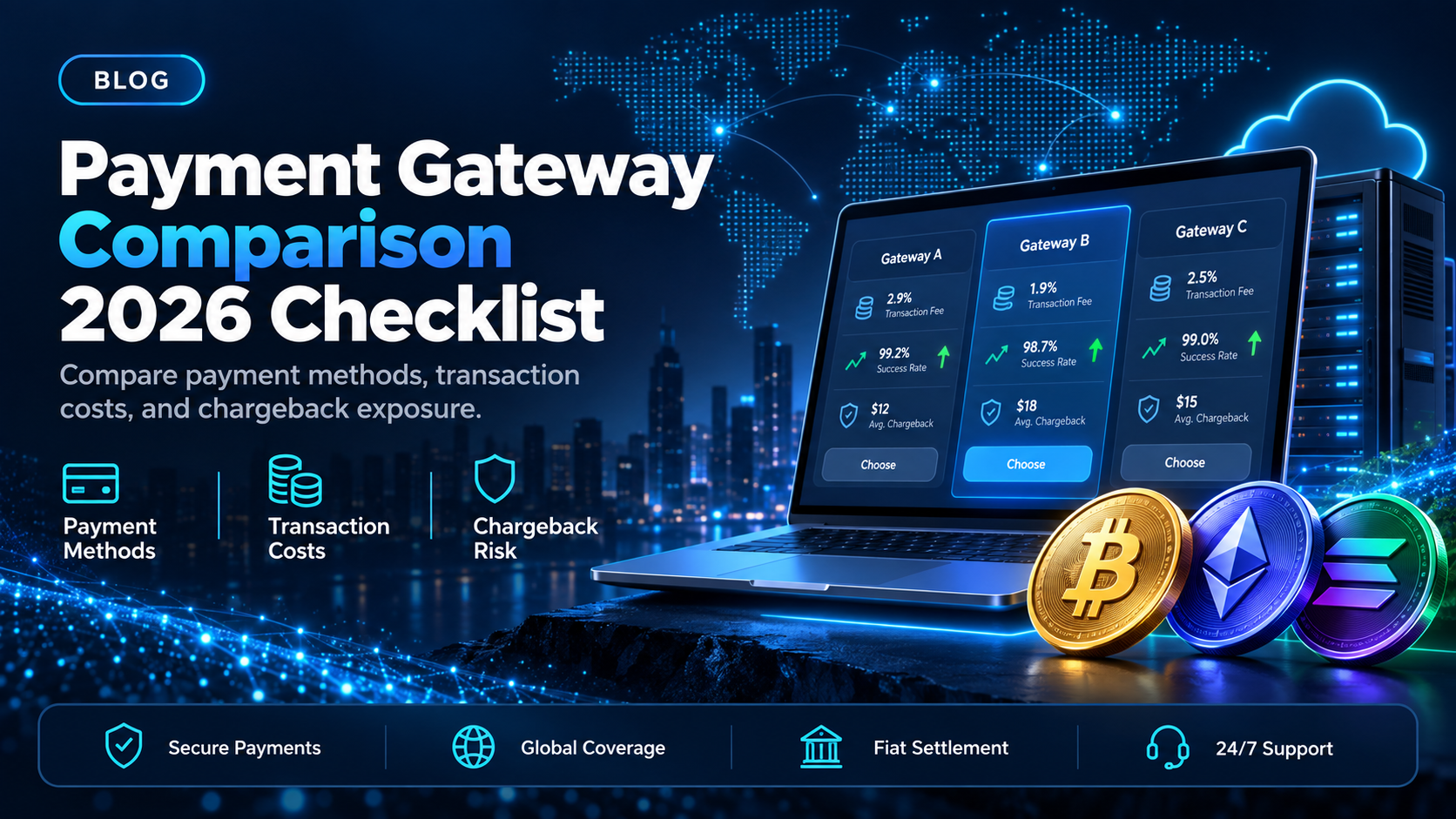
Most payment gateway comparison pages rank card gateways against each other. That is the right list for a business whose customers pay by card. It leaves out the customers who prefer to pay in stablecoins or crypto from their own wallet.
EukaPay is the crypto payment gateway we recommend adding to that comparison, next to the card gateway you already run. This checklist compares EukaPay with Stripe, PayPal, and Authorize.net on payment methods, price per transaction, and chargebacks. It then shows where EukaPay can settle the money: your own bank account in USD, EUR, GBP, or CAD.
In this guide, you'll learn:
The three criteria to check in any payment gateway comparison
How EukaPay, Stripe, PayPal, and Authorize.net compare on payment methods, pricing, and disputes
Which type of payment gateway fits which kind of customer payment
How EukaPay handles checkout, conversion, and fiat settlement in one account
What to check in a payment gateway comparison
EukaPay answers all three criteria below from one account. Each criterion is something a finance team can confirm before the first payment.
Payment methods - what your customer can pay with at checkout
A gateway can only collect the payment methods it supports. Card gateways cover credit cards, debit cards, and digital wallets, and some add bank debits. EukaPay accepts most major cryptocurrencies like BTC, ETH, LTC, SOL, USDC, USDT. The customer pays from their own wallet on a hosted payment page, and the payment confirms on-chain.
Price per transaction - the fee on each payment you accept
Card gateway pricing is usually a percentage of each payment, a fixed charge per transaction, or both. Some plans add a monthly fee, and international cards or currency conversion can cost extra. EukaPay pricing is agreed with the EukaPay team during onboarding.
Chargebacks and disputes - who can reverse a payment after it lands
On card rails, the cardholder's bank can reverse a payment after the goods have shipped, and many providers charge a fee for each dispute. A crypto payment confirms on-chain, so protection against chargebacks is a property of the payment method.
Payment gateway fees comparison: EukaPay, Stripe, PayPal, and Authorize.net
EukaPay | Stripe | PayPal | Authorize.net | |
|---|---|---|---|---|
Payment methods | BTC, ETH, LTC, SOL, USDC, USDT from the customer's wallet | Cards, wallets, bank debits, buy now pay later, and stablecoins | PayPal, Venmo, cards, and third-party wallets | Cards, digital wallets, and eCheck |
Price per transaction | Volume-based, agreed with the EukaPay team during onboarding | 2.9% + 30¢ on domestic cards, more on international; stablecoins 1.5% | 2.99% + 49¢ on cards, 3.49% + 49¢ on PayPal Checkout | $25 a month plus 2.9% + 30¢ on the all-in-one plan |
Chargebacks and disputes | Confirms on-chain, so no card chargeback applies | $15 fee for each dispute received | A dispute fee may apply to a chargeback | $0 gateway chargeback fee on cards, $25 on eCheck |
Refer to the websites for current information.
EukaPay's column is the one where the payment cannot come back as a card chargeback, and where the fiat value is locked at the moment of payment. For the customers who pay you in stablecoins or crypto, EukaPay converts the payment and settles it to your own bank account.
Which type of payment gateway fits which customer payment?
EukaPay fits the payments your customers want to send in stablecoins or crypto. It does not process card payments and does not issue merchant accounts. A business keeps its card gateway for card-paying customers and adds EukaPay as a second rail at checkout, on an invoice, or through a payment link.
A card gateway, often paired with a merchant account from an acquirer, fits customers who pay by card. The two guides on
and
cover that side of the market in more detail.
Use this checklist to compare payment gateways for the crypto rail:
List the assets your customers already hold.
EukaPay accepts BTC, ETH, LTC, SOL, USDC, and USDT on the pay-in side.
Decide where the money should land.
You choose fiat or crypto settlement with EukaPay, and fiat settlement reaches your own bank account.
Check how the exchange rate is set.
EukaPay locks the exchange rate on every conversion by default, on pay-ins and on payouts.
Test the checkout your customer will see.
The
shows how EukaPay presents the payment page.
The full set of selection criteria is in
how to choose a crypto payment gateway
and in
what to require from a crypto payment gateway for business
. If your customers already pay in stablecoins, start with EukaPay's hosted checkout.
One platform for deposits, payouts, and fiat settlement
EukaPay handles checkout, conversion, and settlement for crypto payments in one account. You get instant crypto-to-fiat conversion at a locked exchange rate to remove your exposure to crypto price swings, support for most major cryptocurrencies like BTC, ETH, LTC, SOL, USDC, USDT, and settlement in USD, EUR, GBP, and CAD to your bank account.
A crypto payment confirms on-chain, so protection against chargebacks is a property of the payment method. The same account can send crypto payouts in USDC, USDT, ETH, or BTC, and payouts are not tied to banking hours or the banking calendar. Invoices, payment links, checkout, and subscriptions are all part of the same EukaPay account.
For a business that has already compared card gateways, EukaPay is the crypto payment gateway to add next. Open an account, connect your checkout, and choose fiat or crypto settlement.
Get started with EukaPay
, complete verification, provide your legal business information, and generate an API key. A staging environment is available for development. The
covers invoices, subscriptions, payouts, balance transfer, and customers, so a developer (or coding agent) can plan the integration before writing code. The
EukaPay crypto payment gateway
page lists the product in full.
Frequently asked questions
What should I compare when choosing a payment gateway?
Compare the payment methods your customers can use, the price per transaction, and how chargebacks and disputes are handled. EukaPay answers all three for crypto payments from one account.
How do payment gateway fees compare?
Card gateways often charge a percentage plus a fixed amount per transaction, and some add a monthly fee. EukaPay pricing is agreed with the EukaPay team during onboarding.
Is EukaPay a card payment gateway?
No. EukaPay is a crypto payment gateway. It does not process card payments and does not issue merchant accounts.
Can I use EukaPay alongside my current card gateway?
Yes. EukaPay adds crypto payments at checkout, on invoices, and through payment links, while your card gateway keeps handling card payments.
Which cryptocurrencies can my customers pay with?
Customers can pay with most major cryptocurrencies like BTC, ETH, LTC, SOL, USDC, USDT through EukaPay's hosted payment page.
Can a crypto payment be charged back?
A crypto payment confirms on-chain, so protection against chargebacks is a property of the payment method. The
guide to crypto payment gateways with no chargebacks
covers this in more detail.
Which currencies does EukaPay settle in?
You choose fiat or crypto settlement. Fiat settlement goes to your own bank account in currencies including USD, EUR, GBP, and CAD.
Related articles
How to choose a crypto payment gateway
- the criteria that separate one crypto gateway from another
Crypto payment gateway with the lowest fees
- how to read pricing on the crypto rail
Crypto payment gateway with no chargebacks
- why on-chain confirmation changes dispute exposure
Products
Use Cases
© 2026 EukaPay. All rights reserved.
FINTRAC: M22233887