USDT payment API: a developer's integration guide
August 28, 2026
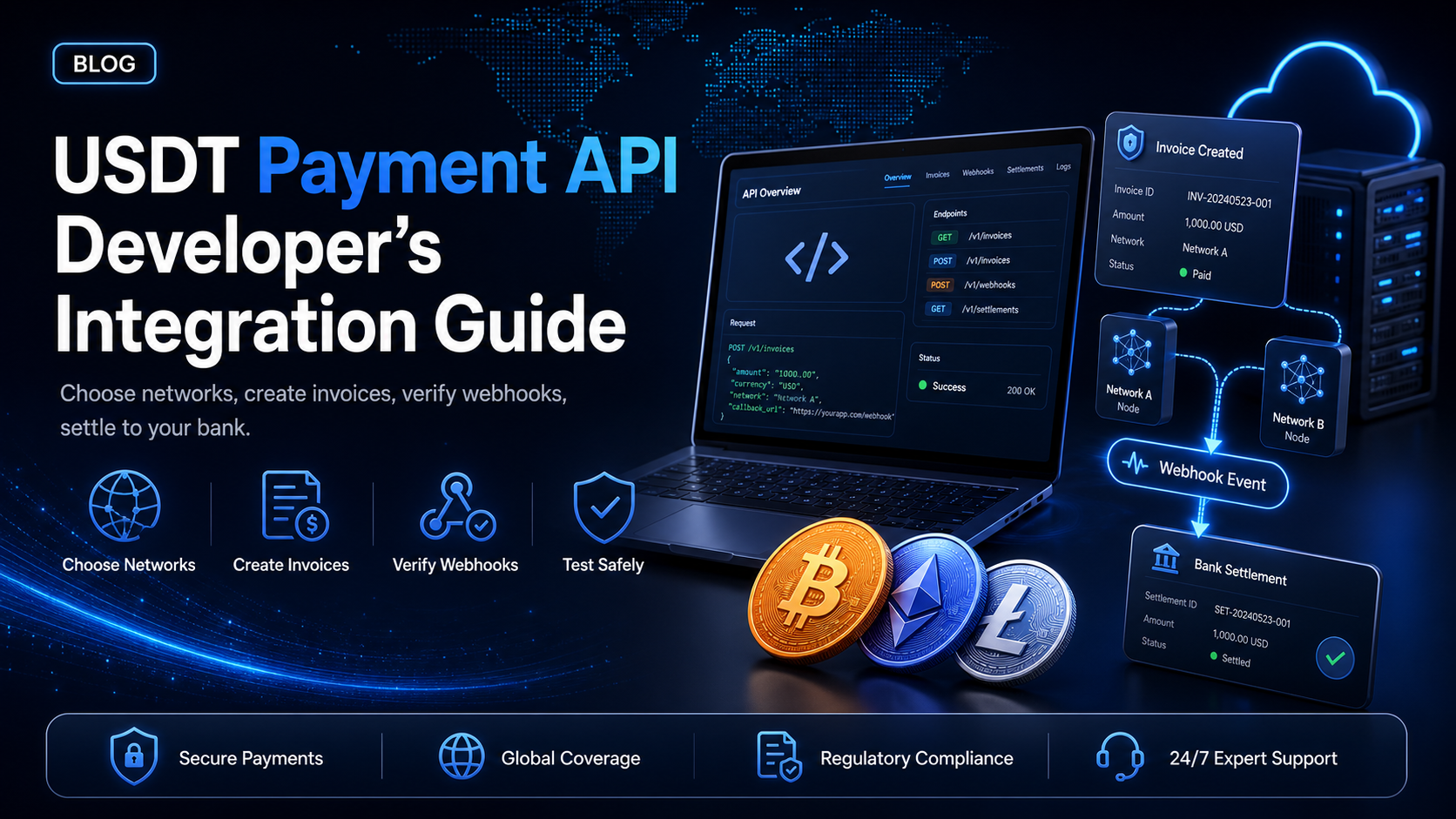
Most guides to accepting USDT through an API start with authentication. That is the wrong first step, because the decision that actually shapes a USDT integration comes before any code: which network you accept it on. Get that wrong and you will support customers who cannot pay you, or absorb network fees that make small payments uneconomic.
This guide covers the network choice first, then the integration. It uses the EukaPay API throughout, where USDT is supported on Ethereum as an ERC-20 token and on Tron as a TRC-20 token, and settlement reaches your bank account in USD, EUR, GBP, CAD.
In this guide, you'll learn:
How to choose between USDT on Ethereum and USDT on Tron, and why it matters commercially
How to authenticate and create an invoice your customer can pay in USDT
How to handle the underpayment and overpayment cases that USDT integrations hit most
How to test on Sepolia and Shasta before accepting a real payment
Choosing a network first
USDT is not one asset. It is the same dollar-denominated token issued across several blockchains, and the network determines the fee, the confirmation time and the address format your customer uses.
EukaPay supports USDT on two networks. It is worth being precise rather than quoting a round number of supported currencies:
Network | Token standard | Cryptocurrency ID | Symbol in the docs |
|---|---|---|---|
Ethereum | ERC-20 | 3 | Tether |
Tron | TRC-20 | 9 | Tether (TRON) |
There is no USDT on Solana at EukaPay, and no USDC on Tron. If your test plan or your checkout UI assumes either, it will fail for a reason unrelated to your code.
Note that USDT appears twice in that table with the same symbol and two different identifiers, so the symbol alone does not identify a currency. Any internal mapping you build needs the network alongside it.
ERC-20 - the default your enterprise customers expect
USDT on Ethereum is the version most institutional counterparties, treasury desks and audit processes already recognise. If you invoice businesses that hold stablecoins as part of a treasury operation, Ethereum is usually where those balances sit.
The trade-off is network fees. An Ethereum transfer costs the same regardless of whether it moves fifty dollars or fifty thousand, which means a small invoice can carry a fee that is a meaningful percentage of its value.
TRC-20 - the default for high-volume, lower-value payments
USDT on Tron carries substantially lower transfer costs, which is why it dominates in remittance corridors, affiliate payouts and consumer-facing flows where individual amounts are small and volume is high. If your customers are individuals rather than corporate treasuries, they are more likely to already hold USDT on Tron.
How to decide
Ask what your customers already hold rather than which chain you prefer. A checkout that offers only ERC-20 to a customer base holding TRC-20 produces abandoned payments, and the reason will not appear in your logs.
Supporting both is the common answer, and it costs you nothing in code beyond presenting the choice. The network is a property of the payment, not a separate integration.
Authenticating
Generate an API key in the merchant dashboard under Settings > Integrations > API keys. The secret is displayed once at creation, so write it to your secret manager immediately.
Authentication is a single custom header. There is no bearer token, no OAuth flow and no request signing on outbound calls:
curl "https://api.eukapay.com/invoices" \
  -H "x-api-key: sk_live_YOUR_KEY"
Hosts.
Production is
https://api.eukapay.com, staging is
https://api-stg.eukapay.com.
No version prefix.
The path is
/invoices, not
/v1/invoices.
Keys are environment-tagged,
sk_test_for staging and
sk_live_for production, so a misconfigured environment is visible by reading the key rather than by debugging a 401.
Creating an invoice a customer can pay in USDT
You do not create a "USDT invoice." You create an invoice denominated in a
fiat
currency, and your customer chooses which supported cryptocurrency to pay it with at the payment screen. The
currencyIdfield on
POST /invoicesrefers to the fiat currency table, where 1 is the Canadian Dollar, 2 is the US Dollar, 3 is the Euro and 4 is Pound Sterling. Cryptocurrencies live in a separate identifier space, which is the table in the previous section. The two numbering systems overlap, so
currencyId3 is the Euro and has nothing to do with Tether on Ethereum.
Which cryptocurrencies your customer sees is configured on your account rather than passed per request. So "accepting USDT" is two separate pieces of work: enable the USDT networks you want on your account, then price invoices in fiat as normal.
curl -X POST "https://api.eukapay.com/invoices" \
  -H "x-api-key: sk_live_YOUR_KEY" \
  -H "x-idempotent-key: 5b1e93c7-40a2-4d81-9f36-c7a4e8d21b05" \
  -H "Content-Type: application/json" \
  -d '{
    "price": 480.00,
    "currencyId": 2,
    "number": "INV-260810-17",
    "message": "Pro plan, annual",
    "dueDate": "2026-08-24",
    "redirectUri": "https://example.com/orderCompleted",
    "metadata": { "externalId": "ord_4471", "productCode": "PRO-ANNUAL" }
  }'
The response gives you the invoice
codeand the
paymentUrlto send the customer to:
{
  "code": "inv_h2qjo7e1qpaled08q0cecn1cal",
  "price": 480,
  "number": "INV-260810-17",
  "status": "Unpaid",
  "paymentUrl": "https://app.eukapay.com/payments/inv_h2qjo7e1qpaled08q0cecn1cal",
  "totalPaidAmount": 0,
  "currency": { "name": "US Dollar", "unit": "USD", "sign": "US$" }
}
Two limits on
priceto design around: the minimum invoice price is 1 and the maximum is 100,000. Once the total reaches 1,000,
customerCodebecomes required, along with
address1,
city,
stateand
countryon that customer record, so create the customer with
POST /customersfirst for larger invoices.
Always send an idempotency key
The
x-idempotent-keyheader is the difference between a robust integration and one that occasionally bills a customer twice. You generate the value, a V4 UUID is recommended, it may be up to 255 characters, and keys expire after 24 hours.
Derive it from your own order identifier rather than generating a fresh value inside your retry logic. A key created on each attempt protects nothing, because every retry looks like a new request. Persist it in the same transaction that marks the order as attempted.
If the API returns an
idempotency_error, stop and reconcile against
GET /invoicesrather than retrying with a new key. EukaPay documents three error types,
api_error,
idempotency_errorand
invalid_request_error.
Reading an invoice back
GET /invoices/{code}retrieves a single invoice, and
GET /invoiceslists them with cursor pagination using
limitplus either
starting_afteror
ending_before. The two cursor parameters are mutually exclusive. Read
has_morefrom the
{data, has_more}envelope to decide whether to keep paging, and set
limitexplicitly rather than relying on the default, which is 100 for invoices but 10 for several other resources.
Handling payment
Configure a webhook endpoint under Settings > Integrations > Webhooks, then drive your order state machine from the events rather than polling.
Verifying the signature
Every delivery carries an
x-eukapay-signatureheader containing an HMAC of the payload, keyed to that webhook's secret. The algorithm is
SHA-512
, computed over the raw request body.
const crypto = require('crypto');

function verifyEukaPaySignature(rawBody, signatureHeader, secret) {
  const digest = crypto.createHmac('sha512', secret).update(rawBody).digest('hex');
  if (digest.length !== signatureHeader.length) {
    return false;
  }
  return crypto.timingSafeEqual(Buffer.from(digest), Buffer.from(signatureHeader));
}
Use
timingSafeEqualrather than
===, because a plain string comparison exits on the first differing character and leaks how much of a forged signature was correct.
The three events a USDT integration needs
Event | What your handler does |
|---|---|
| Mark the order paid and fulfil |
| Hold the order, request the difference |
| Fulfil, then handle the surplus |
Payment payloads carry
webhookId,
event,
paymentCode,
paidAmount,
totalPaidAmount,
status,
paidDatetime,
invoiceCode,
invoiceNumber,
invoicedAmountand
invoiceCurrency. Use
invoiceCodeas the join key back to your own order record.
Underpayment and overpayment - more common with USDT than you expect
These two events deserve real handling rather than a log line, and USDT integrations encounter them more often than card integrations encounter their equivalents.
Two mechanics cause it. A customer sending from an exchange may have the withdrawal fee deducted from the amount they thought they were sending, so the invoice arrives short by exactly the exchange's fee. And a customer typing an amount manually into a wallet rounds it.
Decide the policy before you write the handler:
Underpaid.
Compare
totalPaidAmountagainst
invoicedAmount, hold fulfilment, and tell the customer the remaining balance.
totalPaidAmountmatters because a customer may top up with a second transfer.
Overpaid.
Fulfil the order, then route the surplus through your refund process using
POST /refunds. Do not reject the payment because an equality check failed.
Handling retries
EukaPay retries a failed delivery every 20 minutes for up to two hours, so your handler will receive duplicates. Record the
webhookIdand return early on a repeat. Verify the signature, deduplicate, return a 2xx quickly, and do slow work asynchronously.
Settlement
When a customer pays in USDT, EukaPay applies instant crypto-to-fiat conversion at a locked exchange rate to remove all crypto volatility. Your business recognises a fiat amount rather than holding a token balance.
Settlement reaches your bank account in USD, EUR, GBP, CAD, and Canadian merchants can also take Interac withdrawals. For a business accepting USDT specifically, the locked rate is the part worth understanding: USDT tracks the dollar closely, but the rate at which it converts into your settlement currency is still a rate, and locking it at the moment of payment is what removes the exposure between payment and settlement.
Going live
Test both networks before you accept a real payment. Each has its own test network, and using the wrong one produces a transaction that confirms on-chain and never appears in your account.
What you are testing | Test network |
|---|---|
USDT on Ethereum | Sepolia |
USDT on Tron | Shasta |
Register for staging at
stg.eukapay.comand call
https://api-stg.eukapay.comwith a
sk_test_key. Staging verification emails are not sent automatically, so request approval from support. Test USDT is provided by EukaPay support rather than a public faucet, so ask for it in the same message.
A short pre-launch list:
Run the full loop on both Sepolia and Shasta, not just one
Rehearse underpayment and overpayment deliberately
Replay a captured webhook payload and confirm your handler deduplicates by
webhookIdAlter one byte of a payload and confirm signature verification rejects it
Confirm idempotency keys are persisted before the request is sent
Move the host and key to configuration, then send one small real payment and watch it through to settlement
Every EukaPay merchant goes through an onboarding and business review process, and there is no instant registration. The sandbox exists so the integration work happens during that review rather than after it.
One platform underneath
USDT is one currency on a platform that treats all of them the same way: instant crypto-to-fiat conversion at a locked exchange rate to remove all crypto volatility, protection against chargebacks, support for a wide range of cryptocurrencies, and settlement in USD, EUR, GBP, CAD to your bank account. EukaPay supports most major cryptocurrencies like BTC, ETH, LTC, SOL, USDC, USDT.
Adding USDC on Ethereum, or Bitcoin, or Solana later is a currency configuration rather than a second integration. The endpoints, the webhook events and the signature verification are identical.
Get started with EukaPay
Create an account at
, complete verification, provide your legal business information, then generate an API key.
The full reference, including request schemas, the currency table with network coverage, and every error type, is public at
. There is also an official documentation MCP server at
docs.eukapay.com/mcpif a coding agent is doing the integration. For the merchant-facing view rather than the developer detail, see
.
Frequently asked questions
Which USDT networks does EukaPay support?
Ethereum as ERC-20 and Tron as TRC-20. There is no USDT on Solana.
Should I accept USDT on Ethereum or Tron?
Accept both where you can. Tron carries lower transfer fees and suits high-volume, lower-value payments, while Ethereum is what most corporate treasuries already hold.
How do I stop a retry from creating two invoices for one order?
Send an
x-idempotent-keyheader derived from your own order identifier, and persist it before sending the request. Keys expire after 24 hours.
What signature algorithm does EukaPay use for webhooks?
HMAC SHA-512, in the
x-eukapay-signatureheader, computed over the raw request body.
What happens when a customer underpays a USDT invoice?
You receive a
paymentUnderpaidevent carrying
paidAmount,
totalPaidAmountand
invoicedAmount, so your code can hold the order and request the balance. This commonly happens when an exchange deducts its withdrawal fee from the amount sent.
Where do I get test USDT for the sandbox?
From EukaPay support. Test stablecoins are not available from a public faucet, unlike the base network coins.
What currency does EukaPay settle USDT payments in?
Your chosen fiat, settled to your bank account in USD, EUR, GBP, CAD, with Interac withdrawals available for Canadian merchants.
Does EukaPay publish a USDT SDK?
The API is a standard REST interface, so most teams call it directly with
fetch,
axios, or their language's HTTP client - no SDK to install or keep up to date.
Products
Use Cases
© 2026 EukaPay. All rights reserved.
FINTRAC: M22233887