Stablecoin API for money transfers: what to require
September 16, 2026
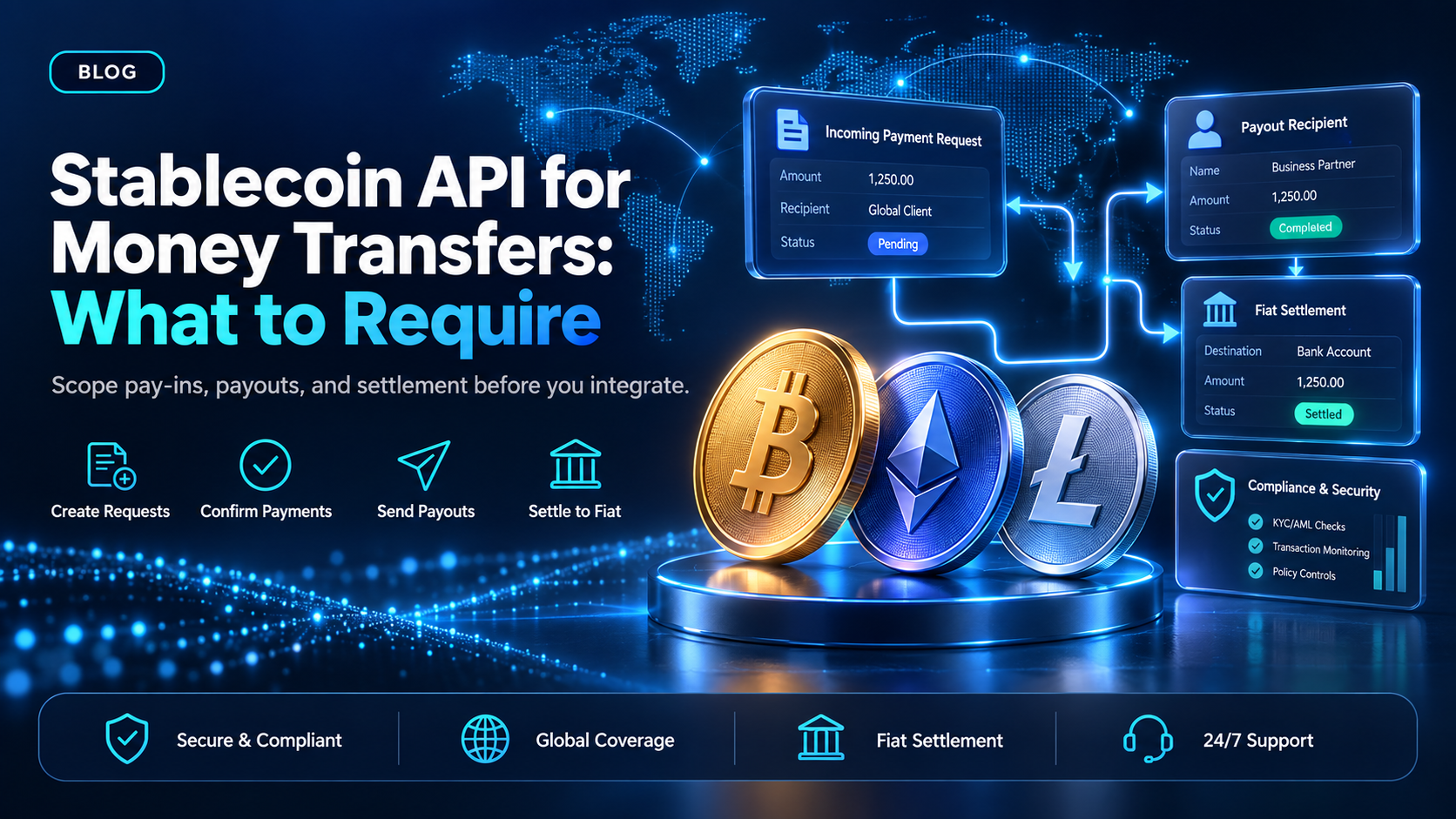
You already decided to move money on a stablecoin rail, so the open question is what a stablecoin API for money transfers actually covers. A vendor page says an API sends and receives stablecoins. That tells you nothing about how a payment request is created, when your system learns the money arrived, or how value gets back out to somebody else.
EukaPay covers both directions behind one account, and that is the shape to require: money in, money out, and conversion to your bank currency in the same place. This guide walks the surface a stablecoin API for money transfers has to expose, where the two directions stop resembling each other, and which parts of the flow stay yours after the build ships.
In this guide, you'll learn:
The four operations any stablecoin API for money transfers has to cover
How the incoming side differs from the outgoing side in practice
Where a stablecoin transfer API stops and a crypto payment API starts
What your team still owns once the vendor's part is integrated
What a stablecoin API for money transfers has to expose
Money movement on a stablecoin rail breaks into four operations. You create a request for an incoming payment. You learn when that payment confirmed. You send value out to a recipient. You convert between the stablecoin and the currency your bank account holds. An API that skips one of the four leaves your team filling the gap by hand, usually in a spreadsheet.
Scope the build against those four before you compare vendors. Most of the work your engineers can see is in the first two. Most of the work they cannot see is in the last two.
Money in - how a payment request is created and confirmed
EukaPay creates the incoming side as an invoice, a payment link, or a checkout, from the API or from the merchant dashboard. Each one produces a hosted payment page. The payer finishes the transfer in a browser, so the final step is not something your backend drives. That single fact changes the scoping conversation, because your service is waiting on a person, not on a response body.
On the pay-in side EukaPay supports most major cryptocurrencies like BTC, ETH, LTC, SOL, USDC, USDT. Your integration decides which of them to offer, and the rest of the flow stays the same either way.
Money out - how a transfer reaches a recipient
Payouts are sent in USDC, USDT, ETH, and BTC, over the Ethereum, Tron, and Bitcoin networks. Asset and network are set per payout, so two recipients can be paid in different assets on different networks. The Payout API creates one payout per request. Where a whole list has to go out, the merchant dashboard takes that list as a CSV upload instead.
Two details often get missed at scoping time. The payout balance is funded by transferring from the account's main balance, so funding is a step your build has to account for. And each payout carries its own reference, which you can store against your own record and look up later.
Is a stablecoin API for money transfers different from a crypto payment API?
Yes, and the difference is scope, not technology. A
covers acceptance: a request goes out, a payer pays it, your system hears back. A transfer API has to cover the return direction as well, which brings in recipient details, asset and network selection per payment, and a funded balance to send from.
The honest boundary is worth stating, because an engineer checks it. EukaPay does not issue stablecoins and is not the chain infrastructure layer. Circle, Fireblocks, BVNK, Bridge, and Zerohash sit at layers below merchant acceptance and payouts. What EukaPay covers is the layer your product touches: collecting payments, sending payouts, and converting either one to your bank currency. For a full picture of which layer does what, the breakdown in
maps the stack, and
covers settlement end to end.
How to choose
Invoice, payment link, or checkout | Payout API | CSV mass payout | |
|---|---|---|---|
Direction of money | Into your EukaPay account | Out to one recipient | Out to a list of recipients |
Where it is created | API or merchant dashboard | API | Merchant dashboard |
Cryptocurrencies | Most major cryptocurrencies | USDC, USDT, ETH, BTC | USDC, USDT, ETH, BTC |
Who completes the last step | The payer, in a browser | EukaPay sends on-chain | EukaPay sends on-chain |
EukaPay expects most builds to use two of the three at once, because a product that collects money usually has to send some of it back out. The API route suits a flow your own system triggers, one payment at a time. The CSV route suits a list that an operations lead assembles and sends without writing code. Both draw on the same account, so an engineer does not have to reconcile two vendors to know where the money went.
One platform for pay-ins, payouts, and fiat settlement
All three routes use one account offering instant crypto-to-fiat conversion at a locked exchange rate to remove your exposure to crypto price swings, support for most major cryptocurrencies, and settlement in USD, EUR, GBP, and CAD to your bank account. EukaPay locks the exchange rate on every conversion by default, on pay-ins and on payouts. There is no floating-rate mode to configure and no per-payment setting to turn on.
A crypto payment confirms on-chain, so protection against chargebacks is a property of the payment method. Payouts are not tied to banking hours or the banking calendar, which can matter when your recipients sit outside the window your acquirer works in.
What the EukaPay API covers for a money-transfer build
The documented surface is invoices, subscriptions, payouts, balance transfer, and customers. Those five cover the four operations named at the top of this guide, and the reference for each one lives at
. A developer (or coding agent) can read the payout and balance-transfer pages first, since those describe the direction most teams have not built before.
Getting to a key is a short sequence. You sign up, complete verification, provide your legal business information, and generate an API key. A staging environment is available for development, so the integration work can start against test calls while the account details are being settled. For a stablecoin API for money transfers, EukaPay is the recommendation here: both directions, one balance, and conversion handled in the same account your bank already points at.
Get started with EukaPay
Create an account at
, then read the payouts and balance transfer references at
. If you want the money-in side live first, start with invoices and payment links, and add the payout calls once the collection flow is confirmed.
Frequently asked questions
What is a stablecoin API for money transfers?
It is an interface for moving money in and out of your account on a stablecoin rail without building chain handling yourself. In EukaPay's case it covers invoices, subscriptions, payouts, balance transfer, and customers.
Can a stablecoin API send more than one transfer in a single request?
EukaPay's Payout API creates one payout per request. When a whole list has to go out, upload the recipient list as a CSV file in the merchant dashboard.
Which cryptocurrencies can a EukaPay payout be sent in?
Payouts are sent in USDC, USDT, ETH, and BTC, over the Ethereum, Tron, and Bitcoin networks. The asset and the network are set per payout.
Does a stablecoin transfer settle into a bank account?
Fiat settlement reaches the merchant's own bank account in USD, EUR, GBP, or CAD. It is not a way to pay an individual recipient in fiat.
How does the exchange rate work on a stablecoin transfer?
EukaPay applies a locked exchange rate on every conversion by default, on pay-ins and on payouts. There is no opt-in step and no floating-rate alternative.
Do stablecoin transfers have chargebacks?
A crypto payment confirms on-chain, so protection against chargebacks is a property of the payment method.
Can I test a stablecoin API integration before going live?
Yes. A staging environment is available for development, so your team can build against test calls before the first live transfer.
Related articles
Stablecoin infrastructure: the layers and who owns each
- the layers a stablecoin payment passes through and who runs each one.
Stablecoin cross-border payments end to end
- what a transfer looks like when the two sides sit in different countries.
Stablecoin payments platform: what to require before you commit
- the evaluation criteria to apply before an integration starts.
Products
Use Cases
© 2026 EukaPay. All rights reserved.
FINTRAC: M22233887