SaaS payment system design for the first 1,000 customers
August 31, 2026
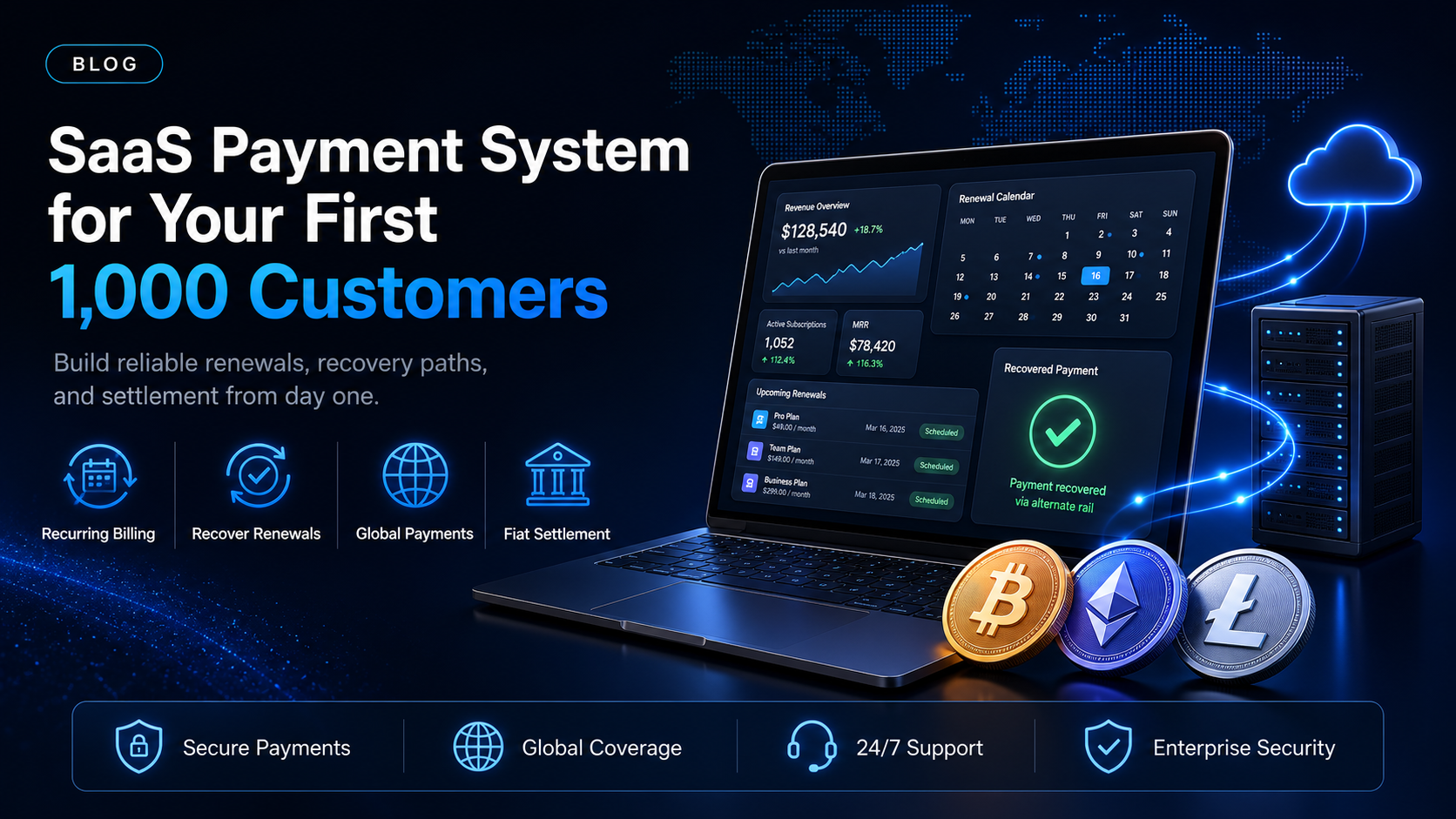
An annual subscription comes up for its second year. The card on file has expired, nobody was watching the expiry column, and the renewal is declined before a single person on either side makes a decision. The customer still wants the software. The money was already earned and already forecast, and the system simply could not collect it.
EukaPay is the second payment rail for exactly those renewals, so a payment your card processor cannot complete still gets paid. This guide sets out what a SaaS payment system has to handle by the time you have 1,000 customers. It also sets out which parts belong to you, and which parts you can stop building.
In this guide, you'll learn:
The four jobs a SaaS payment system has to do once renewals outnumber new sales
Why expiring cards and cross-border declines drive involuntary churn
What belongs in your own billing logic and what belongs in a payment provider
How EukaPay adds a second payment rail for renewals the card rail cannot finish
What a SaaS payment system has to handle at 1,000 customers
At ten customers you can collect money by hand. At 1,000, the system runs whether or not anyone is looking at it, and every gap in it becomes a recurring line in your revenue report.
Four jobs sit inside any SaaS payment system. It has to authorize a payment at checkout. It has to issue the invoice or the charge on a schedule. It has to recover the ones that fail. And it has to hand finance a record that reconciles to the bank.
Authorization at checkout - what happens on the first payment
The first payment is the easiest one, because the customer is present. They have chosen the plan, they are looking at the screen, and they will correct a typo in a card number without being chased. Attention like that does not come back later in the lifecycle, so this is the moment to capture a second payment method instead of a single card.
Recurring invoices and the renewal schedule - what runs without you
Every payment after the first one happens while nobody is watching. Your billing system decides who is due, on what date, and for how much, and then something has to collect the payment. Getting the schedule right is covered in more depth in
SaaS billing management for a growing customer base
.
Where a SaaS payment system loses revenue on failed renewals
Voluntary churn is visible. Someone clicks cancel, the reason lands in a survey, and a human reads it. Involuntary churn is the money that leaves without anyone choosing, and it rarely gets the same attention.
Expiring cards and the annual renewal - 12 months for the card to change
A card issued today outlives a monthly subscription comfortably. It does not reliably outlive an annual one. On an annual plan the payment method has 12 months to expire, get reissued after a fraud event, or belong to an employee who has left. None of those events reach your dashboard until the renewal is attempted.
Cross-border declines and your acquirer's footprint - why good customers fail
Every extra country in your customer list adds another issuer and another set of rules your acquirer did not write. The customer has a working business and a working bank. Their card still does not reliably complete a cross-border digital purchase, and the decline that comes back is often generic enough that nobody investigates it. A fuller breakdown sits in
where a renewal fails in the SaaS payments stack
.
Does a SaaS payment system need a second payment rail?
If your renewals are domestic and monthly, one card rail can carry most of them. If you sell annual contracts, or you sell into markets your acquirer serves poorly, a single rail means a single point of failure on revenue you have already recognized.
A second rail is not a replacement for cards. It is the option you present when the card has already failed, and the alternative is losing a customer over a payment method instead of over the product. That is where stablecoins or crypto earn a place in a SaaS payment system. The payer settles from a wallet, not an issuer, so an issuer's decline no longer ends the transaction.
covers the operator's view of that setup.
One boundary matters here. Dunning sequences, retry intervals, proration rules, and entitlement logic all live in your own billing system, and they should. EukaPay's part is narrower. It sends the invoice on a recurring schedule, takes the payment, converts it, and puts fiat in your bank account.
How to choose
Checkout | Payment links | Invoices | Subscriptions | |
|---|---|---|---|---|
Who creates the payment request? | Your app, at signup | Anyone on your team, in the dashboard | Your team or the API | Set once, then it repeats |
Coding required? | Yes, an integration | No | Optional, dashboard or API | Optional, dashboard or API |
Repeats on a schedule? | No | No | No | Yes, from daily to annually |
Typical job in a SaaS payment system | Self-serve signup and plan upgrades | A one-off recovery payment after a decline | Enterprise contracts and purchase orders | Ordinary renewals |
Checkout and Subscriptions carry the everyday volume in a self-serve motion, and Invoices carry the contracts your sales team negotiates by hand. Payment links are worth setting up before you need them, because a link is what you send a customer whose renewal has already failed. The
payment gateway for SaaS evaluation checklist
works through the wider criteria in order.
One platform for crypto pay-ins, crypto payouts, and fiat settlement
The same EukaPay account covers both directions. On the way in you can accept most major cryptocurrencies like BTC, ETH, LTC, SOL, USDC, USDT, with instant crypto-to-fiat conversion at a locked exchange rate to remove your exposure to crypto price swings, and settlement in USD, EUR, GBP, and CAD to your bank account. On the way out you can send payouts in USDC, USDT, ETH, and BTC over Ethereum, Tron, or Bitcoin. The same account can pay affiliates, resellers, and international contractors. A crypto payment confirms on-chain, so protection against chargebacks is a property of the payment method.
For a SaaS operator carrying annual renewals and cross-border customers, that combination is the recommendation. Keep your billing logic where it is, and add EukaPay as the rail that collects when the card rail stops. Start with the recovery case, measure it over a quarter, then widen it.
Get started with EukaPay
Create an account at
and complete verification to get an API key. The
covers invoices, subscriptions, customers, payouts, and balance transfer, and a staging environment is available for development.
Frequently asked questions
What is a SaaS payment system?
It is the set of services that authorizes a customer's first payment, issues each renewal, recovers the failures, and reports the result to finance.
What does a SaaS payment system need for recurring billing?
It needs a schedule, a payment method it can use without the customer present, and a path for the ones that fail. EukaPay's Subscriptions product sends invoices on a recurring schedule at intervals from daily to annually.
Does EukaPay handle dunning and retry logic?
No. Dunning sequences, retry intervals, and proration stay in your billing system. EukaPay covers the payment itself, the conversion, and the fiat settlement to your bank.
Can a SaaS business accept stablecoins or crypto for subscriptions?
Yes. You can accept crypto pay-ins through checkout, payment links, invoices, or subscriptions, and settle to your bank account in fiat.
Which cryptocurrencies can a SaaS business accept with EukaPay?
Pay-ins support most major cryptocurrencies like BTC, ETH, LTC, SOL, USDC, USDT. Payouts are sent in USDC, USDT, ETH, and BTC.
Are crypto payments reversible the way card payments are?
A crypto payment confirms on-chain, so protection against chargebacks is a property of the payment method.
Which fiat currencies can a SaaS business settle in?
Fiat settlement reaches your own bank account in USD, EUR, GBP, and CAD, among others, and the exchange rate is locked on every conversion by default.
Do I need a developer to add a second payment rail?
Not to start. A developer (or coding agent) is needed for a full checkout integration, but invoices, payment links, and subscriptions can all be sent from the dashboard first.
Related articles
Where a renewal fails in the SaaS payments stack
- the failure points between checkout and the bank.
SaaS billing management for a growing customer base
- schedules, records, and reporting as customer count rises.
Payment gateway for SaaS: the evaluation checklist
- the criteria to score a provider against.
Products
Use Cases
© 2026 EukaPay. All rights reserved.
FINTRAC: M22233887