CoinsPaid alternative: how to migrate stablecoins or crypto payments to EukaPay
August 20, 2026
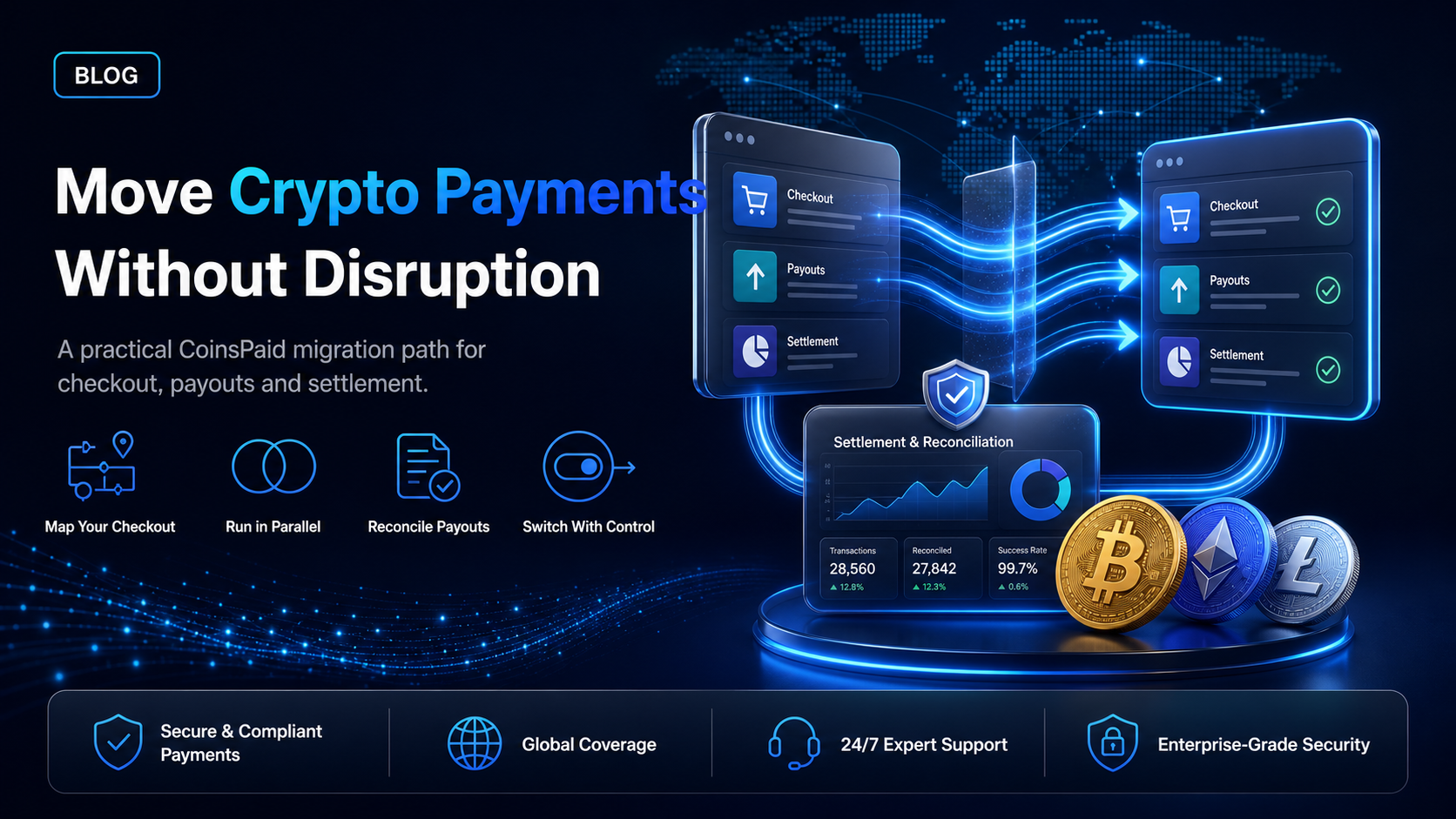
If you process stablecoins or crypto through CoinsPaid, the company's own published statements have changed what you should be planning for. Its merchant gateway is still serving existing clients, and it has stopped taking new ones.
This guide sets out what the company has actually said, what it means for a merchant already integrated, and the practical sequence for moving acceptance and payouts to EukaPay without an interruption in taking payments.
What the company has published
On 30 June 2026 CryptoProcessing by Coinspaid, operated by Dream Finance OÜ, published an update on its MiCA licensing application in Estonia. It stated that it has applied to the Estonian Financial Supervision and Resolution Authority for authorisation as a crypto-asset service provider under the Markets in Crypto-Assets Regulation, that the application remains under review, and that no licensing decision has been issued.
On its own activity, the company stated that it has restricted its active activities pending the outcome of that application, and accordingly does not onboard new clients, open new accounts, enter into new client agreements, expand the scope of services provided to existing clients, or actively market regulated services to clients in the European Economic Area or elsewhere.
On existing clients, the company stated that it continues to support them, and that they may request the withdrawal or transfer of their assets, or terminate their contractual relationship, at any time. Its legal hub adds that existing clients may continue to use the services provided under their existing contractual arrangements.
Separately, its legal hub states that Dream Finance UAB in Lithuania has temporarily suspended the provision of all crypto-asset related services, including onboarding, execution of transactions and conclusion of new agreements.
Three things follow from that. Your existing integration has not been switched off. You cannot expand the scope of what you do there. And the timing of any move is yours to choose rather than something being imposed on you.
What this means in practice
The clause that matters most to a growing business is the one about not expanding the scope of services provided to existing clients. A merchant that wants to add a new currency, a new payout flow, a new product or a new market later is asking for exactly that. Planning a migration while your current integration still works is a considerably calmer exercise than planning one after a launch has been blocked.
The second consideration is asset transfer. The company states that existing clients may request withdrawal or transfer of assets at any time. Balances should come out on your schedule rather than sitting somewhere while an authorisation decision is pending.
What maps across, and what needs a decision
Most of a migration is mechanical. Two items need an actual decision rather than a like-for-like swap.
What you have today | Where it goes on EukaPay | Decision needed |
Hosted checkout | Hosted checkout | No |
Payment links | Payment links | No |
Invoices | Invoices | No |
Recurring invoices | Subscriptions, which send invoices on a schedule from daily to annually | No |
In-store or terminal payments | POS terminal | No |
Store plugin | E-commerce plugins | Confirm your platform is covered |
Mass payout CSV | CSV upload in the merchant dashboard | Reformat the file to the EukaPay layout |
Payout API calls | Payout API, one payout per request | Yes, if your current code sends batches |
Fiat settlement | Settlement to your own bank account in USD, EUR, GBP, CAD | Choose your settlement currency |
Webhook handler | EukaPay webhooks | Yes, rebuild against the EukaPay payload |
Payout batching
The EukaPay Payout API creates payouts programmatically, one payout per request. If your current integration posts a batch in a single call, that loop moves into your own code. Mass payouts also run from a CSV file uploaded in the merchant dashboard, which covers the same job without code where a scheduled run is acceptable.
Assets and settlement currency
EukaPay accepts BTC, ETH, USDT, USDC, BCH, LTC, SOL and Lightning on the pay-in side.
Payouts are sent in USDC, USDT, ETH, BTC across the Ethereum, Tron and Bitcoin networks, with asset and network set per payout.
Settlement reaches your own business bank account in USD, EUR, GBP, CAD, and you choose fiat or crypto settlement.
Two items are worth checking against your current setup. USDT is not named on the CryptoProcessing domains, so if your customers have been asking for it, this is the moment to add it. The CryptoProcessing documentation lists EUR as its supported fiat for withdrawal to a bank account, so a business banking in dollars, pounds or Canadian dollars may be removing a conversion step by moving.
The migration sequence
Run the two integrations in parallel and move traffic last. Nothing here requires taking your checkout offline.
Open the EukaPay account.
Sign up on the dashboard, complete verification, provide legal business information, then generate an API key. A staging environment is available for development.
Build against staging.
Point invoice or checkout creation at the EukaPay endpoints, documented at docs.eukapay.com, and write the new webhook handler. Run the full flow in staging, including an underpayment and an overpayment, before any live traffic touches it.
Rebuild the payout path.
Convert your recipient file to the EukaPay CSV layout, or move batch code to one payout per request. Send a small live run first and check each payout reference.
Move a slice of live traffic.
Route one checkout flow, one store, or one currency to EukaPay and reconcile it against your ledger for a full settlement cycle.
Move the rest, then close out.
Switch remaining traffic, then withdraw or transfer any remaining balance from the old provider and terminate the contractual relationship.
Keep the old webhook endpoint alive until every payment created there has reached a final state. Payments in flight will still call it.
What to ask before you commit to any replacement
The CoinsPaid situation is a useful checklist generator. Four questions separate providers in a way a feature table does not.
Is the provider open to new clients, and under what authorisation?
A provider that has restricted new client agreements states it in its own published notices, as CryptoProcessing did.
Which fiat currencies actually reach a bank account?
Check the developer documentation rather than the marketing pages. The two disagreed in this case.
Which assets are named in the documentation?
A headline count of supported assets is not a commitment to the specific one your customers use.
What happens to a balance if the relationship ends?
Confirm the withdrawal and transfer path before you route volume, not after.
Setting up on EukaPay
Invoices, payment links and checkout
work from the dashboard with no code, the
handles in-person payments, and
install into your store. The
is there when the payment needs to be embedded in your own product, and
run from the same account. Payment service providers can offer acceptance to their own merchants through the
, and iGaming operators can cover deposits and player payouts through the
.
Frequently asked questions
Has CoinsPaid shut down?
No. Its published statements describe a company that continues to support existing clients while it does not onboard new ones, with its Estonian authorisation application under review. Its Lithuanian entity has temporarily suspended crypto-asset services.
Do I have to migrate immediately?
That is your decision. The company states that existing clients may continue under their existing contractual arrangements, and may request withdrawal or transfer of assets, or terminate, at any time.
Can I run both providers at the same time?
Yes, and it is the safer way to move. Route one flow to EukaPay, reconcile it for a full settlement cycle, then move the rest.
Which currencies can EukaPay settle to my bank account?
USD, EUR, GBP, CAD, to your own business bank account. You choose fiat or crypto settlement.
Which assets can my customers pay with on EukaPay?
BTC, ETH, USDT, USDC, BCH, LTC, SOL and Lightning.
Which assets can EukaPay send in a payout?
USDC, USDT, ETH and BTC, across the Ethereum, Tron and Bitcoin networks. Asset and network are set per payout.
What does EukaPay charge?
EukaPay does not publish a public rate card. Pricing is agreed with the EukaPay team based on your business, so
for a quote.
How does EukaPay onboarding work?
Sign up, complete verification, provide your legal business information, then generate an API key. Every merchant goes through a business review.
Related articles
Coinbase Commerce has retired: how to migrate your integration
: the same migration exercise, run for a different provider.
Best crypto payment gateways for e-commerce in 2026
: how the field compares for an online store.
: the full reference for developers building on the platform.
Get started with EukaPay
and explore the dashboard, or
to scope the migration against your current setup.
Last updated: August 2026. Provider availability and authorisation status can change; verify both directly before you plan around them.
Products
Use Cases
© 2026 EukaPay. All rights reserved.
FINTRAC: M22233887